
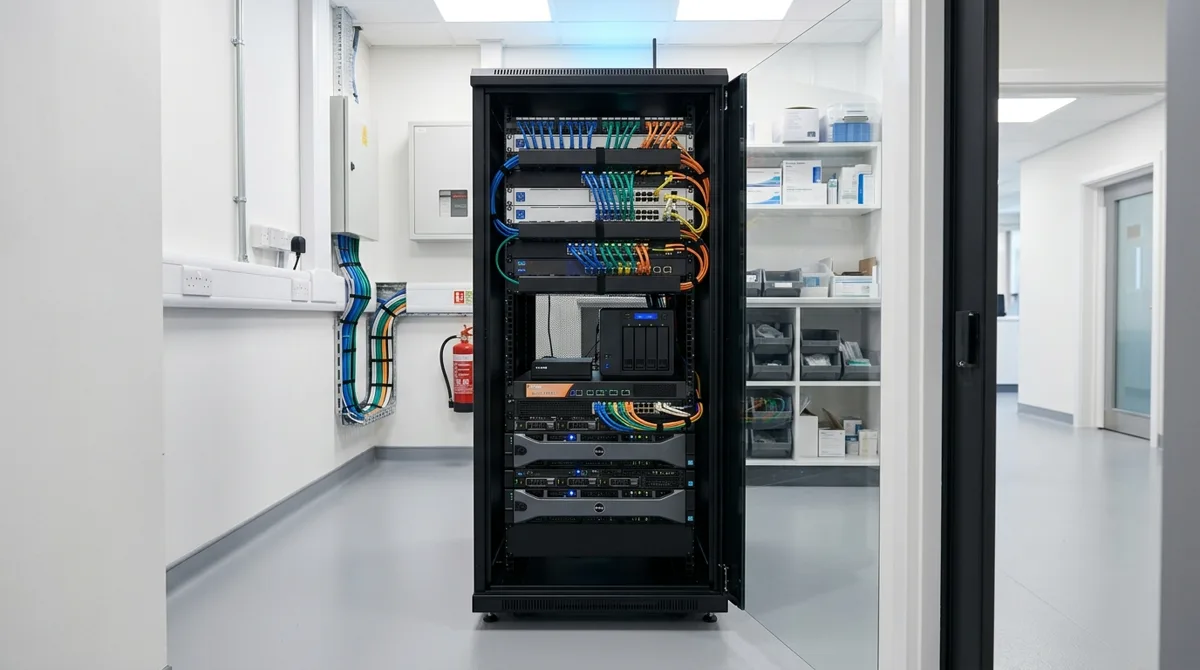
Short answer: managed IT for a medical or dental practice has two jobs — keep clinical systems available every minute patients are in chairs, and keep patient data protected to HIPAA's standard. Most practice IT problems trace back to a provider treating a medical office like any other small business. It isn't.
Uptime is a clinical issue
When the practice management system or imaging goes down, care stops: schedules vanish, charts are unreachable, X-rays won't load. That's why practice IT is engineered around availability — redundancy where it counts, monitoring that catches failures before the morning rush, and a recovery plan measured in minutes. When we rebuilt a multi-site medical group's infrastructure, the design goal was exactly that; the results are in our multi-site medical case study.
HIPAA is about evidence, not intentions
HIPAA compliance lives in specifics: encryption at rest and in transit, access controls that match roles, audit logs someone actually reviews, business associate agreements with every vendor touching PHI, and a risk assessment that's current. If an auditor asked for your evidence tomorrow, "our IT guy handles it" is not a document.
Backups that restore patient care, not just files
Ransomware crews target healthcare because downtime pressure makes victims pay. The counter is boring and absolute: isolated, tested backups of every clinical system, with restore drills on a schedule — so the worst day becomes a restore procedure, not a negotiation. Our approach is detailed in disaster recovery services and in the backup questions SMBs ask.
Managed IT across multiple practice locations
Growing practices add locations, and each one adds network complexity: site-to-site connectivity, shared scheduling and imaging, consistent security everywhere. Done right, a clinician sees the same fast, secure environment at every site.
The AI question practices are starting to ask
AI scribes and chat tools are entering exam rooms fast — and consumer AI accounts have no place near PHI. Adopting these tools safely takes vendor vetting, BAAs, and configuration discipline — see our safe AI adoption guide.
Practices across the New York metro area work with us month to month — details on IT for healthcare, or book a 15-minute engineer call.
Sources and further reading
- HHS — the HIPAA Security Rule — the regulation itself.


Discuss managed it services for your business.
Tell us about your current systems, the result you need and your timeline. We will discuss the work, responsibilities and pricing before you decide on an engagement.