
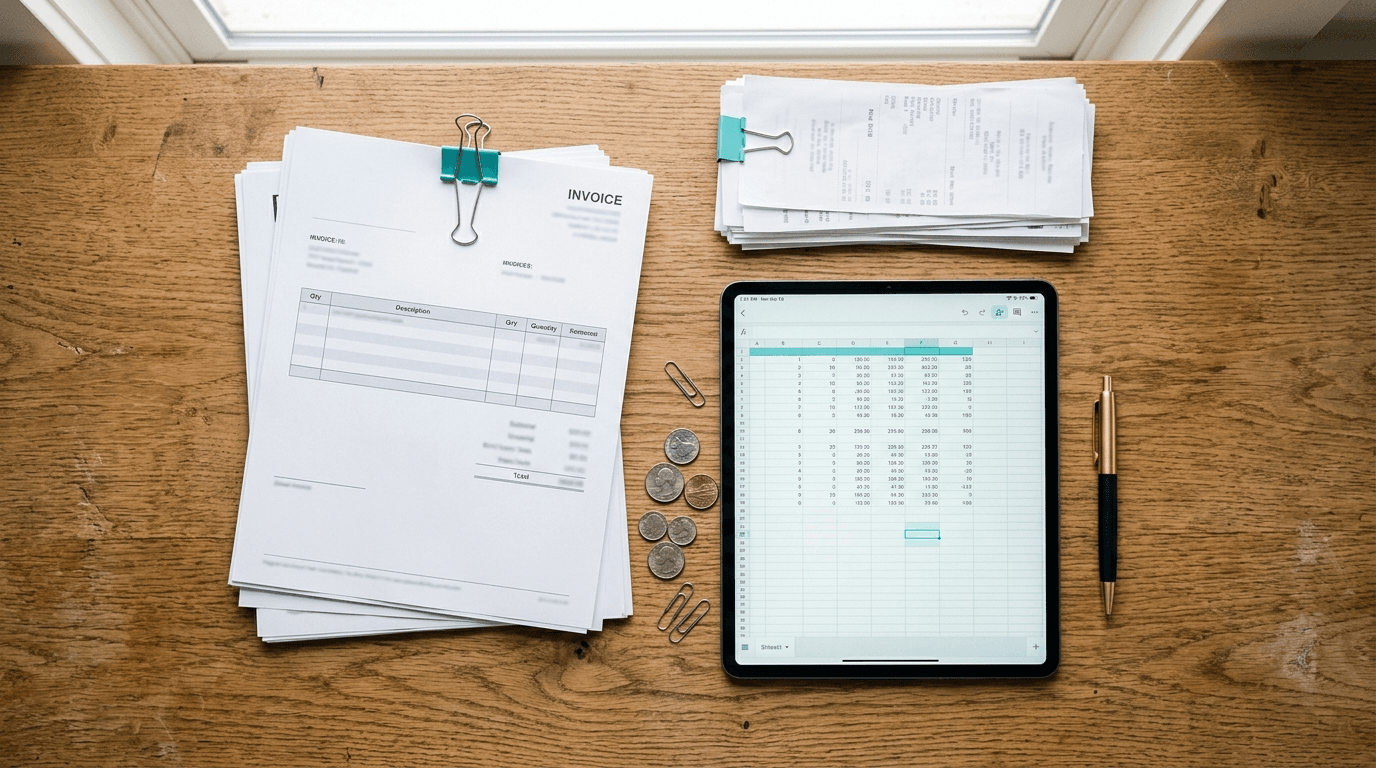
Short answer: AI invoice processing reads an incoming bill, pulls out the vendor, amount, and line items, matches it against the purchase order, and routes it for approval, with a person stepping in only on the exceptions. For a small business the savings come from removing the typing and chasing around each invoice, while the approval stays with a person. The controls matter as much as the speed, because fake and altered invoices are one of the most common ways money leaves a small company, so here's what's real, what drives the cost, and what to watch for as of October 2026.
What does AI actually do to an invoice?
It captures the invoice from email or a scan, extracts the key fields, checks them against your order and receiving records, flags anything that doesn't match, and pushes clean invoices into an approval flow. Instead of a person keying numbers into accounting software, the person reviews what the system already understood and handles only the odd ones.
The extraction step is mature technology. Microsoft's Document Intelligence invoice model, for example, uses optical character recognition to pull key fields and line items from invoices, utility bills and purchase orders, and returns confidence scores with what it reads. Those scores are what let a well-built workflow send a smudged total or an unfamiliar layout to a person instead of guessing.
How much does AI invoice automation really save?
Measure your own numbers rather than borrowing someone else's. Published estimates vary widely: NetSuite's April 2026 guide to the AP automation business case notes figures from $12 to $40 per manually processed invoice and works an example in which automation brings the cost to about $3.25, but it presents those as estimates and tells readers to calculate their own. Here is how, with an illustrative example:
| Step | Illustrative example |
|---|---|
| Invoices per month | 300 |
| Time per invoice by hand (time a sample of 20) | 12 minutes |
| Loaded hourly cost of the person doing it | $35 |
| Labor cost per invoice by hand | $7.00, or $2,100 a month |
| Review time per invoice with automation | 3 minutes, or $1.75 per invoice |
| Staff time recovered, before software costs | About $1,575 a month |
Illustrative figures only. Use your own invoice count, timing and labor cost.
Two smaller savings sit on top: late fees you stop paying, and early-payment discounts you start catching. On terms such as 2/10 net 30, a 2% discount disappears when an invoice sits in someone's inbox for a week.
Does it pay for itself?
For most small businesses with steady invoice volume, yes, but check it against your own numbers. NetSuite's guide says most organizations reach payback within 6 to 12 months, and its worked example pays back in under four months; treat both as a vendor's estimates. If you process fewer than a hundred invoices a month, the bigger win may be control and visibility rather than hours.
Won't it just make mistakes I have to fix?
Modern extraction is accurate enough that the humans move from data entry to exception handling, which is where they add real value. Manual keying carries its own error rate, and the stakes are high. The ACFE's Occupational Fraud 2026 report estimates organizations lose 5% of revenue to fraud each year, and billing schemes, such as invoices for fictitious or inflated purchases, appeared in 28% of cases at organizations with fewer than 100 employees, against 18% at larger ones. Outside fraud is bigger still: the FBI's 2025 Internet Crime Report recorded more than $3 billion in reported business email compromise losses, the scam where a fake or hijacked vendor email redirects a payment.
Automated matching catches the duplicate before it goes out the door, not after, but only if the workflow is built to stop the right things. The honest caveat: AI does best on clean, structured inputs. Messy handwritten invoices and one-off vendors still need eyes, and a good rollout routes them to a person rather than pretending they don't exist.
What controls should AI invoice processing include?
Ask for these before go-live, whether you build it or buy it:
- Duplicate detection on invoice number, vendor and amount, including near matches.
- Matching tolerances against purchase orders and receipts, with anything outside them held for review.
- A hard stop on new vendors and changed bank details, verified by calling a number you already had on file, never one in the email.
- Approval limits by amount, and no one approving an invoice they entered.
- An audit log of what the system extracted, what a person changed and who approved it.
- Access and retention rules for invoice images and bank details, kept in systems you control.
Our guide to business email compromise covers the payment-redirection scams these controls are meant to stop.
Where should a small business start?
Start where the pain is loudest and the volume is highest, usually accounts payable. A sensible sequence:
- Map today's flow. Count invoices per month, who touches each one, and where they get stuck. You can't improve what you haven't measured.
- Pick one workflow, not the whole finance stack. AP capture and approval is a clean first win.
- Connect it to the tools you have, QuickBooks, Microsoft 365, your bank, so data flows instead of getting re-typed.
- Keep a human on exceptions, and review the flagged items weekly to teach the system your vendors.
This is the same "start narrow, prove it, expand" approach we recommend across the places AI automation actually earns its keep, and it's exactly how we phase projects for accounting and finance teams.
By Jamie Baum for The NetSys Group, which has delivered managed IT, cybersecurity, and cloud services since 1998. Our engineers hold degrees in electrical and computer engineering and are certified Microsoft and Cisco instructors, serving businesses across NY, NJ, CT, PA, and Southwest Florida.
Frequently asked questions
What is included in AI invoice processing?
A complete setup covers intake from a mailbox, scanner folder or vendor portal; extraction of header fields and line items; matching against purchase orders, receipts or vendor records; an approval queue in a tool your team already uses, such as Outlook or Teams; posting to your accounting system; and an exceptions queue with an audit trail. The software reads and routes; people approve and handle anything flagged.
How does onboarding work?
It starts with a month of your real invoices, because their layouts matter more than any demo set, and with the approval rules as your team actually follows them. The workflow is built and connected, then run in parallel with the old process for a cycle so you can compare results before switching over. After go-live, flagged items are reviewed weekly until the exception rate settles.
What affects the cost of AI invoice automation?
Invoice volume, how many different vendor layouts you receive, how many systems it has to connect to, how complex your approval rules are, and how much ongoing monitoring you want. Extraction services are usually billed by the page or document, so volume drives the software cost, while the integration and the exception rules drive the setup work.
Who handles support and escalations?
Your finance team owns the approvals, vendor relationships and decisions on flagged invoices. Whoever runs the workflow, in-house or a provider, owns the technical side: failed extractions, broken connections, rule changes and the audit log. Agree in writing who verifies a vendor's bank-detail change and who gets the alert when the workflow stops.
Do I need to replace QuickBooks or my accounting software?
No. Most AP automation sits on top of what you already use and feeds clean data into it. The goal is to remove the manual keying and routing around your accounting system, not to rip it out. A good setup connects to QuickBooks, Xero, or your ERP directly.
Is my financial data safe with an AI tool?
It can be, if the tool is chosen and configured properly, with access controls, encryption, and a clear data-handling policy. Invoice data is sensitive, so vet the vendor the way you'd vet a bank, and ask whether documents are used to train its models. This is a place where working with an IT partner keeps a convenience tool from becoming a security gap.
How long does it take to set up?
A single workflow like AP capture and approval can often be running within a few weeks, not months. Timeline depends on invoice volume, how many vendors you have, and how cleanly it connects to your existing systems. Starting with one process keeps the first project short and the results measurable.
Will it replace my bookkeeper?
Usually it changes the job rather than removing it. The routine keying goes away and the person shifts to reviewing exceptions, managing vendor relationships, and watching cash flow, higher-value work. Small teams tend to reclaim hours rather than cut headcount.
Curious what AP automation would save in your specific numbers? Our AI document and invoice automation service builds the read, match and approve workflow inside the Microsoft tools you already use, with people approving every payment. Book a call and we'll map your current invoice flow and show you where the hours and dollars are hiding.
Related reading
 AI Automation
AI Expense Report Automation for Small Business
Read Article AI Automation
AI Marketing Automation for Small Business: What Works
Read Article AI Automation
AI Recruiting Tools for Small Business: What Works
Read ArticleAlso on this topic: AI Accounts Receivable Automation for Small Business · AI for Dentists: What AI Automation Does in a Practice
Discuss ai document & invoice automation for your business.
Tell us about your current systems, the result you need and your timeline. We will discuss the work, responsibilities and pricing before you decide on an engagement.