
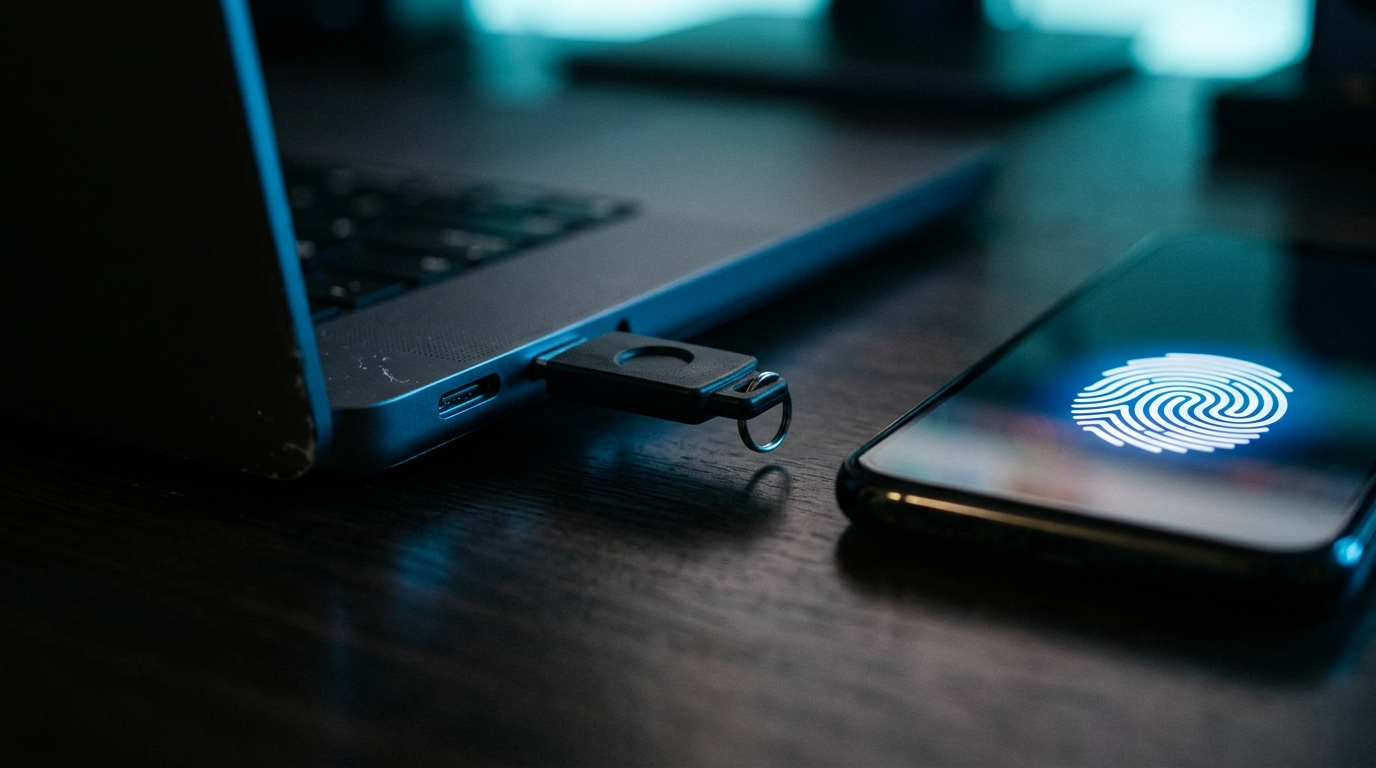
Passwords alone no longer protect a business account. This FAQ covers what multi-factor authentication (MFA) and passkeys are, how they differ, and what a small business should actually do first, in plain language with no jargon.
By Joel Baum, The NetSys Group Team. The NetSys Group has delivered managed IT, cybersecurity, and cloud services since 1998. Our engineers hold degrees in electrical and computer engineering and are certified Microsoft and Cisco instructors, serving businesses across NY, NJ, CT, PA, and Southwest Florida.
What is the difference between MFA and passkeys?
MFA means proving who you are with more than one factor, usually your password plus a second step like a code or an app prompt. A passkey replaces the password entirely with a cryptographic key stored on your device and unlocked by your fingerprint, face, or PIN. Put simply: MFA adds a step, while a passkey removes the password and is a stronger form of MFA on its own.
Does MFA really stop most attacks?
It stops the overwhelming majority of account takeovers. Microsoft reports that more than 99.9% of compromised accounts did not have MFA enabled (Microsoft security guidance). Attackers rely on stolen or reused passwords, and a second factor blocks that path almost entirely. If you do nothing else this quarter, turning on MFA everywhere is the single highest-value security move available to a small business.
Are passkeys actually more secure than a text-message code?
Yes, meaningfully so. A code sent by text can be phished, intercepted, or handed over to a fake login page by a rushed employee. A passkey cannot, because it is tied to the real website and never leaves your device. That is why security teams treat passkeys as a real upgrade over SMS codes rather than just a convenience feature.
What does "phishing-resistant" MFA mean?
It means a login method an attacker cannot trick out of you, even with a convincing fake page. Standard MFA codes can still be captured if someone is fooled into typing them into the wrong site. Phishing-resistant methods, chiefly passkeys and hardware security keys, verify the actual website before they release credentials, so a lookalike site gets nothing.
Can a small business use passkeys with Microsoft 365 or Google Workspace?
Yes. Both Microsoft 365 and Google Workspace support passkeys and phishing-resistant sign-in today, and adoption is climbing fast. The FIDO Alliance's October 2025 Passkey Index found that about 26% of sign-ins across major services now use passkeys, and organizations that rolled them out saw an 81% drop in login-related help desk tickets (FIDO Alliance Passkey Index). Fewer password resets is a cost saving on top of the security gain.
What should we do first if we only use passwords today?
Turn on MFA for every account that supports it, starting with email, your Microsoft 365 or Google Workspace admin console, banking, and any remote-access tools. Email first, because it is the master key attackers use to reset everything else. Once MFA is on across the board, begin rolling passkeys out to your most sensitive accounts. This mirrors the layered approach in our guide to cybersecurity controls that actually stop attacks.
Are SMS text codes still okay to use?
An SMS code is far better than no second factor, so do not turn it off if it is all you have. But it is the weakest common option, since codes can be intercepted or phished. Treat SMS as a floor, not a ceiling: use it where nothing stronger exists, and move to an authenticator app or a passkey wherever you can, especially for admin and finance accounts.
How much does this cost a small business?
Less than you might expect. MFA and passkey support are already included in Microsoft 365 and Google Workspace at no extra charge, so the main cost is the time to set them up and train your team. Hardware security keys, if you want the strongest option for a few critical accounts, run a modest one-time cost per key. The expensive scenario is the one you avoid: recovering from a business email compromise, which we break down in our post on how small businesses get hit by email fraud.
Lock down your logins
Getting MFA and passkeys rolled out correctly, without locking out your own team, is exactly the kind of project we handle every week. Book a complimentary risk assessment and we will show you where your accounts are exposed and how to close the gaps.


Turn insight into action.
Take a free cybersecurity or AI readiness assessment, or book a call with a NetSys engineer — no obligation, no runaround.