
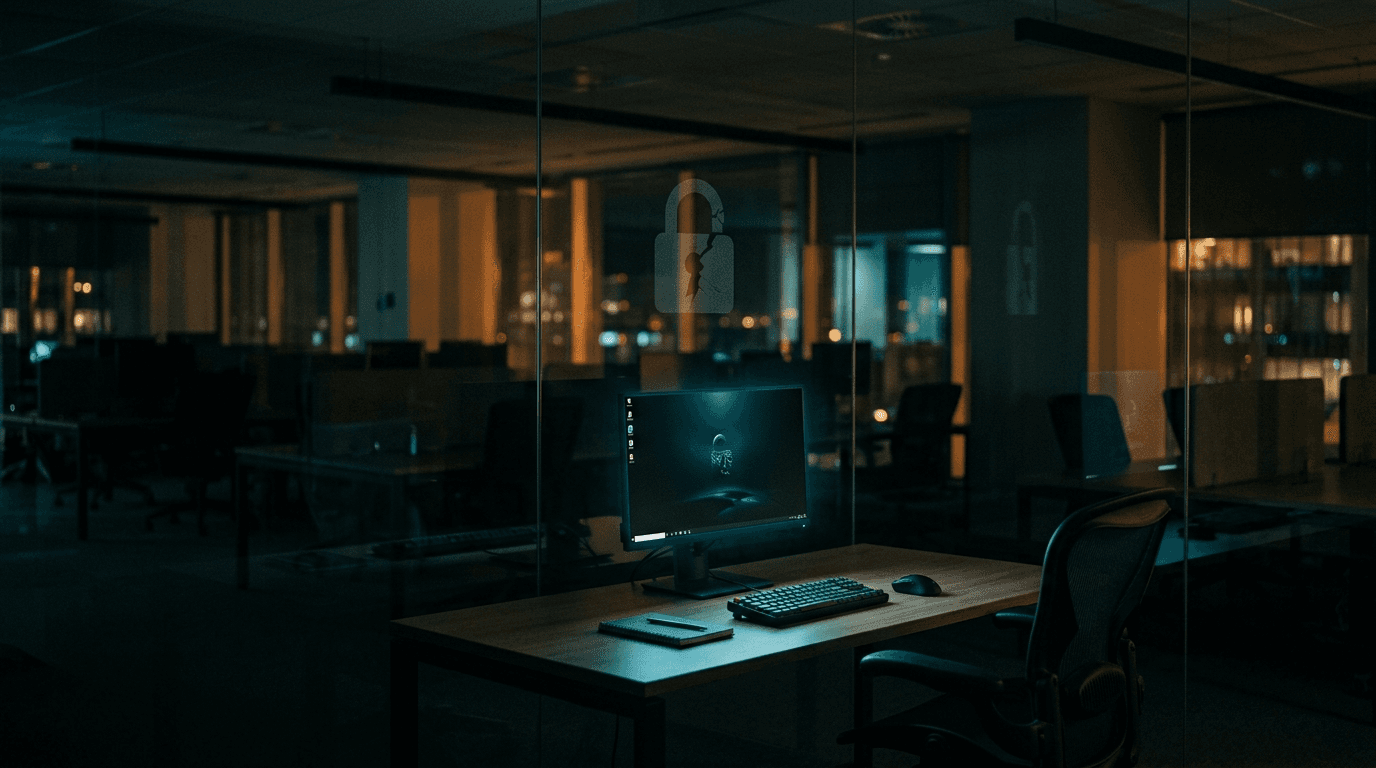
Session hijacking is how an attacker gets into your Microsoft 365 or Google Workspace account without ever knowing the password and without a single multi-factor prompt reaching you. They steal the session cookie your browser holds after you sign in, replay it from their own machine, and the service treats them as you. If you switched on MFA and assumed account takeover was handled, this is the gap that is still open.
By Joel Baum for The NetSys Group, which has delivered managed IT, cybersecurity, and cloud services since 1998. Our engineers hold degrees in electrical and computer engineering and are certified Microsoft and Cisco instructors, serving businesses across NY, NJ, CT, PA, and Southwest Florida.
What is session hijacking?
Session hijacking is when an attacker steals the authentication cookie a site places in your browser after you log in, then replays that cookie to open your account as you. The session is already authenticated, so the password step and the MFA check are both behind you. Nothing prompts you, because from the server's point of view you already proved who you were.
That cookie exists so you don't retype your password on every click. Depending on the service it can stay valid for hours, and on some it survives for weeks. Anyone who copies it inside that window holds a working key, and the key looks exactly like a normal login.
How do attackers steal your session?
Two routes dominate. The first is infostealer malware: a small program that arrives through a booby-trapped download, a fake browser update, or a malicious extension, then quietly copies saved passwords and cookies out of the browser and ships them to a server. The second is an adversary-in-the-middle phishing page that sits between you and the real login, capturing the live session as you type your code.
The volume is not small. Infostealer malware stole roughly 1.8 billion credentials in 2025 across about 5.8 million infected devices, and stolen browser cookies now trade on the same criminal markets. A single log carrying corporate access often sells for a few dollars, which is exactly why these attacks scale to businesses of every size.
Why doesn't MFA stop it?
MFA guards the front door, meaning the moment you log in. Session hijacking walks in after that door is already open. Once a valid token exists, replaying it does not trigger a new code, a push, or a text, because no new login is happening. One-time-code and push-based MFA, the kind most small businesses turn on first, do nothing against a cookie that has already passed the check.
How real is this for a small business?
Small businesses sit squarely in scope, because the same stolen logs feed ransomware crews looking for an easy way in. In one 2025 analysis, 54% of ransomware victims had corporate credentials sitting in stealer-log marketplaces before the attack, sometimes with only a day or two between the theft and the break-in. An owner who never sees a suspicious login is precisely the target these tools are built to find. Nobody is too small to be worth a few dollars of stolen access.
How do small businesses stop session hijacking?
The defense is layered, and none of the layers is exotic:
- Move to phishing-resistant sign-in. Passkeys and FIDO2 security keys tie the login to your device and to the genuine site, which shuts down the adversary-in-the-middle route entirely. Our guide compares passkeys and MFA for SMBs.
- Shorten and protect sessions. Conditional access and token protection let you bind a session to a compliant device and expire it faster, so a stolen cookie stops working sooner.
- Catch the malware that does the stealing. Managed detection and response on every endpoint spots an infostealer before it finishes harvesting. That is core to our cybersecurity services.
- Stop saving passwords in the browser. A dedicated password manager keeps credentials out of the exact file infostealers reach for first.
- Alert on impossible-travel and new-device sign-ins so a replayed session from an unfamiliar location gets flagged fast.
None of this requires ripping out what you already run. It layers on top of the Microsoft 365 or Google Workspace you have today.
Frequently asked questions
Should we still use MFA?
Yes, without question. MFA blocks the large majority of attacks that begin with a stolen or guessed password, and it stays essential. The point is only that MFA is no longer the finish line. Pair it with phishing-resistant sign-in and session controls so a stolen cookie cannot simply be reused.
How would I know a session was hijacked?
Watch for sign-ins from an unfamiliar country or device, inbox rules you didn't create, new MFA methods added without your knowledge, or sent messages quietly disappearing. Microsoft 365 and Google Workspace both keep sign-in logs you can review, and a managed provider can alert you automatically.
Do passkeys fully solve it?
Passkeys close the phishing and password-replay routes, which are the most common ways sessions get stolen. They don't erase every risk, so you still want endpoint protection and shorter session lifetimes, but they raise the bar dramatically for a modest amount of effort.
What should we do first?
Two moves this month: switch on conditional access with device compliance, and put real endpoint detection on every machine. Together they cut off the easiest paths while you plan a passkey rollout across the team.
Not sure whether your Microsoft 365 or Google Workspace tenant is exposed to token replay? Book a complimentary risk assessment and we'll review your sign-in and session settings with you.
Related reading
 Cybersecurity
Zero Trust for Small Business: Where to Start
Read Article Cybersecurity
Passkeys vs. MFA: Phishing-Resistant Logins for SMBs
Read Article Cybersecurity
Malvertising and SEO Poisoning: The Search Scam Hitting SMBs
Read ArticleAlso on this topic: MFA Fatigue Attacks: When Hackers Spam Your Phone Until You Tap Approve
Discuss multi-factor authentication deployment for your business.
Tell us about your current systems, the result you need and your timeline. We will discuss the work, responsibilities and pricing before you decide on an engagement.