
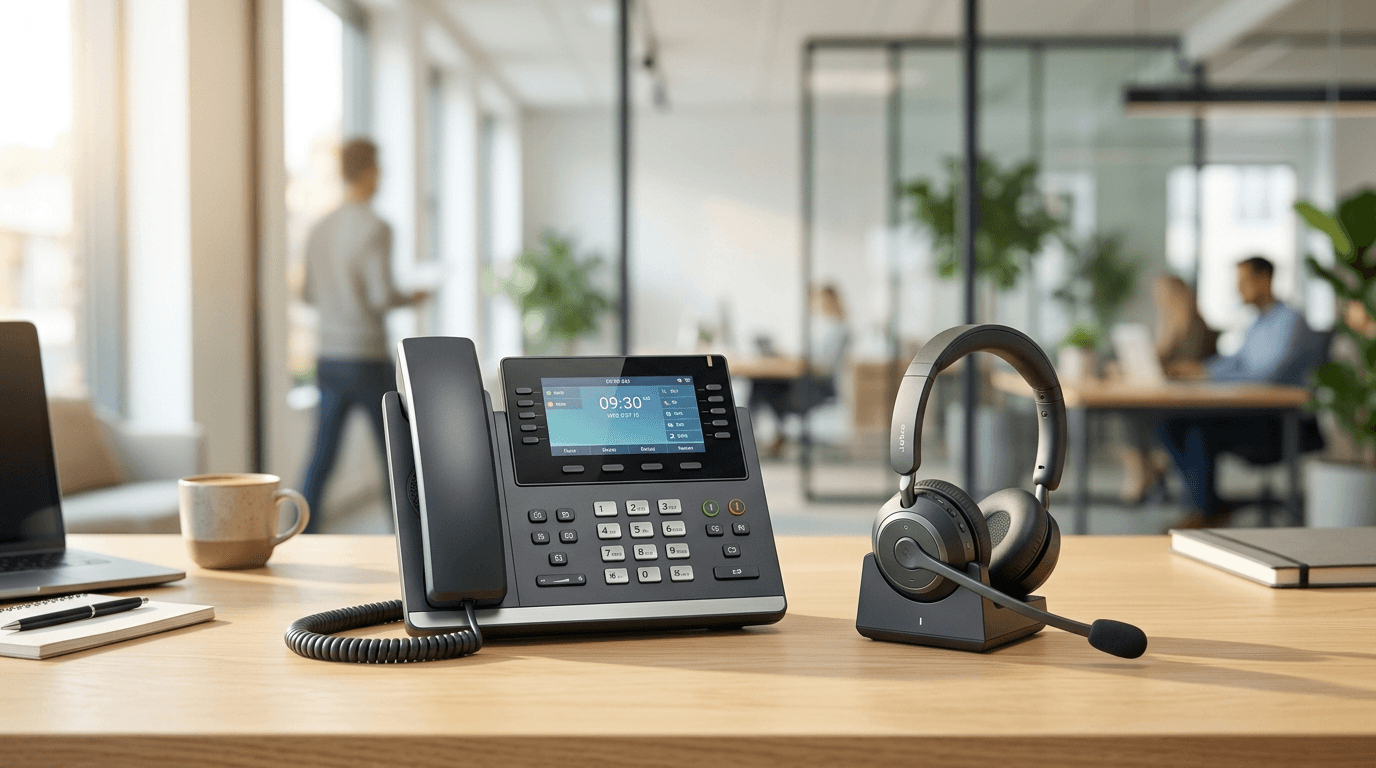
A VoIP phone system, also called an internet or IP phone system, carries your business calls over your internet connection instead of copper lines, with the service hosted by a provider and calls ringing on IP desk phones, computers and cellphones. For a small business still on landlines or an aging on-site PBX, the move is usually a cost cut and an upgrade at the same time. It also raises practical questions about phones, call quality, outages, 911 and keeping your number, and here are the ones owners ask us most, answered plainly.
What is a VoIP phone system, in plain terms?
VoIP stands for Voice over Internet Protocol. Instead of sending calls over a phone line, it sends them over your internet connection as data. In practice that means your business phone service lives in the cloud, so you can make and take calls from a desk phone, a laptop app, or your cellphone using the same business number. You'll also see it called an internet phone system, a cloud phone system or a hosted PBX; they all describe the same idea.
What is an IP phone, and does a business need one?
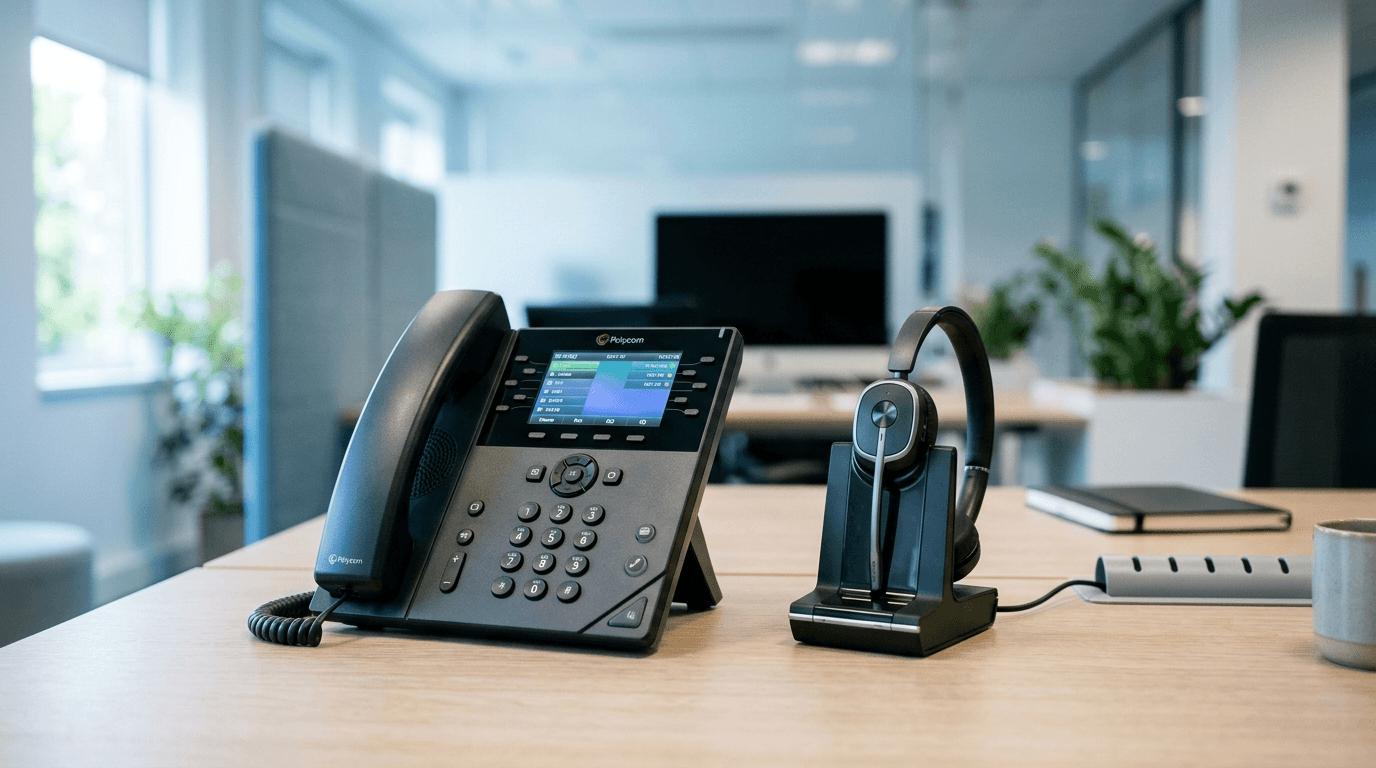
An IP phone is a desk phone built for VoIP. It plugs into your network with an Ethernet cable instead of a phone jack, is often powered over that same cable by a PoE switch, and signs in to your provider so calls, voicemail and extensions follow it. Nobody has to have one: softphone apps on laptops and cellphones do the same job. Desk phones still earn their place at a reception desk, in a busy shared office or anywhere people don't sit at a computer. Before you buy:
- Pick models from your provider's supported list, so the provider can configure them for you.
- Check that your switches have enough PoE ports and power for every phone, or budget for power adapters.
- Give the front desk a phone with enough line keys, or a sidecar, to see who is on a call before transferring.
- Use cordless IP (DECT) handsets for warehouses, shop floors and anyone who walks around.
- Keep one or two spares, because a dead phone at the front desk is a business problem the same day.
If you run Microsoft Teams, our comparison of Teams Phone, RingCentral and Zoom Phone covers how each one handles desk phones.
How much does a VoIP phone system cost for a small business?
Hosted VoIP typically runs about $10 to $30 per user per month in 2026, which usually undercuts traditional phone service once you add up line rentals and long-distance. Watch for extras like taxes, number-porting fees, and add-on features, and note that annual billing often shaves 10 to 30% off the monthly rate. For a concrete example, as of October 2026 Zoom lists its US and Canada unlimited phone plan at $16 per user per month billed annually, or $18 billed monthly. IP desk phones, if you want them, are a one-time hardware cost on top.
Do we need special phones, or can we use computers and cellphones?
Both work. You can buy IP desk phones for people who want a handset, but most providers include a softphone app for Windows, Mac, and mobile at no extra cost. Many small teams skip desk phones entirely and run everything through laptops and cellphones, which keeps upfront hardware spend near zero.
Is VoIP call quality good enough for business?
Yes, as long as your internet is solid. Voice needs very little bandwidth, but it is sensitive to a shaky or congested connection. A business-grade connection and a properly configured network handle it easily. If calls sound choppy, the fix is almost always the network setup, not the VoIP service itself.
Can we keep our current business phone number?
Almost always. The process is called number porting, and it moves your existing numbers to the new provider. It usually takes a few business days to a couple of weeks; Microsoft, for example, says ports to its Teams calling plans typically take 7 to 14 days and up to 30 with some carriers. There may be a small one-time fee per number. Keep your old service active until the port completes so you never miss a call during the switch.
What happens to our phones if the internet goes down?
This is the real tradeoff with VoIP, and it is manageable. Because calls run over the internet, an outage can take desk phones offline. Good systems handle it by automatically routing calls to cellphones or voicemail, so you stay reachable. Pairing VoIP with a backup internet connection removes the worry for businesses that cannot miss a call.
Is VoIP secure?
It can be, with the right setup. Reputable providers encrypt calls, and the bigger risks are weak passwords and toll fraud from unsecured extensions. Strong credentials, multi-factor authentication on the admin portal, and a properly segmented network keep it locked down. Treat the phone system as part of your overall security, not a separate island.
Should we switch from our landline or PBX now?
If your current system is old, expensive, or hard to change, the case is strong, and traditional copper service is being phased out in many areas anyway. The one thing not to do is switch blind. Get your network checked first, plan the number port, and set up outage failover before you cut over.
Frequently asked questions
What's included in a business VoIP plan?
Usually a phone number per user or a shared main number, calling within the US and Canada, voicemail that arrives by email, apps for computers and cellphones, and the building blocks of a front desk: auto attendants (press 1 for sales), call queues and business hours routing. Texting, fax, call recording, international calling and contact center features vary by plan, so check them against how your team works before you compare prices.
Do VoIP phones work with 911?
They have to. Federal rules for business phone systems, 47 CFR 9.16, require that anyone can dial 911 directly, without pressing 9 or any other prefix, and that each call carry a dispatchable location, such as the street address plus floor or suite. Where the system is able to, it must also alert a central point such as the front desk when someone dials 911. For phones and apps that move around, including staff working from home, the location can come from the device automatically or from the user updating it, so set that up before people go remote.
How does switching to VoIP work, step by step?
Inventory every number you have, including fax, alarm and elevator lines. Check the internet connection and the network for voice. Choose the provider and the phones. Build the call flows, voicemail and 911 locations. Submit the number port, and while it runs, test calls on the new system with temporary numbers. Cut over on the port date, and keep the old service until every number rings in the right place.
Who do we call when the phones stop working?
It depends on what broke. The provider fixes service outages and carrier problems; your IT provider fixes the network, the phones and the call flows, and is usually the first call because the cause is often local. If NetSys manages your network and phones, our help desk is staffed seven days a week, 4 a.m. to 11 p.m. Eastern, and monitoring and emergency service run around the clock.
By Joe Laboy for The NetSys Group, which has delivered managed IT, cybersecurity and cloud services from Brooklyn since 1998. Our engineers hold degrees in electrical and computer engineering. We work on-site across New York City, Long Island, Westchester, the Hudson Valley, North Jersey and Fairfield County, CT, with remote managed IT nationwide.
Thinking about moving your phones to VoIP but worried about call quality or downtime? We handle the network check, the number port, and the failover as part of managed IT. If you also want a receptionist that never sleeps, see how AI phone answering fits alongside a VoIP system. If your team works in Microsoft 365, our Teams Phone service covers licensing, porting and desk phones. Book a call with an engineer and we will map the switch with you.
Related reading
 FAQ
FAQMicrosoft Teams Phone Licensing for Small Business: FAQ
Read Article FAQ
FAQCloud Migration for Small Business: 8 Questions Answered
Read Article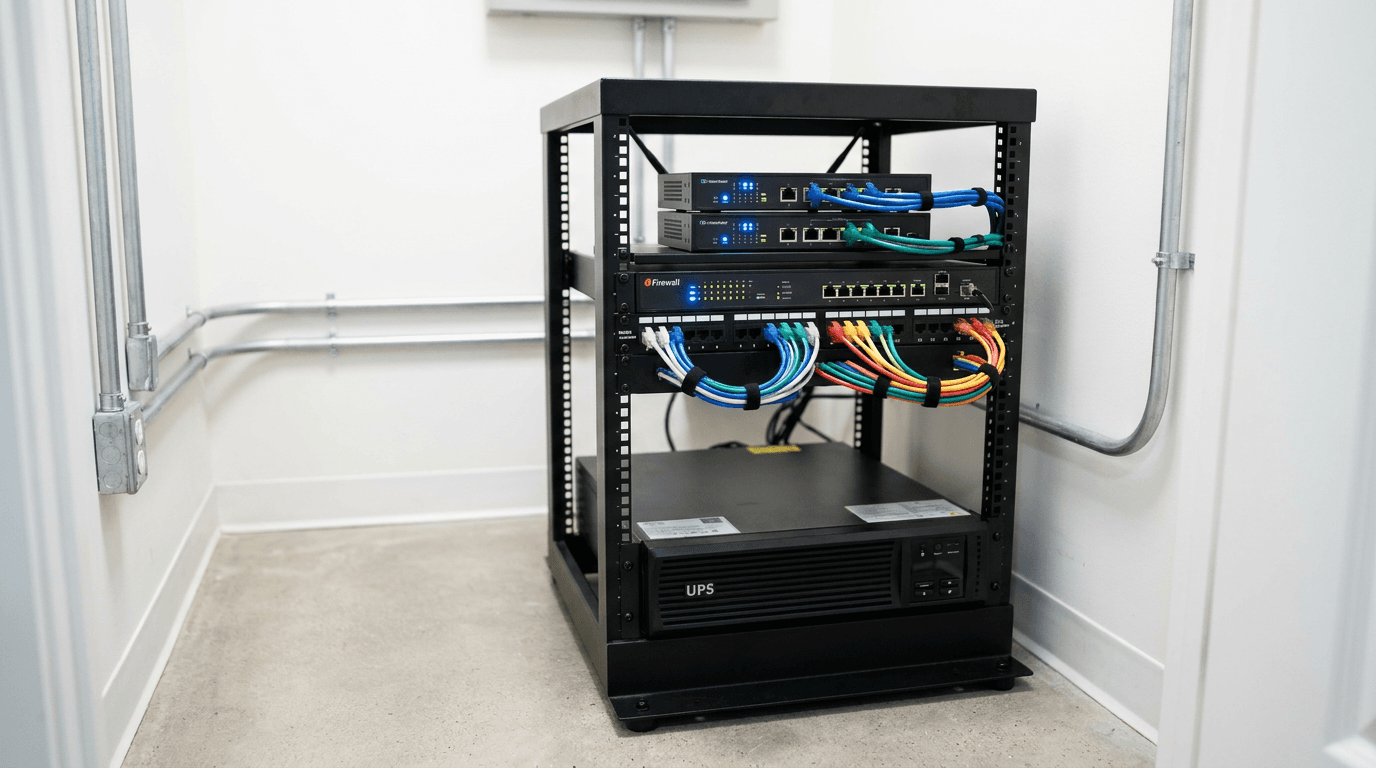 FAQ
FAQBusiness Internet Failover: 8 Questions Owners Ask
Read ArticleAlso on this topic: Kari's Law and RAY BAUM'S Act: 911 Rules for Offices · Mobile Device Management for Small Business: FAQ
Discuss managed it services for your business.
Tell us about your current systems, the result you need and your timeline. We will discuss the work, responsibilities and pricing before you decide on an engagement.