
If your team already lives in Microsoft Teams all day, turning it into your actual phone system is a reasonable move, but the licensing and calling options confuse almost everyone the first time. Here are the questions small business owners ask most often before making the switch.
By Latoya Reed. The NetSys Group has delivered managed IT, cybersecurity, and cloud services since 1998. Our engineers hold degrees in electrical and computer engineering and are certified Microsoft and Cisco instructors, serving businesses across NY, NJ, CT, PA, and Southwest Florida.
Microsoft Teams Phone: common setup and licensing questions
What is Microsoft Teams Phone, exactly?
Teams Phone turns Microsoft Teams into a full business phone system: real phone numbers, calls to and from outside lines, voicemail, auto attendants, and call queues, all inside the app your staff already use. Calls work on their computer, the Teams mobile app, or a desk phone. It replaces a separate VoIP system rather than sitting alongside one.
Is Teams Phone included in Microsoft 365?
No, not in the common small-business plans. Standard Microsoft 365 gives you Teams for chat and meetings, but making external phone calls requires the Teams Phone add-on plus a calling plan. It's a separate license on top of your existing subscription, so budget for it as an addition, not something you already own.
How much does Teams Phone cost per user?
The Teams Phone add-on runs around $10 per user per month for the phone-system layer, with a domestic calling plan adding roughly $12 to $18 more. Once you factor in setup and add-ons, fully-loaded costs often land near $25 to $35 per user monthly. Compare that to your current provider on total cost, not the sticker price.
What's the difference between Calling Plans, Operator Connect, and Direct Routing?
These are the three ways to connect Teams to the outside phone network. Calling Plans buy minutes directly from Microsoft, the simplest option. Operator Connect uses a partner carrier through a built-in Teams menu. Direct Routing connects your own carrier but needs extra equipment. For most small businesses, Calling Plans or Operator Connect are the practical choices.
Can we keep our existing phone numbers?
Yes. Business phone numbers can be ported into Teams Phone from almost any provider, so you keep your main line and direct-dial numbers. Porting takes some coordination and shouldn't be rushed, plan the cutover for a low-traffic window and keep the old service active until the port completes and testing passes.
Do we still need desk phones?
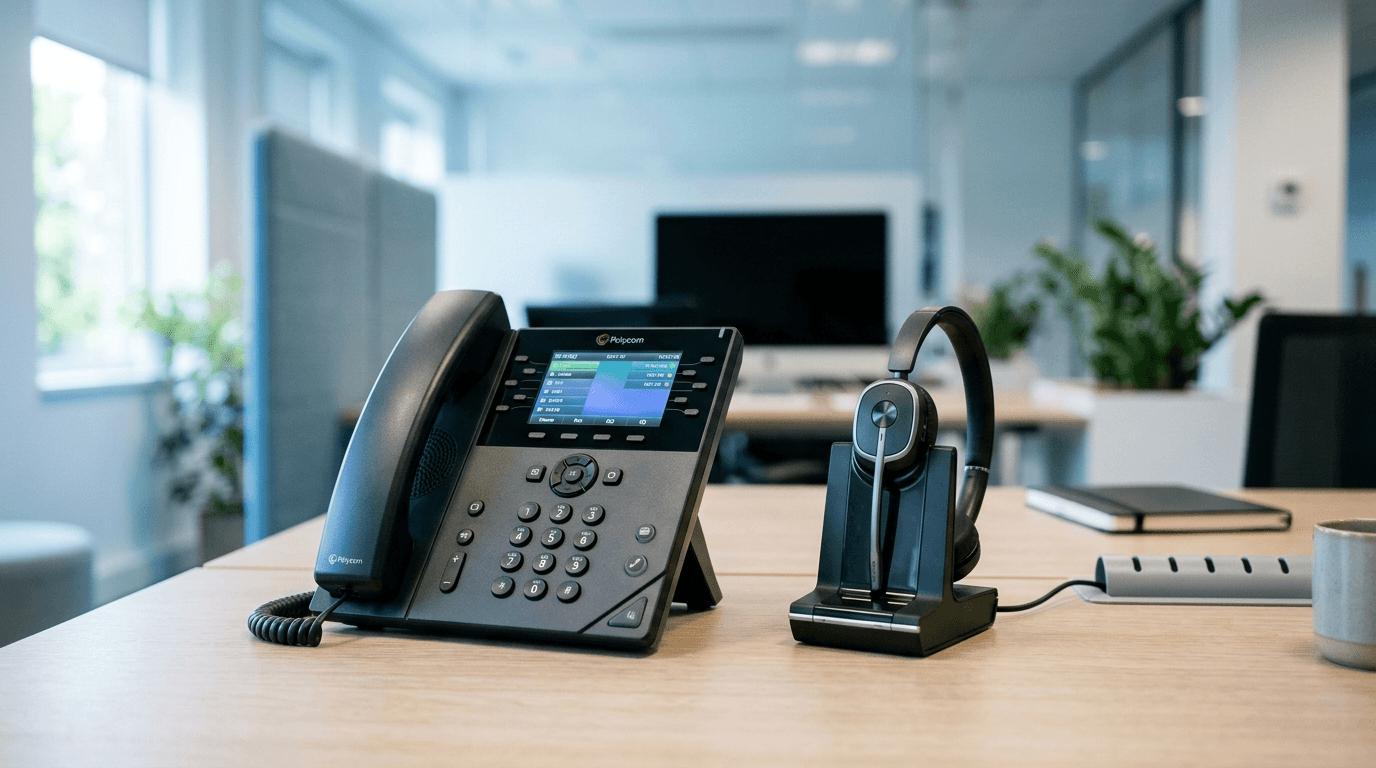
Only if you want them. Many teams run entirely on headsets and the Teams app on computers and phones. Desk phones still make sense for reception, warehouses, common areas, or staff who prefer a handset. If you do buy them, choose models certified for Teams so features and firmware are supported.
What about 911 and emergency calling?
Emergency calling has to be configured deliberately in Teams Phone, including dynamic location so a 911 call routes to the right dispatcher and shows the correct address. This is easy to overlook and legally important. It's one of the main reasons to have Teams Phone set up by someone who does it regularly rather than turning it on yourself.
Is Teams Phone right for every small business?
Not always. It's a strong fit if you're already standardized on Microsoft 365 and Teams. If you rely on a standalone VoIP system with call-center features, or you're not committed to Microsoft's ecosystem, a dedicated provider may serve you better. Our VoIP phone system FAQ covers how to compare the alternatives.
Not sure which calling option fits your team?
Teams Phone can save money and simplify your stack, or it can turn into a licensing tangle, depending on how it's set up. We manage Microsoft 365 and Teams voice for businesses across the tri-state area and Southwest Florida. See our Microsoft 365 management services or contact The NetSys Group for a complimentary consultation and we'll help you pick the right calling model and plan the switch.
If you are moving your calls to Teams, our Microsoft Teams Phone setup and support covers licensing, carrier selection, call routing and number transfer.
Related reading
 FAQ
FAQVoIP Phone Systems for Small Business: 8 Questions
Read Article FAQ
FAQSharePoint vs OneDrive for Small Business: 8 Questions
Read Article FAQ
FAQManaged IT for Nonprofits: 8 Questions Answered
Read ArticleAlso on this topic: Kari's Law and RAY BAUM'S Act: 911 Rules for Offices · How to Evaluate a Managed IT Provider for Your Law Firm
Discuss microsoft teams phone for your business.
Tell us about your current systems, the result you need and your timeline. We will discuss the work, responsibilities and pricing before you decide on an engagement.