
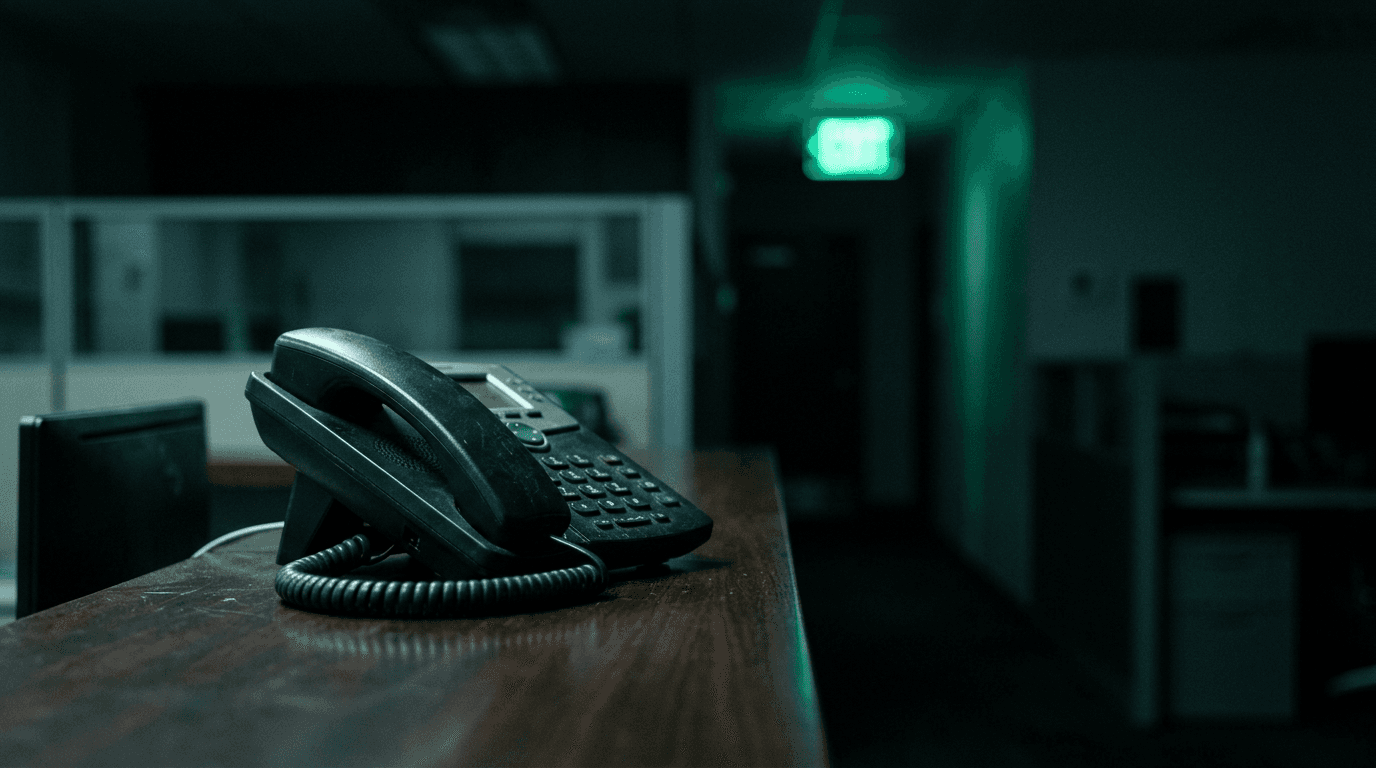
Two federal rules govern how 911 works on your office phone system. Anyone must be able to dial 911 without pressing 9 first, the call has to alert someone at your organization, and the call has to carry a location precise enough to find the caller — not just the building's street address.
If your phone system was installed or replaced any time since February 16, 2020, both rules apply to you. Most small offices we assess fail at least one of them, and nobody knew.
The short version:
- Kari's Law: dial 911 with no prefix, and the system alerts someone at your organization. In force since February 16, 2020.
- RAY BAUM'S Act: the call must carry a dispatchable location. Fixed phones by January 6, 2021; non-fixed and remote devices by January 6, 2022.
- Systems installed before February 16, 2020 are grandfathered — until you replace or migrate them.
- The FCC puts the duty on installers, managers and operators. That's you and your IT provider, together.
What Kari's Law requires
Direct dialing and notification. The FCC states that manufacturers and vendors must pre-configure multi-line phone systems "to support direct dialing of 911—that is, to enable the user to dial 911 without having to dial any prefix or access code, such as the number 9."
Second part, same page: "When a 911 call is placed on a MLTS system, the system must be configured to notify a central location on-site or off-site where someone is likely to see or hear the notification."
That notification matters more than people expect. It's why someone at the front desk knows to prop the door and meet the ambulance, instead of paramedics circling a building looking for suite 400.
The rule has been in force since February 16, 2020.
What RAY BAUM'S Act adds
Location. The FCC defines dispatchable location as "the street address of the caller and additional information, such as room number and floor number, necessary to identify the caller's location for first responders."
The deadlines came in two waves, and the rule text is explicit. An on-premises fixed telephone "shall provide automated dispatchable location no later than January 6, 2021." Non-fixed on-premises devices and off-premises devices followed on January 6, 2022, where technically feasible.
Interconnected VoIP providers were held to the same two dates, which is why your provider has been asking you to confirm addresses.
Off-premises is the part that catches small businesses. Your softphone user working from a kitchen table in another county is an off-premises device on your system.
Does Kari's Law compliance apply to a 12-person small business phone system?
Yes, if your system serves multiple phones and it went in after February 16, 2020. The rules are written around multi-line telephone systems, which the FCC describes as systems "typically found in enterprises such as office buildings, campuses, and hotels." Size isn't the test. Whether you run a multi-line system is.
Cloud phone platforms count. The requirements attach to the multi-line telephone system itself, not to a hardware model, so Teams Phone, RingCentral, Zoom Phone and the rest all fall inside this.
The grandfather clause people misread
There is one, and it's narrower than you think. The FCC says the rules apply "only with respect to MLTS that are manufactured, imported, offered for first sale or lease, first sold or leased, or installed after February 16, 2020."
So a PBX that's been humming in a closet since 2014 sits outside the rule. The moment you replace it, move it, or migrate to a cloud platform, it's in scope.
Which means almost everyone is in scope now. A 2019 phone system is a rare thing in 2026, and every VoIP cutover since then reset the clock.
Where small offices actually fail
Five failures, over and over.
- The 9 is still required. The dial plan was copied from the old PBX during migration and nobody retested 911.
- No notification is configured. The platform supports it. It was left off because setup asked for an email address and someone skipped the field. The rule says the alert "must be sent to a location where someone is likely to see or hear it" — an unmonitored mailbox doesn't qualify.
- Every phone reports the main address. Fine for a single suite. Useless in a three-floor building or a two-building campus.
- Remote users have no registered address. The softphone reports headquarters while the user is 40 miles away.
- Nobody has tested it. Ever.
That last one is the root cause of the other four.
How do you test 911 on your own phone system?
You don't need a consultant to find out whether you have a problem. You need about thirty minutes and a willingness to call 911 properly.
- Call your local non-emergency line, tell them you're testing 911 from a business phone system, and ask when to call.
- At the agreed time, dial 911 from a desk phone — just 911, no 9 — and confirm it connects.
- Ask the dispatcher what address and suite or floor they see.
- Repeat from a conference room phone on a different floor and from one remote softphone.
- Confirm the notification actually arrived — email, Teams message, front desk alert, whatever you configured.
Write down what each test returned. If the dispatcher reads back your street address with no floor or suite for a multi-floor office, you have a dispatchable location gap to close.
Fixing it
Most of this is configuration, not new hardware. In Teams Phone it's emergency addresses, dynamic emergency calling policies and a notification group. In a hosted platform it's usually an E911 registration per user or per location, plus a nag process to keep remote users' addresses current when they move.
Budget the real work for location data, not the dial plan. Mapping every phone to a floor, suite or desk zone is the tedious part, and it's the part that saves minutes when it counts.
If you're evaluating a phone platform right now, ask how each one handles dynamic location for remote users before you sign — it's a question we cover in our Teams Phone questions for small business, and in our comparison of Teams Phone, RingCentral and Zoom Phone.
Frequently asked questions
Do we have to dial 9 before 911 on an old system?
If the system predates February 16, 2020 and hasn't been replaced, the FCC rule doesn't reach it. That's a legal answer, not a safe one. Reprogramming the dial plan so 911 works with and without a 9 is usually a one-hour change, and there's no good reason to leave it undone.
Does Kari's Law apply to cloud phone systems like Teams Phone?
Yes. The requirements follow the multi-line telephone system, not the hardware model. Cloud platforms generally support direct dialing and notification out of the box, but notification recipients and emergency addresses still have to be configured. Default settings won't get you there.
What counts as dispatchable location?
The FCC defines it as the caller's street address plus additional information such as room number and floor number needed to identify where the caller is. A street address alone satisfies it only when the address itself is unambiguous — a single-suite building, for example.
How do we handle 911 for employees working from home?
Each remote user needs a registered emergency address that matches where they actually work, and a process to update it when they move. Most platforms prompt the user to confirm their location; whether anyone reads that prompt is a policy problem. Put address confirmation into your onboarding checklist and review it annually.
Who is responsible if our system isn't compliant?
The FCC is direct about it: "MLTS installers, managers, and operators must ensure that the systems support 911 direct dialing." In practice that means you and your IT provider together. Ask your provider in writing whether your system meets both rules and what testing was done. A vague answer is an answer.
Find out where you stand
We'll test 911 from your system, check what dispatch actually sees, and give you the gap list in writing. Book a complimentary assessment and we'll take a look, or read more about how we support business phone and network infrastructure on our services page.
Discuss managed it services for your business.
Tell us about your current systems, the result you need and your timeline. We will discuss the work, responsibilities and pricing before you decide on an engagement.