
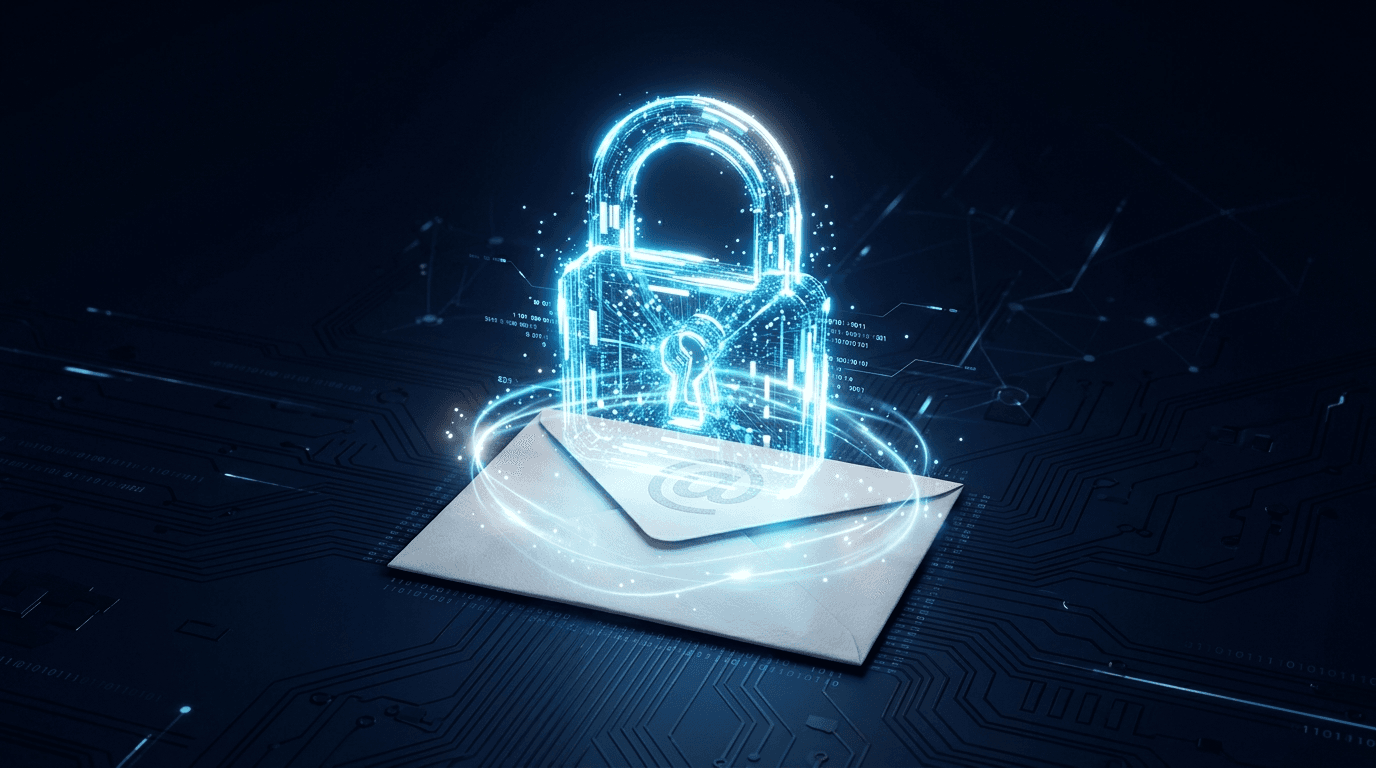
Business email encryption protects a message so only the people you send it to can read it, even after it leaves your servers. On Microsoft 365 that's Microsoft Purview Message Encryption, included in Business Premium and the E3 and E5 plans, and outside recipients on Gmail or Yahoo open the message through a secure portal. Use it for any email that carries personal, financial, health or confidential client information, and test it from the recipient's side before you rely on it.
A workable setup combines the right configuration with a process senders and recipients can follow. This guide covers the practical choices and tests to make before rollout.
What is business email encryption?
Email encryption protects message content. Transport protection, message-level controls and recipient access are distinct parts of the workflow. Ask what protection applies while the message travels, after delivery and when an attachment is opened; verify the answer for the configured tool and file type.
In practice there are two layers. Transport encryption (TLS) protects the connection between mail servers while a message travels, and only when both servers support it. Message-level encryption, such as Purview Message Encryption or S/MIME, protects the message itself, so it stays protected in the recipient's mailbox and can carry restrictions such as Do Not Forward.
What sensitive information needs to be encrypted?
Encrypt any email that carries information a breach law, regulator or contract protects. For most small businesses in New York, that list looks like this:
- Personal identifiers. Social Security numbers, driver's license numbers, account or card numbers with the code or password that opens the account, biometric data, and medical or health insurance information. New York's breach notification law treats these as "private information" when they aren't encrypted, or when the encryption key was taken too.
- Customer financial information at firms the FTC treats as financial institutions, such as mortgage brokers, tax preparers and investment advisors that don't register with the SEC. The FTC's Safeguards Rule guide says to encrypt customer information on your systems and in transit, or use alternative controls your Qualified Individual approves.
- Patient health information at medical and dental practices and the vendors that serve them. Our HIPAA email guide covers the specifics.
- Nonpublic information at DFS-licensed firms, which 23 NYCRR 500 requires you to encrypt in transit over external networks.
- Client files you've promised to keep confidential, such as legal matters, contracts, payroll and HR records.
Passwords and login credentials don't belong in email at all, encrypted or not. If you met the phrase "sensitive-enhanced information" in a training course, it comes from the U.S. Postal Service, which tells its staff that sensitive and sensitive-enhanced information includes personally identifiable information, confidential business information, financial information, card data and health information. That list works for a small business too.
How do you turn on email encryption in Microsoft 365?
Microsoft Purview Message Encryption supports protected messages to recipients using other email services. The reading experience depends on the recipient's client and configuration. Check your proposed users and licensing against Microsoft's documentation before setup. As of October 2026, Microsoft's Purview service description includes Message Encryption in Microsoft 365 Business Premium, F3, E3 and E5 and in Office 365 E3 and E5; Business Basic and Business Standard need the Azure Information Protection Plan 1 add-on. Then test the workflow:
- Confirm licensing in the Microsoft 365 admin center. Every user who sends encrypted mail needs a qualifying license assigned.
- Show staff the encryption control in the Outlook client and account they actually use. The available options depend on the account, subscription and configuration; follow the matching section of Microsoft's client-specific instructions and verify a test message.
- Have your IT partner configure and test applicable mail-flow rules. Check a matching message, a nonmatching message and any exception; rules do not recognize every kind of sensitive information.
- Send a test message to an outside address, such as Gmail, and confirm the recipient can open it through the secure link.
Older instructions may use Office 365 naming. Match any setup guide to the product, plan and client your business actually uses rather than relying on a product name alone.
Does Google Workspace encrypt business email?
Distinguish transport protection from message-level access controls and confirm the capabilities of your Google Workspace edition. Use Google's current encryption documentation to check eligibility and setup, then test the external recipient experience. Do not assume that a business email account includes every encryption feature.
How should we define the encryption scope?
List the information staff exchange, the approved recipients, the tools involved and the requirements your business has documented. Agree which message types need protection, how staff identify them and who approves an exception. Give the person responsible for your security or compliance program the configuration and test record to review.
An encryption configuration is one part of a wider security program. Keep its documented scope, exception handling and test evidence alongside the other controls your business operates.
Test the message from the recipient's side
An encryption rule is only part of the workflow. Someone outside the business still needs to recognize the message, open it and respond. Use fictional information to test the message types your staff actually send.
Create a sample account document with dummy details and send it to approved test recipients using different email systems. Record how each person opens the message, handles the attachment and replies. Test both a message that matches a configured rule and one that needs a staff-selected label. Keep short instructions beside the sending procedure and identify who handles access problems.
NetSys's business email encryption service covers configuration, recipient testing and documentation. Describe the document types you exchange; do not submit real customer records through the contact form.
What should an email encryption policy cover?
A written email encryption policy is what turns a feature into a habit, and auditors and insurers increasingly ask to see one. Keep it short enough that staff actually read it, and make sure it answers five things:
- What must be protected. Identify the approved message types, recipients and required protection with the person responsible for your security program. Keep passwords and login credentials in an approved password manager or credential-sharing system, rather than sending them by email.
- Who decides. Whether staff choose manually, automatic mail flow rules handle it, or both.
- How external recipients open messages. The expected experience, so nobody assumes a secure link is a phishing attempt.
- What not to email at all. Some records belong in a secure portal or file share, not in a message.
- How it's enforced and reviewed. Who audits the rules, and how often.
Pair the policy with security awareness training so the rules land with the people applying them, and with data loss prevention rules that catch sensitive data before it leaves.
Office 365 email encryption setup in NJ and the NY metro
Start with the message workflows and documented requirements your business needs to address. A setup scope can include confirming licensing, configuring applicable mail-flow rules, testing delivery and replies with approved outside recipients, documenting the configuration and exceptions, and preparing staff instructions. Agree the work and timeline after reviewing the systems and requirements involved.
The NetSys Group has delivered managed IT, cybersecurity and cloud services from Brooklyn since 1998, and our engineers hold degrees in electrical and computer engineering. We configure and manage secure email as part of our Microsoft 365 management service, on-site across New York City, Long Island, Westchester, the Hudson Valley, North Jersey and Fairfield County, CT, and remotely for businesses elsewhere.
Frequently asked questions
What is email encryption, and how is it different from SPF, DKIM, and DMARC?
Encryption scrambles the contents of a message so only the recipient can read it, protecting confidentiality. SPF, DKIM, and DMARC do something else: they verify that a message really came from your domain and block spoofing. You need both. For the authentication side, see our SPF, DKIM, and DMARC FAQ.
Does my small business actually need email encryption?
Choose protection according to the information, recipients and requirements your business has identified. Email systems can use transport encryption while messages travel between systems; that is different from message-level protection and recipient access controls after delivery. Verify the configured workflow, including attachments and replies, with the owner of your security program. Keep passwords and login credentials in an approved password manager or credential-sharing system, rather than emailing them.
Isn't my Microsoft 365 or Outlook email already encrypted?
Partly. Microsoft 365 encrypts email in transit between servers that support it and at rest on its own storage. But that doesn't guarantee the message stays protected once it reaches an outside recipient, and it isn't the same as message-level encryption you control. For sensitive content, you turn on a dedicated encryption feature rather than assuming the default covers you.
How do I send an encrypted email in Microsoft 365?
Confirm the account, qualifying licensing and Outlook client in use, then follow Microsoft's current instructions for that client. Test a manual message and any configured automatic rule with approved recipients before relying on the workflow.
Can I recall or expire an encrypted email sent to the wrong person?
Only with Advanced Message Encryption, which Microsoft includes in Microsoft 365 E5 and Office 365 E5 but not in Business Premium. It lets an admin set access to expire or revoke it, and it only works for outside recipients who read the message through the web portal. On other plans, the practical safeguards are Do Not Forward and a check before sending.
Does encryption complete our security program?
No. Encryption addresses one part of the message workflow. Access control, staff procedures, account security, recipient testing and response to errors still need owners. Review the configuration against the requirements your business has identified rather than treating a product label as proof.
What about attachments and large files?
Attachment protection depends on the encryption method, permissions, file type and recipient workflow. Test the formats you actually send, including what happens after download. For files that exceed the configured mail limits, agree an approved sharing process and test its access controls rather than assuming an email setting applies to the linked file.
Will encrypted email frustrate my clients?
The recipient experience varies by client, identity and configuration. Microsoft says recipients don't need a subscription to read an encrypted message or send an encrypted reply: they sign in or use a one-time passcode, and replies stay encrypted. Test the email systems your clients actually use and document the opening, attachment and reply steps. Confirm the support path when a recipient cannot open a message; do not assume every recipient sees the same interface.
How much does business email encryption cost?
Cost depends on the qualifying licenses already held, the configuration, recipient testing, staff guidance and ongoing support in scope. Confirm current entitlements and a written scope before comparing quotes. Our email encryption cost guide covers the licensing side, and the email encryption service page describes the work to discuss with NetSys.
Is sensitive email easy to send and receive?
Tell us where senders or recipients run into difficulty. Describe the data and workflow without attaching sensitive records.
Discuss our email encryption. See our service approach and scope.
Medical and dental offices should also read our summary of HIPAA email rules, which covers patient requests for plain email and forced TLS for labs.
Related reading
 FAQ
FAQSPF vs DKIM vs DMARC: Email Authentication FAQ for SMBs
Read Article Compliance
HIPAA Compliance for Email: Is Regular Email Allowed?
Read Article FAQ
FAQData Loss Prevention for Small Business: 8 Questions
Read ArticleAlso on this topic: SharePoint Intranet Examples: 8 Page Layouts for a Small Business · Email Encryption Cost for Small Business
Discuss microsoft 365 management & backup for your business.
Tell us about your current systems, the result you need and your timeline. We will discuss the work, responsibilities and pricing before you decide on an engagement.