
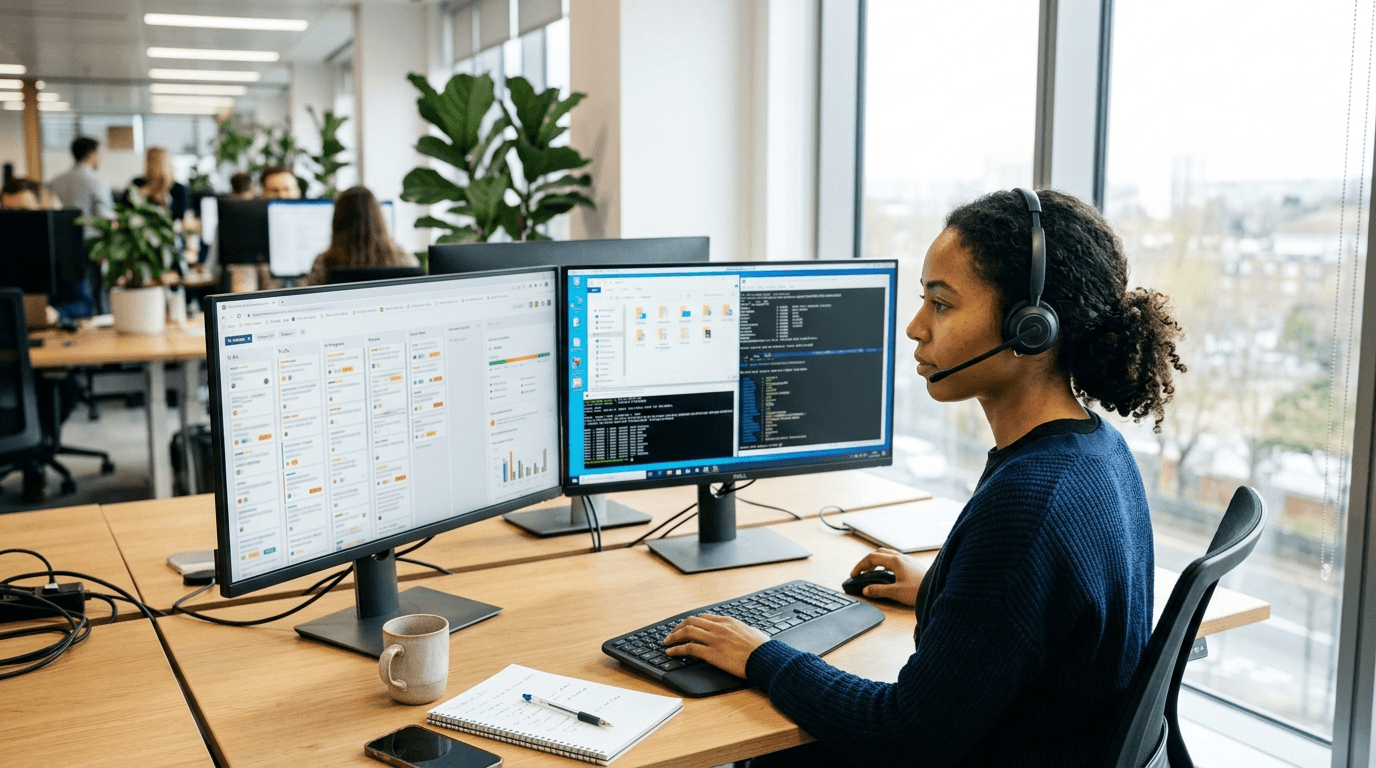
IT help desk cost per user, like help desk outsourcing pricing in general, is driven by three things more than any others: the hours the desk is staffed, whether on-site visits are included or billed per trip, and what the seat covers beyond answering the phone. Two quotes with the same per-user number can be far apart once you check those three, and the fair benchmark for either one is what it would cost to staff the same hours yourself. NetSys does not publish per-user pricing; we quote after looking at the environment, and every agreement is month to month.
What follows is the breakdown we walk clients through so a help desk quote can be compared line by line instead of by the headline number.
What does a help desk seat usually include?
| Usually inside the per-user fee | Usually billed separately |
|---|---|
| Unlimited remote support during the covered hours | Projects: office moves, server work, migrations |
| Password resets, access requests, application how-to | Hardware and replacement parts |
| New-hire setup and departing-employee offboarding | Software licenses (Microsoft 365, line-of-business apps) |
| Troubleshooting for the user's laptop, desktop and phone | After-hours calls outside the covered window |
| Ticketing, remote tools and monthly reporting | On-site visits beyond any included allowance |
| Vendor liaison for printers, internet and phones | Training sessions and documentation projects |
The left column is what most providers mean by a help desk seat. Where it gets interesting is the right column, because a low per-user price often means more items have moved from left to right. Ask for the excluded list before the included list.
Per user or per device: which unit is right for your business?
Per-user pricing covers a person and every device they work from. Per-device pricing counts machines. For an office where each person has a laptop and a phone, per user is simpler and usually cheaper. For a warehouse, a clinic front desk or a restaurant where several people share one terminal, per device can be the better unit because the seat count is smaller than the headcount. The trap is a per-user quote that leaves out phones and tablets, or a per-device quote that counts every printer and switch. Ask how each category of device is counted. Our guide to managed IT cost per user covers the same choice for a full managed agreement.
How is outsourced help desk pricing structured?
Four models show up in help desk outsourcing quotes, and each puts the risk of a busy month on a different side of the table:
- Per user per month. A flat fee for each covered person, with requests unlimited inside the agreement. Predictable for you, and the provider carries the risk of a bad week.
- Per device per month. The same idea counted by machine, which suits shared terminals.
- Prepaid hours. A block of support hours bought in advance and drawn down. Cheap in a quiet year, expensive in a busy one, and it gives the provider no reason to fix the cause of repeat tickets.
- Per ticket or per hour. Pay as you go, which is break/fix under another name.
NetSys prices per user per month for the people covered, whether the desk is standalone, co-managed or inside a managed agreement. The fee moves with headcount, on-site needs, after-hours work and how much security work is included.
Is outsourcing cheaper than an in-house help desk?
Usually, once you compare hours of coverage rather than salaries. The Bureau of Labor Statistics puts the median pay of a computer user support specialist at $61,860 a year (May 2025 data), before payroll taxes, benefits, tools and training. Benefits, legally required ones included, made up 30 percent of private employers' compensation costs in June 2026, according to the BLS Employer Costs for Employee Compensation release. One full-time person covers about 40 hours a week and none of their own vacations or sick days. A desk staffed seven days a week from 4 a.m. to 11 p.m., as ours is, covers 133 hours a week. An in-house hire still makes sense when someone needs to be physically present all day, and that is where co-managed IT pairs your person with an outside desk.
How do hours of coverage change the price?
Coverage hours are the biggest lever on help desk cost because they are a staffing decision. A desk that answers from eight to six on weekdays needs one shift. A desk that answers at two in the morning on a Sunday needs people awake at two in the morning on a Sunday, every week, whether anyone calls or not. Providers handle that in one of four ways:
- Business hours only. Cheapest. Anything outside the window waits until morning or goes to voicemail.
- Extended hours. Early and late weekday coverage for firms with staff across time zones or shifts.
- 24/7 for emergencies. An on-call engineer for outages and security incidents overnight, with routine requests handled the next business day. This is the common middle ground.
- Full 24/7. Every request handled around the clock, which suits healthcare, hospitality, logistics and anyone with overnight operations.
Rather than asking whether a desk is 24/7, ask what happens to a routine ticket at nine on a Saturday and what happens to a ransomware alert at the same time. A desk can be business hours for the first and 24/7 for the second, and priced accordingly. NetSys monitors 24/7 as part of every managed agreement; the help desk is staffed seven days a week from 4 a.m. to 11 p.m. Eastern, and emergency service runs 24/7.
Are on-site visits included?
Remote support resolves most tickets, but some things need hands: a dead docking station, a network closet, a new office. Providers price on-site work in one of three ways: included without limit inside a coverage area, included up to an allowance of visits or hours per month, or billed per visit with a trip fee and an hourly rate. Each is fine as long as it is written down. A remote-only desk that looks cheap becomes expensive in a year with an office move.
Geography matters here. On-site inclusion only means something inside the provider's service area. NetSys covers on-site work across New York City, Long Island, Westchester, the Hudson Valley, North Jersey and Fairfield County in Connecticut. Everywhere else is served remote-first from our Brooklyn office, with on-site work scheduled and scoped per engagement, and we deliver remote help desk service anywhere in the United States. If your locations sit outside a provider's map, ask what a visit costs before you need one. Our on-site IT support page describes how visits work with us.
What is billed outside the per-user fee?
Beyond the right-hand column above, three costs deserve a direct question. First, onboarding: most providers charge a setup fee to deploy their tools, document your network and clean up what the last arrangement left behind. Second, the project line: where exactly a support request turns into a project is where scope disputes start, so ask for the definition. Third, minimums: a minimum seat count or monthly minimum can make a small firm's effective per-user cost much higher than the quoted rate.
Also ask how ticket volume is treated. Unlimited support with a fair-use clause is standard. A desk that throttles or surcharges heavy users without telling you is not. A desk that reports ticket volume by user each month is doing you a favor, because it shows where training or a hardware refresh would cut tickets at the source.
How do you compare help desk quotes?
- Same unit, same headcount. Convert both quotes to per user for your actual people and devices.
- Same hours. Business hours, 24/7 for emergencies, or full 24/7, stated in writing.
- Response commitments. Time to a human, time to start work, time to resolve, by severity. See our guide to managed IT response times for what to demand.
- On-site terms. Included, allowance, or per trip, and the coverage area.
- Who answers. An engineer who can fix the problem, or a tier-one script reader who creates a ticket for one.
- Contract term. Month to month keeps a desk honest. A three-year term with a low rate is a low rate you cannot leave.
Frequently asked questions
How much does an IT help desk cost per user?
The number depends on coverage hours, on-site terms and what the seat includes, which is why NetSys quotes per business rather than publishing a rate. A business-hours, remote-only seat is the least expensive form. Adding 24/7 emergency coverage, included on-site visits, onboarding and offboarding, and security tooling moves the price up in steps. Compare quotes by listing what each one excludes; that list explains the difference in price far better than the headline figure.
Is unlimited help desk support really unlimited?
Usually, within a fair-use clause. Unlimited means you are not billed per ticket or per hour for support requests inside the agreement, so a bad week does not produce a bad invoice. It does not mean projects, hardware or after-hours work outside the window are free; those are defined separately. Read the fair-use language and the project definition, and ask for monthly ticket reporting so both sides can see the volume.
Can we buy a help desk without full managed IT?
Yes. A standalone help desk suits firms that keep an internal IT person and want overflow, after-hours or vacation coverage, which is the co-managed model. It also suits firms that already have monitoring and security elsewhere. NetSys delivers help desk service standalone, as co-managed IT, or as part of a managed agreement, month to month in every case. The trade-off is that a standalone desk fixes what breaks, while a managed agreement also works to stop it breaking.
What response time should we expect from an outsourced help desk?
Expect written commitments by severity: minutes to reach a human for a critical outage, and a defined window for routine requests. NetSys puts its response commitments in writing and reports against them. Response time is not resolution time, so ask for both, and ask for the monthly report that shows whether the commitment was met. A provider that will not put response times in writing is telling you something about how the desk is staffed.
How does onboarding to an outsourced help desk work?
Documentation comes first and cutover last. We record your users, devices, applications and vendors in IT Glue, put NinjaOne on every covered computer, and agree the covered users, request channels, identity checks and escalation contacts in writing. Where it helps, we overlap with your current support before staff switch to the new desk, and the first monthly report closes onboarding with volume, response and resolution times.
Who handles support and escalations?
NetSys engineers answer the help desk, not a script reader who logs a ticket for someone else. The desk is staffed seven days a week from 4 a.m. to 11 p.m. Eastern, emergency service runs 24/7, and the escalation contacts for anything urgent are agreed during onboarding. Under a managed agreement you also have a named account manager.
Getting a quote for your team
If you want a per-user number for your business, the fastest path is a short call where we count users and devices, agree on coverage hours and on-site needs, and write down what is excluded. Our outsourced IT help desk page lists what a NetSys seat includes, or call 845-203-3914 and ask for an engineer.
Sources and further reading
- What is an IT help desk?, our glossary entry on help desk tiers and how outsourced support works.
- Break/fix versus managed IT, for the cost logic behind paying per incident.
- U.S. Bureau of Labor Statistics: Computer Support Specialists, Occupational Outlook Handbook, with May 2025 median pay. Accessed October 2026.
- U.S. Bureau of Labor Statistics: Employer Costs for Employee Compensation, June 2026 data released September 9, 2026. Accessed October 2026.



Discuss outsourced it help desk for your business.
Tell us about your current systems, the result you need and your timeline. We will discuss the work, responsibilities and pricing before you decide on an engagement.