
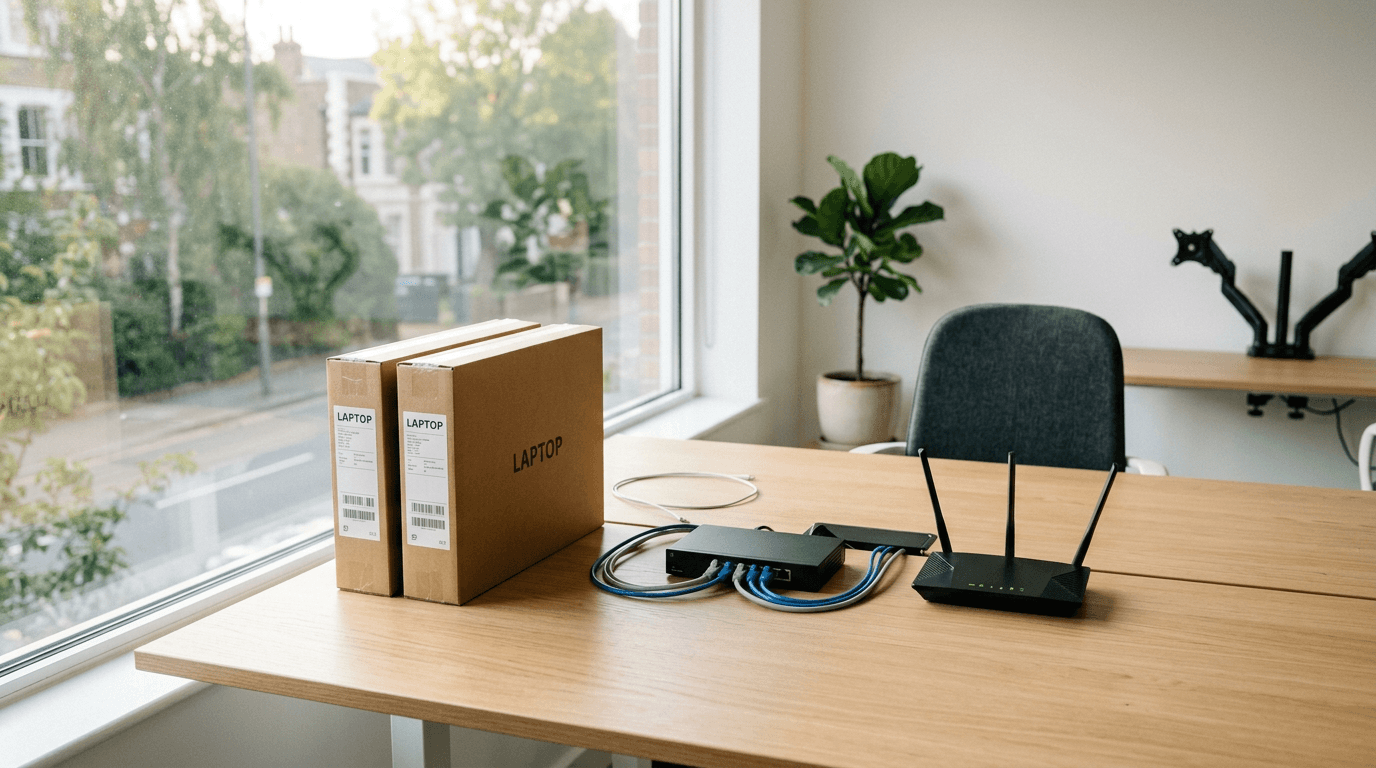
Starting a business means setting up IT before you have anyone to run it. This covers the decisions new owners actually face in the first weeks, email, devices, security, backup, networking, and whether to hire or outsource, answered plainly so you can get it right the first time instead of untangling it later.
What IT does a new business need on day one?
Less than vendors will sell you, more than a personal setup. At minimum: a business email platform on your own domain, company-owned or managed devices, multi-factor authentication on every account, endpoint security, and a backup. Skip the server unless a specific app demands one. Get those five right and you've covered most of the risk.
Microsoft 365 or Google Workspace to start?
Either works; pick for where your business lives. Microsoft 365 fits teams that live in Word, Excel, and Outlook or need its security tooling. Google Workspace fits teams that want simple, web-first collaboration. Both give you email on your domain and cloud storage. We compared them in detail for small business.
Should employees use their own computers or company ones?
Company-provided, if you can manage it. Personal devices mean company data scattered across machines you can't secure, patch, or wipe when someone leaves. Company-owned or managed devices let you enforce encryption, security, and updates from the start. If budget forces personal devices early, at least put a mobile device management policy around them.
What security does a new business need from the start?
Multi-factor authentication first, then endpoint protection and email filtering. MFA on email, banking, and admin accounts blocks the most common attack, a stolen password, and costs nothing to turn on. Small businesses aren't too small to target; attackers automate, so size doesn't hide you. Add security awareness training once you have staff.
Do I need a server, or is cloud enough?
Cloud is enough for most new businesses. Email, files, and common apps run in Microsoft 365, Google Workspace, or the cloud versions of your tools, no server to buy, cool, patch, or replace. You'd only need a local server for a specific line-of-business app that requires one. Starting cloud-first avoids a hardware cost and a maintenance headache.
How do I set up professional business email?
Buy your domain, then run email through Microsoft 365 or Google Workspace on that domain, you@yourbusiness.com, not a free Gmail or Outlook address. During setup, configure SPF, DKIM, and DMARC records so your mail lands in inboxes and can't be easily spoofed. That authentication step is skipped constantly and quietly hurts deliverability and trust.
What about Wi-Fi and networking for a first office?
Get business-grade gear and a separate guest network; skip the consumer router. A business access point handles more devices reliably and supports the security and segmentation a company needs. Put guests and untrusted devices on their own network, away from your business systems. For a small first office, this is a modest cost that prevents real headaches.
Do I need backup if everything is in the cloud?
Yes. Microsoft 365 and Google Workspace keep your service running, but they don't protect you from deleting a file, a compromised account, or ransomware reaching synced data, that's your responsibility, not theirs. A dedicated cloud backup covers it. We explain the gap in our backup and disaster recovery FAQ.
What computers should a new business buy?
Business-grade machines running current, supported software, not consumer bargains. Windows 10 support ended on October 14, 2025, so anything you buy should ship with Windows 11. Spend for the role rather than the sticker price; a cheap laptop that's slow and insecure by year two costs more in lost time than it saved up front.
Should I hire IT or outsource it?
Outsource, until you're big enough not to. A new business rarely has enough work for a full-time IT hire, and one person can't cover security, support, and strategy anyway. A managed IT provider gives you a whole team for a predictable monthly fee, then scales with you. Bring IT in-house when your size justifies it.
By Joe Laboy. Joe leads systems, networking, and managed IT operations at The NetSys Group, which has delivered managed IT, cybersecurity, and cloud services since 1998 to businesses across NY, NJ, CT, PA, and Southwest Florida.
Setting up a new business and want the IT done right the first time? Contact The NetSys Group for a complimentary consultation and we'll build your setup around your budget and where you're headed.
Related reading
 FAQ
FAQSecuring Remote and Hybrid Workers: 8 Questions for SMBs
Read Article FAQ
FAQCloud Migration for Small Business: 8 Questions Answered
Read Article Managed IT
Managed IT for Small Businesses: 9 Questions Owners Ask
Read ArticleAlso on this topic: Restaurant IT Support: 10 Questions Owners Ask · VMware After Broadcom: 11 Questions SMB Owners Ask
Discuss managed it services for your business.
Tell us about your current systems, the result you need and your timeline. We will discuss the work, responsibilities and pricing before you decide on an engagement.