
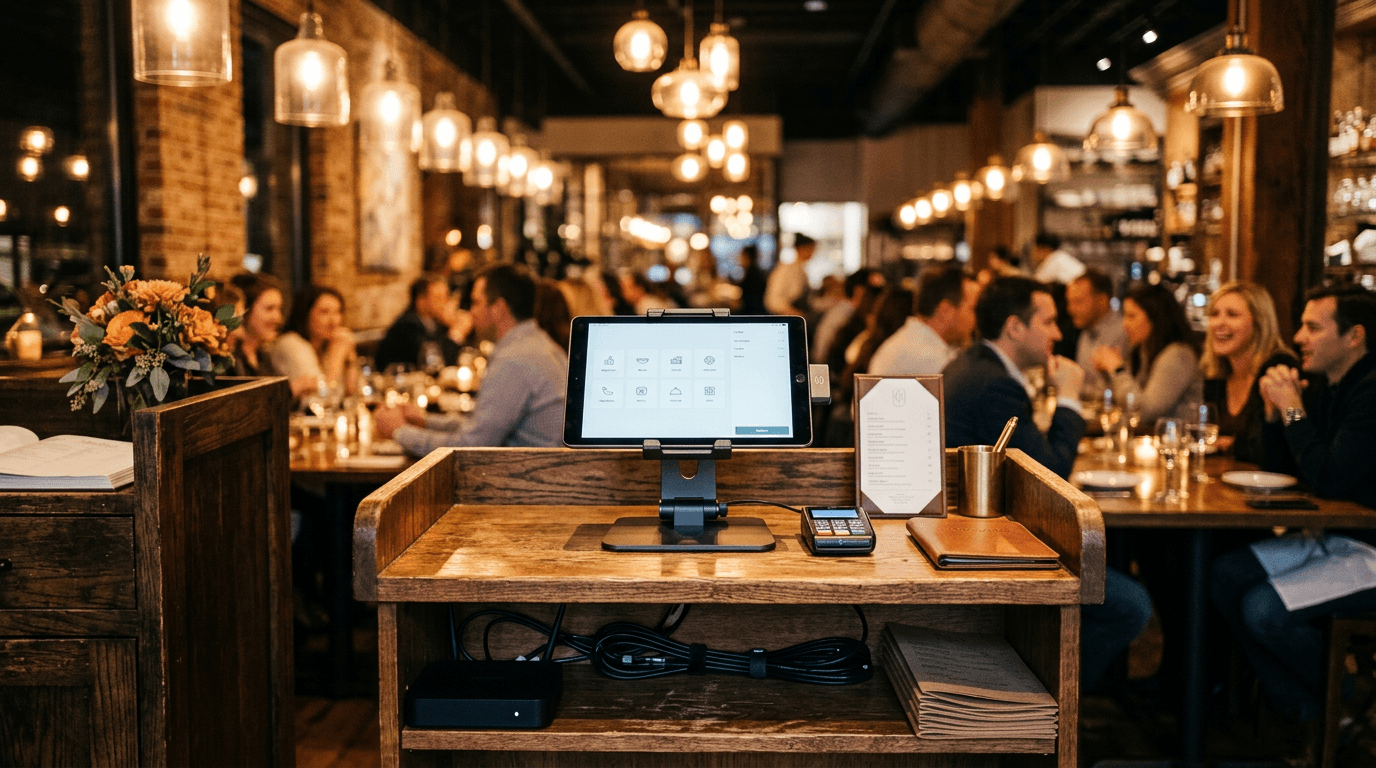
Restaurants run on technology that has to work while the dining room is full: point-of-sale terminals, guest Wi-Fi, card payments, phones, online ordering, and the internet connection tying it all together. When something drops during a Friday rush, it costs covers and tips, not just a support ticket. Here are the questions restaurant and hospitality owners ask us most about IT support, answered plainly. The full service is on our IT support for restaurants and hotels page.
Restaurant IT support: what owners ask
What does IT support for a restaurant actually cover?
It covers the POS terminals and payment hardware, the network and Wi-Fi that keep them online, back-office computers and email, security and PCI, and the phones, reservation, and online-ordering tools you depend on. A good provider treats uptime during service as the priority, not just fixing a slow laptop the next morning.
How much does managed IT for a restaurant cost?
Most small restaurant groups pay a flat monthly fee per location or per device instead of calling someone hourly when things break. The price depends on how many sites and terminals you run and whether security and PCI support are bundled in. You can see how per-user pricing works in our 2026 managed IT cost breakdown.
Why does our Wi-Fi slow down or drop during the dinner rush?
Usually because guest phones share the same network as your POS and kitchen displays. Hundreds of devices hopping onto free Wi-Fi choke the same connection your payments run on. The fix is separating guest Wi-Fi from the POS network and sizing access points for real crowd density, which we cover in our business Wi-Fi FAQ.
Do small restaurants really have to worry about PCI compliance?
Yes. Any business that accepts cards has to meet PCI DSS, and that responsibility does not disappear because you use a popular POS. Segmenting the payment network, keeping firmware patched, and controlling who can touch the terminals are the pieces owners most often miss. Our PCI DSS guide walks through what is required now.
What happens to our POS and card payments if the internet goes out?
Without a backup connection, most cloud POS systems stop taking cards, and a busy night turns into cash-only chaos. A second internet line or automatic cellular failover keeps terminals online when the primary circuit drops. We explain the options in our internet failover FAQ.
Are restaurants actually targeted by hackers?
They are. Restaurants combine stored card data, thin IT staffing, and high employee turnover, which is exactly the mix attackers look for. Business email compromise alone drove more than $2.7 billion in reported losses in 2024, per the FBI's Internet Crime Complaint Center, and hospitality groups are frequent targets for fake-invoice and payroll-diversion scams.
How do we manage IT across several locations without flying blind?
Remote monitoring ties every location's network, terminals, and cameras back to one dashboard, so problems get flagged before a manager has to call. Standardizing hardware and configurations across sites means a fix that works at one location works everywhere. That consistency is what keeps a growing group from reinventing IT at every new opening.
What should a restaurant back up, and how fast can we recover?
Back up your POS and back-office data, accounting files, email, and any reservation or online-ordering systems. The harder question is recovery time: how quickly can you reopen after ransomware or a dead server? Ask for a tested plan with a stated recovery window, not just "we have backups," as we describe in our backup and disaster recovery FAQ. In our published case study, a seven-location BBQ restaurant group hit by ransomware on a Saturday was fully restored in 4.5 hours with 100% of its data, and paid nothing on the 7-Bitcoin demand.
Should staff have their own logins, and does it matter for security?
Yes. Shared manager passwords and a single POS login make it impossible to see who did what and easy for a former employee to keep access. Individual accounts, prompt offboarding, and multi-factor authentication on email and admin tools close the gaps behind most restaurant account takeovers and internal fraud.
Talk to someone who has done this before
The NetSys Group has supported restaurants, hospitality groups, and multi-location operators across the NY, NJ, CT, PA, and Southwest Florida region since 1998, keeping POS networks, Wi-Fi, and payments running through the busiest services. If your technology buckles when the room fills up, book a complimentary IT and security assessment and we will show you where the weak points are.
By Joe Laboy. Joe leads managed IT operations, networking, and infrastructure at The NetSys Group, where the team has delivered managed IT, cybersecurity, and cloud services to small and mid-sized businesses since 1998.


Discuss managed it services for your business.
Tell us about your current systems, the result you need and your timeline. We will discuss the work, responsibilities and pricing before you decide on an engagement.