
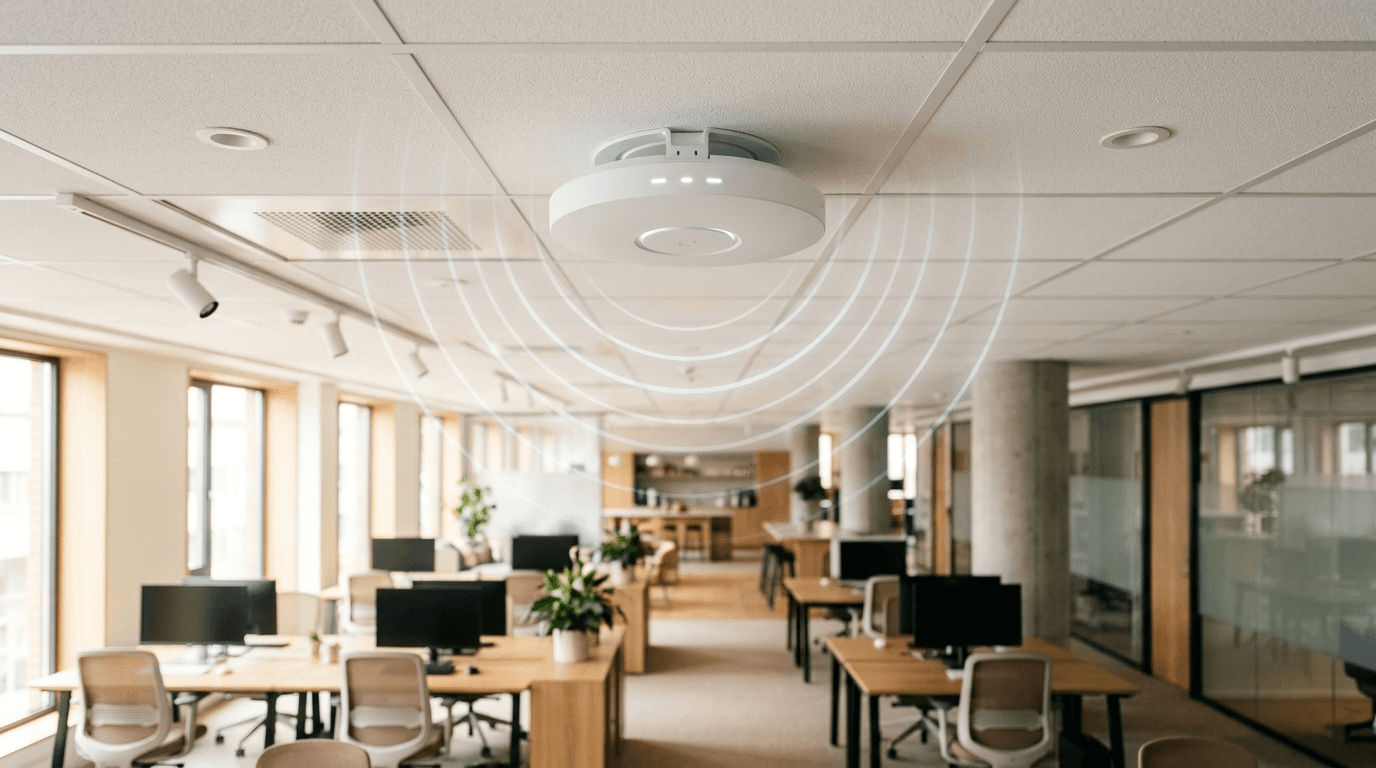
Slow, patchy Wi-Fi is one of the most common and most fixable complaints in a small office. Below are the questions small business owners ask us most about wireless networks, with straight answers on gear, coverage, security, and cost.
By The NetSys Group Team. The NetSys Group has delivered managed IT, cybersecurity, and cloud services since 1998. Our engineers hold degrees in electrical and computer engineering and are certified Microsoft and Cisco instructors, serving businesses across NY, NJ, CT, PA, and Southwest Florida.
Business Wi-Fi: common setup and security questions
Is business Wi-Fi actually different from home Wi-Fi?
Yes. A home router is built for a handful of devices in a small space. Business Wi-Fi uses separate access points designed to handle dozens of phones, laptops, and printers at once, hand devices off cleanly as people move around, and stay up under load. The hardware, management, and security are all built for a workplace, not a living room.
How many access points do I need?
It depends on square footage, wall construction, and how many devices connect, not just the size of your space. A rough starting point is one access point per 1,500 to 2,500 square feet of open office, with more for dense areas or thick walls. The only reliable way to know is a wireless site survey, which maps coverage before you buy anything.
Why is my office Wi-Fi so slow or full of dead zones?
Usually one of three things: a single consumer router trying to cover too much area, access points fighting each other on the same channel, or an internet plan that cannot keep up with your headcount. Dead zones are almost always a coverage and placement problem. Adding a properly positioned access point fixes far more than rebooting the router ever will.
Do I need a separate guest network?
Yes, and it is not optional if you care about security. A guest network keeps visitors, and their possibly infected laptops, walled off from your files, servers, and point-of-sale system. It also stops guests from hogging bandwidth your team needs. Setting one up on business-grade equipment takes minutes and is one of the easiest security wins available.
Is a mesh system good enough, or do I need real access points?
Consumer mesh can work for a very small office of a few people. Once you have more than a handful of employees, a lot of devices, or multiple rooms, business-grade access points wired back to a central switch are more stable, faster under load, and easier to manage and secure. Mesh trades performance for simple setup, and in a workplace that trade rarely pays off.
How do I keep my business wireless network secure?
Use WPA3 or at least WPA2 encryption, put guests on an isolated network, change default admin passwords, and keep access point firmware updated. For stronger control, larger offices can require each employee to log in with their own credentials rather than a shared password, so access can be revoked the moment someone leaves.
How much does business Wi-Fi cost to set up?
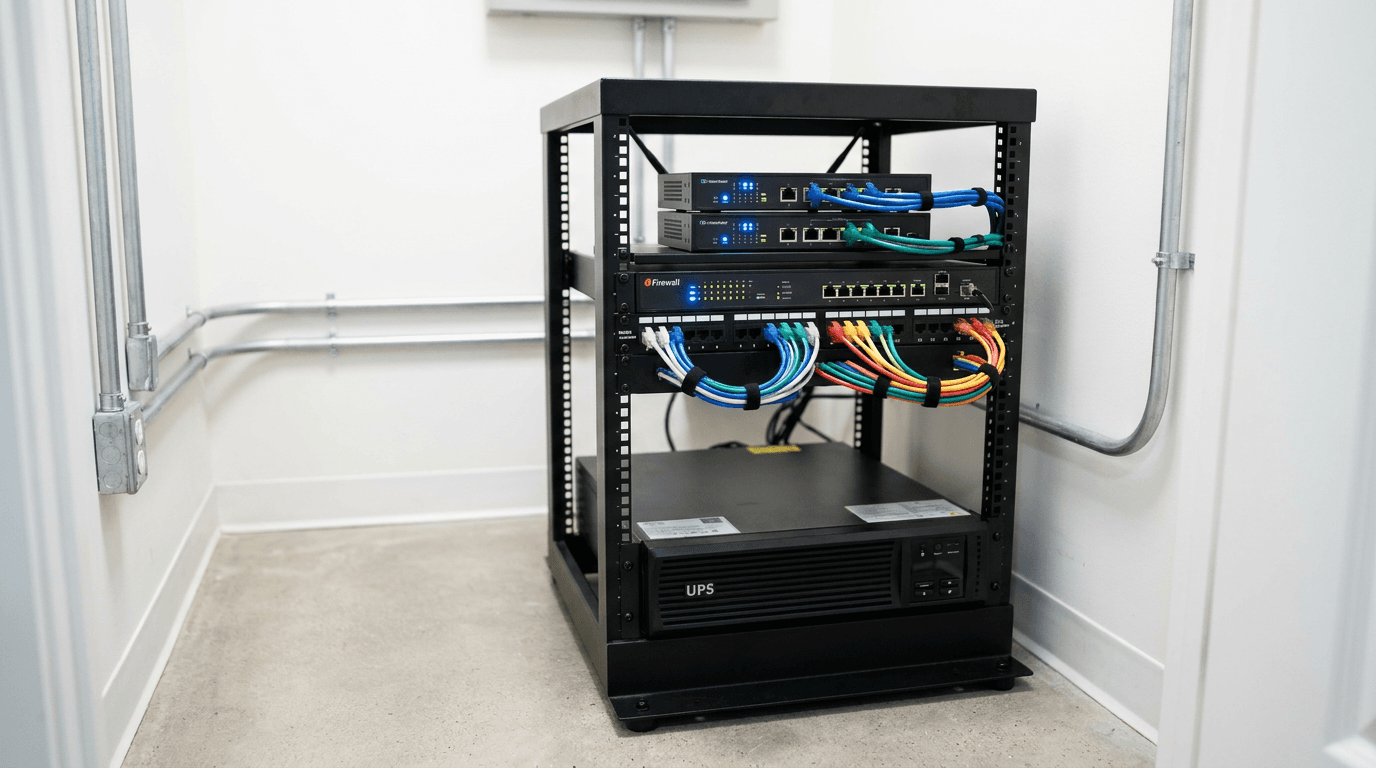
For most small offices it runs from a few hundred to a few thousand dollars, driven by the number of access points, cabling, and the switch that powers them. It is a capital cost with a long life. Trying to save money with consumer gear usually costs more later in lost productivity, service calls, and rip-and-replace. A site survey keeps you from over- or under-buying.
Should I set this up myself or hire a provider?
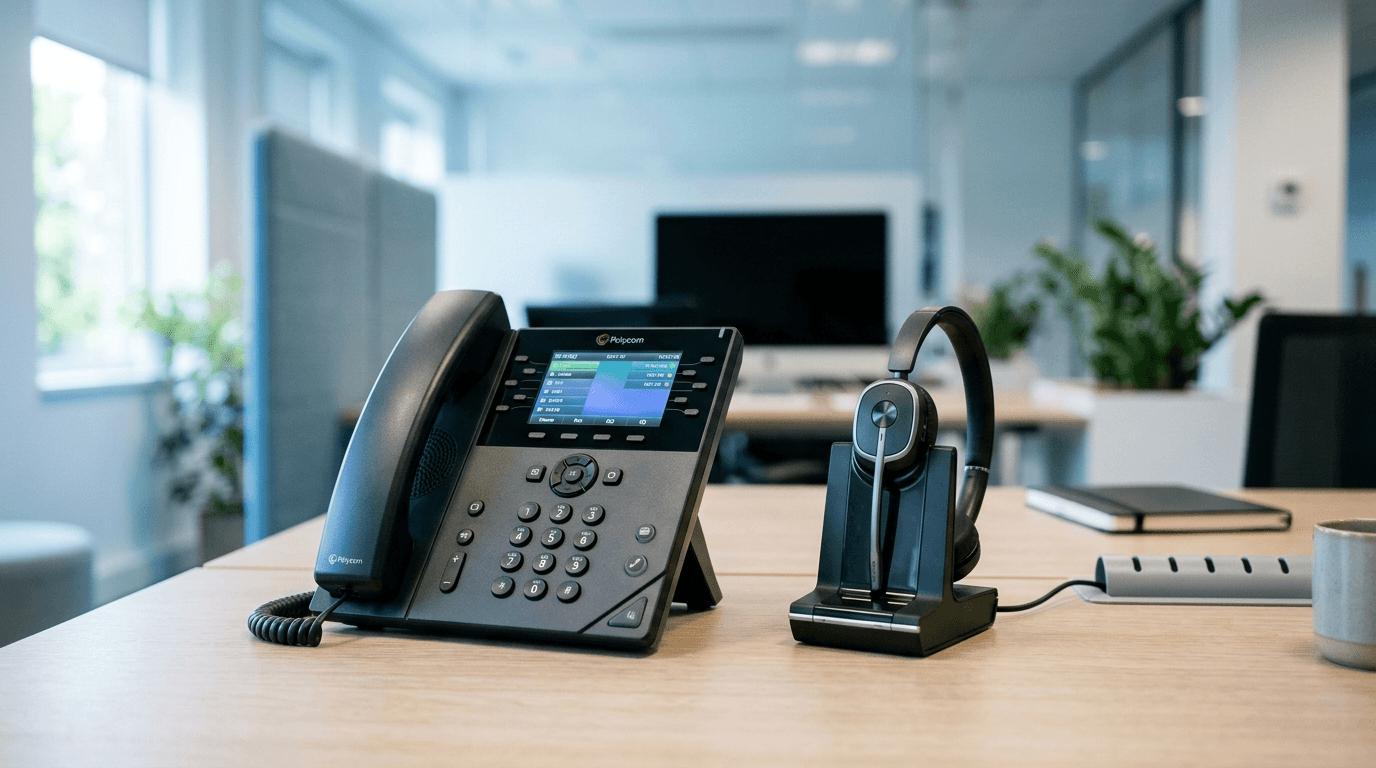
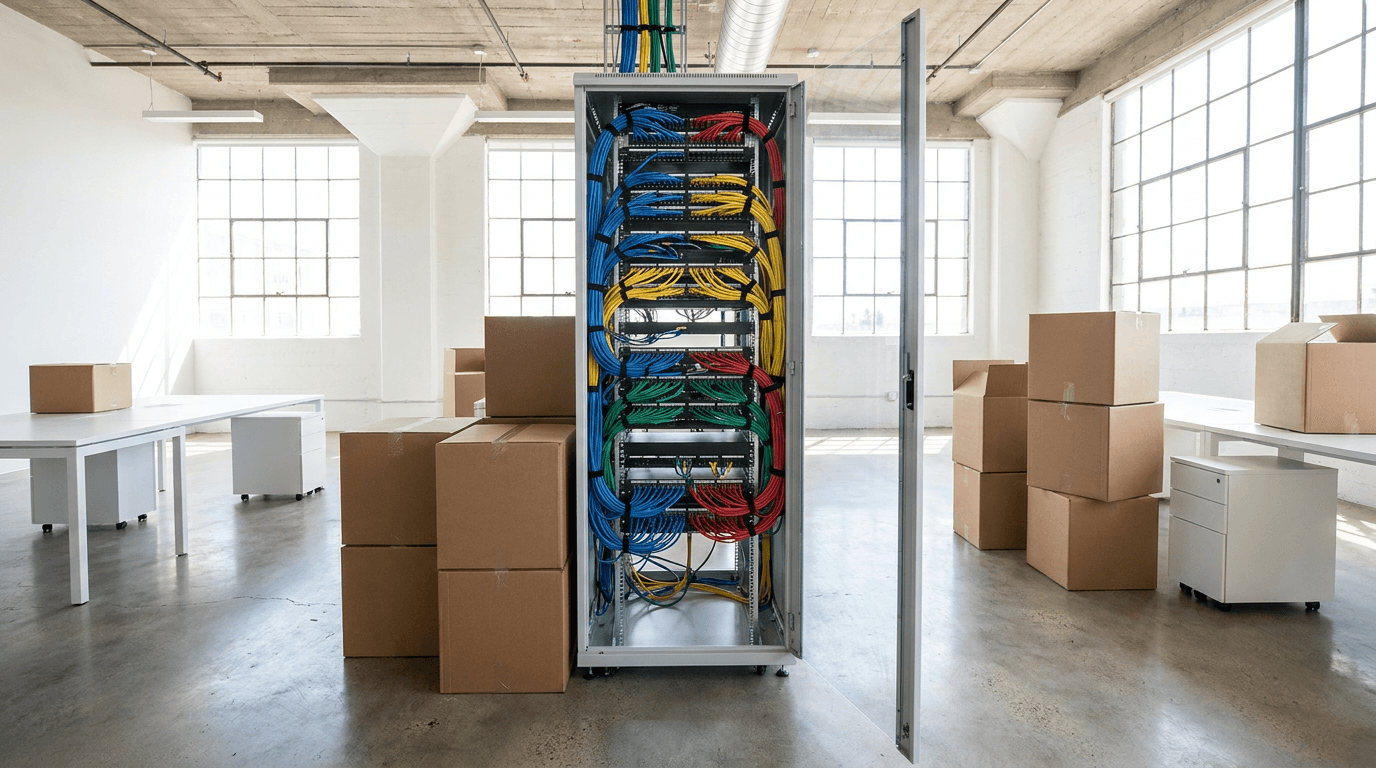
A single access point in a two-room office is a reasonable do-it-yourself project. Anything larger, with cabling, multiple access points, a guest network, and security to configure, goes faster and lasts longer with a provider who surveys the space first. It is closely tied to the rest of your network, so it pairs naturally with your phone system and any office move.
Get Wi-Fi that just works
Reliable wireless is foundational, and it is worth getting right the first time. If your office Wi-Fi drops calls, crawls at midday, or leaves whole rooms dark, The NetSys Group can survey your space and design coverage that holds up. Learn more about our managed IT services, or contact us for a complimentary assessment of your current network.
Discuss business wi-fi installation for your business.
Tell us about your current systems, the result you need and your timeline. We will discuss the work, responsibilities and pricing before you decide on an engagement.