

A professional services firm sells hours, so the only automation that matters is the kind that hands billable hours back. That's the lens for AI in a consulting shop, agency, or B2B services firm: not "what's new," but "what stops a senior person from doing work a tool could do."
The pressure is real. SPI Research's 2026 benchmark found billable utilization fell to 66.4% in 2025, the lowest in its survey history. A third of your team's paid time isn't reaching a client invoice. Some of that is slack demand. A lot of it is admin — the proposals, the status updates, the timesheets nobody wants to fill out.
That's the target.
Where does AI actually pay off in a services firm?
In the work around the work. AI earns its keep on the repetitive, text-heavy tasks that eat billable people: first-draft proposals, meeting notes and follow-ups, status reports, and the constant reshaping of the same information for different audiences. It's weak at the judgment your clients pay for, and that's fine.
Proposals and scoping
Proposals are where senior people quietly lose evenings. A good chunk of any proposal is boilerplate reshaped for a new client: the same methodology, the same bios, the same case studies, rearranged.
An AI tool trained on your past winning proposals can produce a first draft in minutes — structure, scope language, and relevant examples pulled from your own library. Your expert edits instead of starting from a blank page. The judgment stays human; the typing doesn't.
This is close to what we've seen work in sales follow-up automation: the machine handles the draft, the person handles the relationship.
The billable-hour leak: notes, timesheets, and status updates
Here's where utilization quietly bleeds. Meeting notes, follow-up emails, and status reports are pure overhead, and they're exactly what AI does well.
An AI meeting assistant can transcribe a client call, pull out decisions and action items, and draft the follow-up before anyone's back at their desk. Feed that same record into a status report and the weekly update writes most of itself. Time entries get easier too when the tool already knows what happened on which project.
The point isn't the minutes saved on any one task. It's that these tasks recur every single day, per person, per project. That's where a point or two of utilization hides.
Client communication and reporting
Every services firm reformats the same information for different audiences: an internal update becomes a client email becomes a monthly report becomes a QBR slide. It's the same facts, dressed five ways.
AI is good at that reshaping. Give it the source material and the audience, and it drafts the version you need. You're still deciding what to say — you're just not retyping it four times.
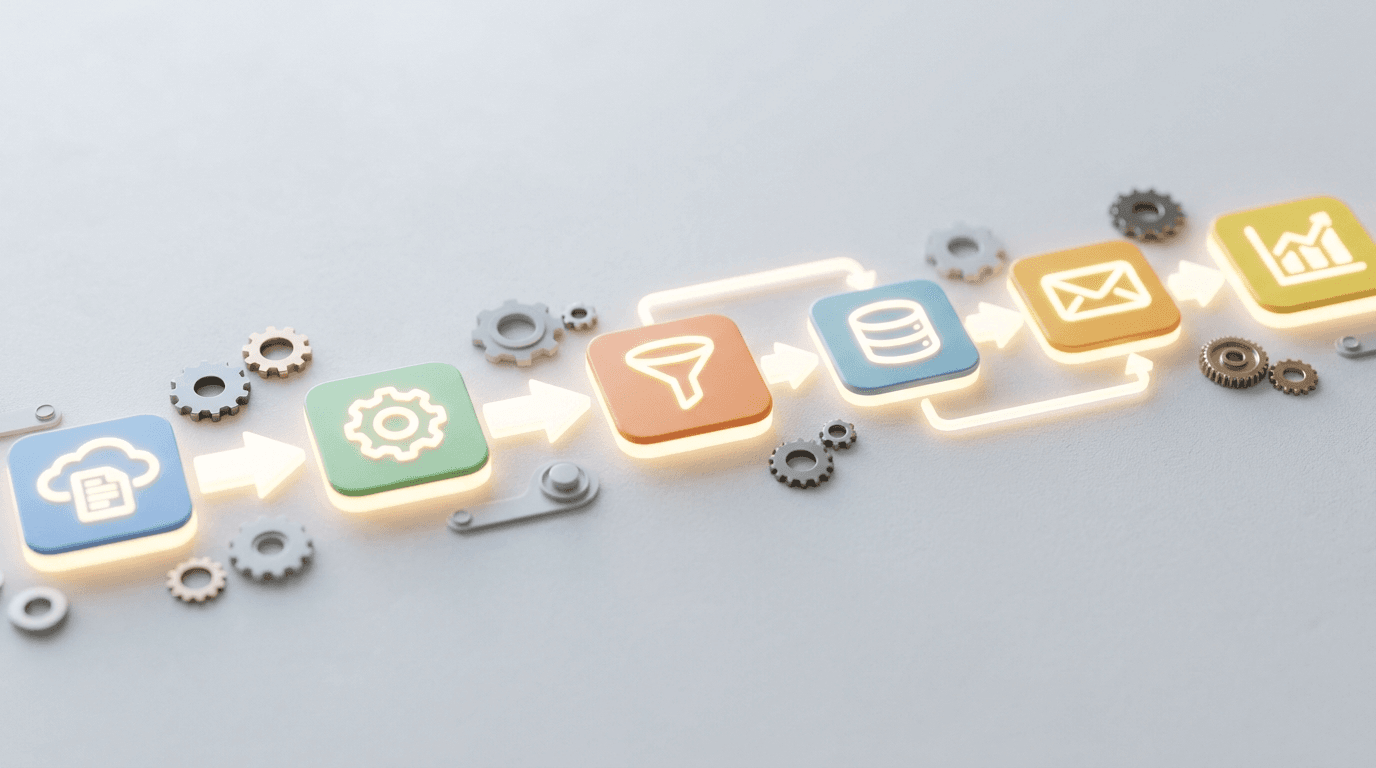
For firms that want this wired into their systems rather than done by copy-paste, that's workflow automation: the client data, the project record, and the output template connected so a report generates on a schedule.
What should a firm automate first?
Start where the pain is daily and the risk is low. Meeting notes and follow-ups are the easy first win — high frequency, low stakes, immediate time back. Proposal drafting is the high-value second step. Save anything that touches money, contracts, or client-facing commitments for after your team trusts the tool on the small stuff.
Pick one workflow, run it for a month, measure the hours it returns. Then expand. Firms that try to automate everything at once usually automate nothing, because no single change ever gets bedded in.
Where to be careful
Two rules keep this from backfiring.
First, confidentiality. Client work is sensitive, and consumer AI tools may train on what you paste in. Use business-tier tools with contractual data protections, and keep client data out of anything that doesn't offer them. We covered the details in AI data privacy for small business.
Second, review. AI drafts confidently and is sometimes confidently wrong. A first draft is a first draft. The professional who signs the work still reads every word before it reaches a client — that's the job you're protecting, not the one you're handing over.
By Jamie Baum. The NetSys Group has delivered managed IT, cybersecurity, and cloud services since 1998. Our engineers hold degrees in electrical and computer engineering and are certified Microsoft and Cisco instructors, serving businesses across NY, NJ, CT, PA, and Southwest Florida.
Frequently asked questions
What's the best first AI use case for a consulting or services firm?
Meeting notes and follow-ups. It's daily, low-risk, and the time saved is obvious within a week. An AI assistant transcribes the call, extracts action items, and drafts the follow-up email, so your team stops spending billable evenings on write-ups.
Will AI replace our consultants?
No. Clients pay for judgment, relationships, and accountability — none of which AI provides. What it replaces is the drafting, formatting, and note-taking around that work. The goal is more of your experts' time on the thinking clients actually buy, less on paperwork.
Is it safe to put client information into AI tools?
Only with the right tools. Business-tier AI with contractual data protections keeps your inputs out of model training; consumer tools often don't. The rule is simple: sensitive client data goes only into tools that promise, in writing, not to train on it.
How do we measure whether AI automation is working?
In hours and utilization. Pick one workflow, note the time it takes today, then track it for a month after you automate it. If billable people are spending less time on admin and more on client work, it's working. If not, change the workflow, not the whole plan.
If you want help picking the one workflow worth automating first — and wiring it in safely — NetSys builds AI automation for professional services firms. Book a 15-minute call and we'll find the hour that's easiest to win back.
Related reading
 AI Automation
AI Workflow Automation for Small Business: What to Automate
Read Article AI Automation
AI Automation for Small Manufacturers: Where to Start
Read Article AI Automation
AI Automation for Insurance Agencies: Where It Pays Off
Read ArticleAlso on this topic: AI Automation for E-Commerce: Where It Pays Off · Managed Services vs Professional Services: Which Engagement Fits?
Discuss ai workflow automation for your business.
Tell us about your current systems, the result you need and your timeline. We will discuss the work, responsibilities and pricing before you decide on an engagement.