
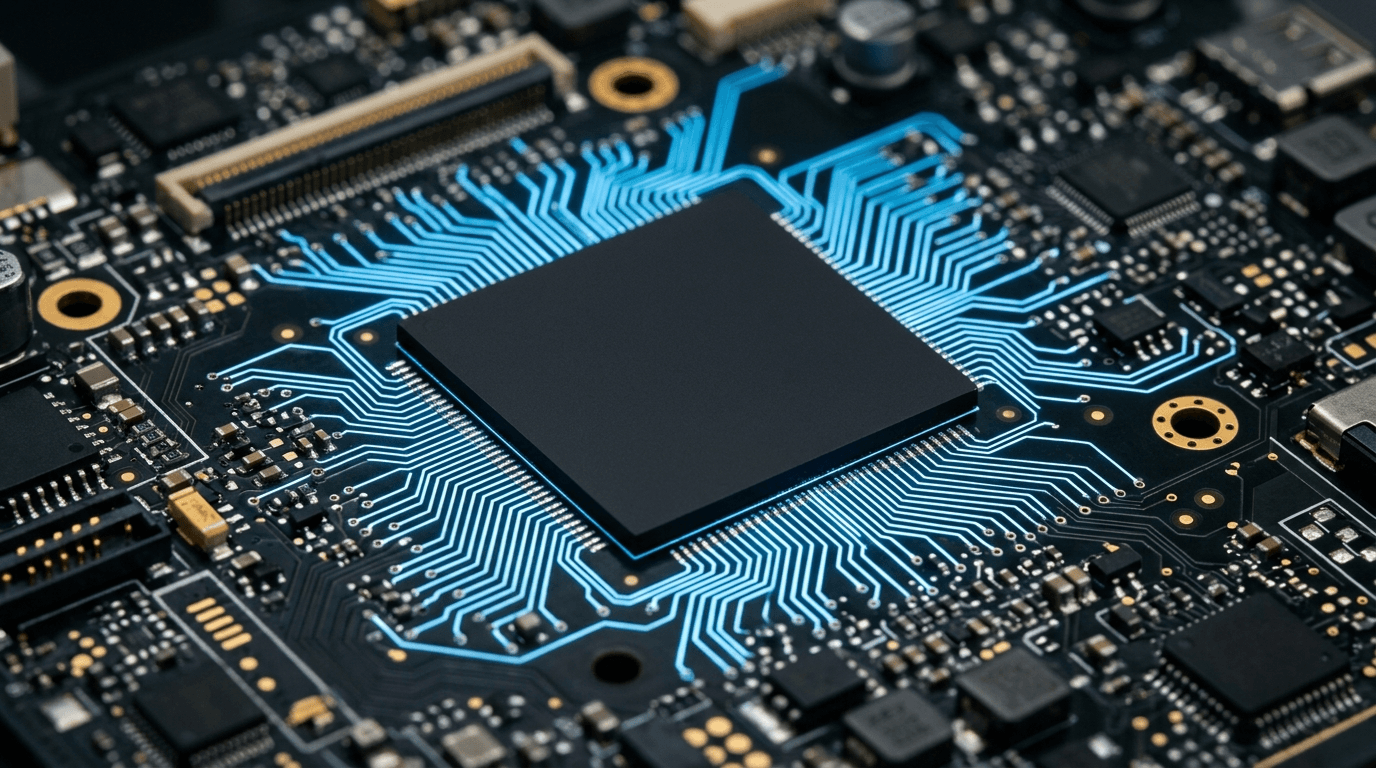
For most small businesses, a Copilot+ PC isn't worth the premium yet. Buy one if a specific person needs on-device AI or all-day battery on the road. For everyone else, a standard Windows 11 business laptop does the job for less money.
That's the short answer. Here's the reasoning, because the marketing makes this sound like a decision you can't afford to get wrong, and it isn't.
What actually makes a PC a "Copilot+ PC"?
A dedicated AI chip. Microsoft requires a neural processing unit that hits 40+ TOPS — trillion operations per second — before a laptop earns the Copilot+ label. That NPU runs certain AI features on the device instead of sending the work to the cloud.
Only newer silicon clears the bar: Qualcomm's Snapdragon X Elite and X Plus, AMD's Ryzen AI 300 series, and Intel's Core Ultra 200V. A perfectly good business laptop from last year won't qualify, and no update changes that. The chip is the requirement.
What do you actually get for the NPU?
On-device AI features and, on the Arm models, long battery life. The NPU powers things like local image generation, live caption translation, and improved webcam effects without a round trip to a server. The headline feature, Recall, takes periodic snapshots of your screen so you can search back through what you did.
Read that last one twice. A feature that photographs everything on screen every few seconds is a data-governance decision, not a convenience. For a firm handling client records, health data, or financials, Recall is something you disable and control through policy, not something you hand every employee by default.
Do these features need a Copilot+ PC at all?
Mostly, no — and this is the part the sticker skips. The AI tools your team will actually use every day run in the cloud and work on any modern PC. Microsoft 365 Copilot, ChatGPT, Copilot in Edge, Teams meeting recaps: none of them need a 40-TOPS NPU. They run on a five-year-old laptop and a browser.
So the Copilot+ premium buys you a narrow set of on-device features, not "AI at work." Your business gets its AI value from software licenses and cloud services, and those don't care what chip is in the laptop.
When is a Copilot+ PC the right buy?
Three cases make it worth the money:
- Road warriors who need battery, not outlets. The Arm-based Copilot+ machines get genuinely long runtime. For a salesperson or field tech living out of a bag, that alone can justify it.
- People doing local AI or heavy media work. If someone's job benefits from on-device inference or fast video and image processing, the NPU earns its keep.
- You're replacing the machine anyway. If a laptop is already due for refresh and the Copilot+ model costs a small step more for better silicon and battery, take the newer chip. Don't retire a working machine early to chase it.
Outside those cases, standard Windows 11 Pro hardware is the smarter spend. Put the savings toward Microsoft 365 Business Premium licensing, which is where the real security and AI value lives for a small team. A managed IT partner can spec the right mix so you're not paying for silicon nobody uses.
What about compatibility on the Arm chips?
Test before you standardize. The Snapdragon Copilot+ PCs run on Arm, and while Windows emulates most x86 software well now, some legacy line-of-business apps, VPN clients, and hardware drivers still misbehave. If your business depends on an older accounting package, a scanner, or a vertical app, pilot it on one Arm machine before you buy a dozen. The Intel and AMD Copilot+ models avoid this entirely by staying on x86.
How does this fit the Windows 10 cutover?
Windows 10 support ended on October 14, 2025, which is why refresh budgets are open right now. That deadline is the reason to replace aging machines — not the Copilot+ label, and not a reason to skip the Windows 11 update math. Buy Windows 11 hardware sized to the person's job. Sometimes that's a Copilot+ PC; usually it's a solid business laptop that costs less and runs everything.
If you're refreshing a fleet, the bigger decisions are standardization, deployment, and whether to own or lease the hardware at all. A device-as-a-service model can flatten the cost and keep everyone on supported machines without a lump-sum hit.
By Joe Laboy. The NetSys Group has delivered managed IT, cybersecurity, and cloud services since 1998. Our engineers hold degrees in electrical and computer engineering and are certified Microsoft and Cisco instructors, serving businesses across NY, NJ, CT, PA, and Southwest Florida.
Frequently asked questions
Do I need a Copilot+ PC to use Microsoft 365 Copilot?
No. Microsoft 365 Copilot runs in the cloud and works on any modern PC or browser. The Copilot+ NPU powers a separate set of on-device features. If your goal is AI in Word, Excel, Outlook, and Teams, that's a license, not a laptop.
How much more does a Copilot+ PC cost?
It varies by model and configuration, but a Copilot+ machine typically sits above a comparable standard Windows 11 business laptop. Whether the gap is worth it depends entirely on the role. For most desk-based staff, the answer is no; for mobile users who value battery, it can be yes.
Is Recall a security risk for my business?
It's a governance concern you need to manage. Recall stores snapshots of screen activity locally, which can capture sensitive client and financial data. It can be turned off and controlled through policy. Any regulated business should decide the setting deliberately before deploying these machines.
Will my current software run on a Snapdragon Copilot+ PC?
Usually, but not always. Windows on Arm emulates most x86 applications well, though some legacy apps, VPN clients, and peripheral drivers still have gaps. Pilot your critical line-of-business software on one Arm device before buying in volume. Intel and AMD Copilot+ models sidestep the issue on x86.
Should I replace working laptops just to get Copilot+?
No. Retiring functional hardware early to chase a label wastes money. Replace machines on their normal refresh cycle or because Windows 10 support has ended, and choose the right Windows 11 model for each role at that point.
Planning a hardware refresh and not sure what to standardize on? Contact The NetSys Group for a complimentary consultation on right-sizing your next laptop fleet.
Related reading
 Managed IT
How Often Should a Business Replace Its Computers?
Read Article Managed IT
Windows 11 25H2 for Business: Managing the Rollout
Read Article Managed IT
Device as a Service (DaaS): Is It Worth It for SMBs?
Read ArticleAlso on this topic: Windows Autopilot for Small Business: Zero-Touch Setup
Discuss microsoft copilot consulting for your business.
Tell us about your current systems, the result you need and your timeline. We will discuss the work, responsibilities and pricing before you decide on an engagement.