
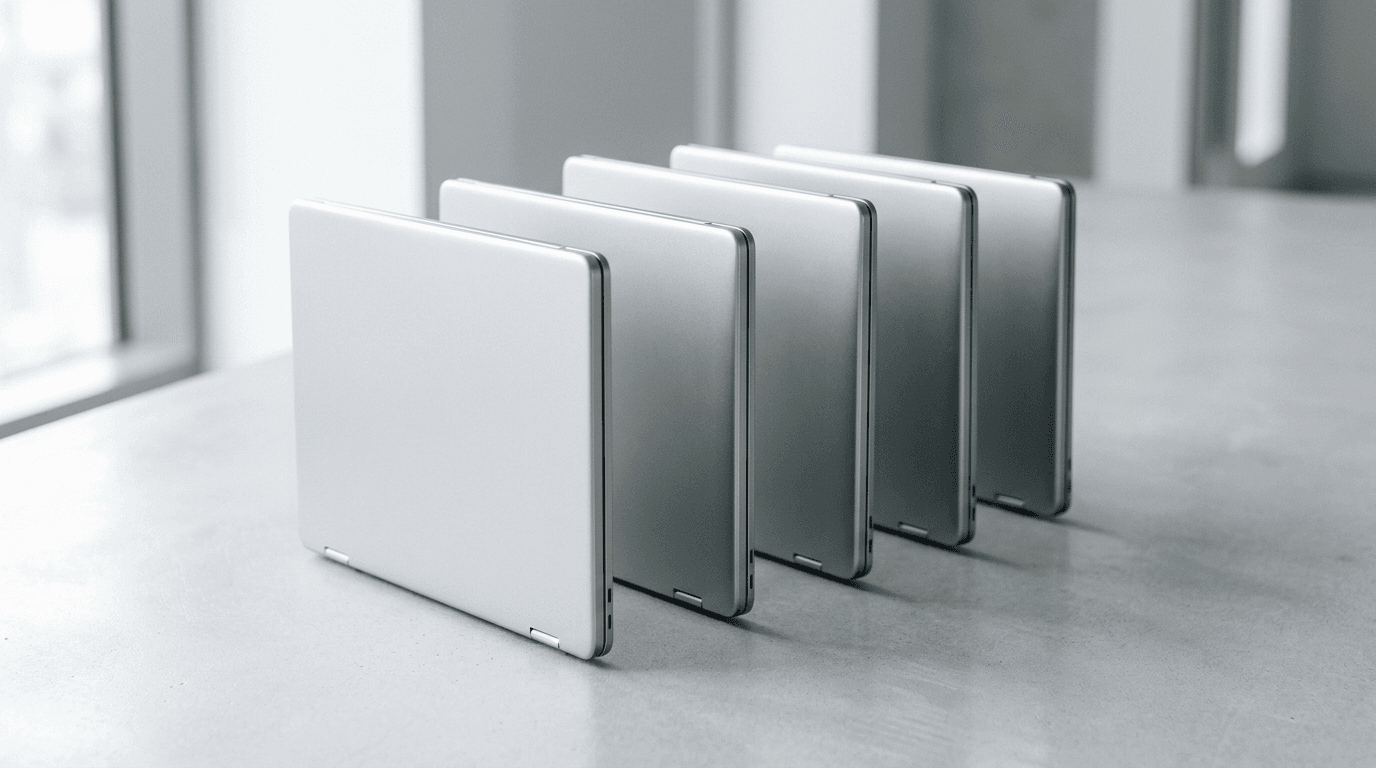
Device as a Service (DaaS) means you stop buying computers and start renting them as a managed service: hardware, setup, security, support, and the eventual replacement all roll into one monthly per-device fee. For a lot of small businesses, it's a cleaner way to run a fleet than the buy-it-and-limp-along cycle most are stuck in.
Whether it's worth it comes down to cash flow, headcount, and how tired you are of aging laptops. Here's how it actually works, and where it pays off.
What is Device as a Service?
DaaS bundles the whole life of a device into a subscription. Instead of a $1,400 laptop purchase followed by four years of you dealing with it, a provider ships the machine pre-configured, manages it, supports the user, and swaps it on a set refresh cycle. You pay a flat monthly rate per device.
Think of it as leasing plus management. A straight hardware lease just spreads the cost. DaaS spreads the cost and takes the imaging, enrollment, patching, and help desk off your plate. The device is a service, not a thing you own and maintain.
The model is growing fast. The global DaaS market was valued at USD 43.81 billion in 2025 and is projected to reach USD 262.1 billion by 2034, a 21.3% compound annual growth rate. That's not hype for its own sake. It's businesses deciding they'd rather rent an outcome than own an asset that loses value the day it's unboxed.
What's included in a DaaS plan?
A real DaaS plan covers the device from procurement to retirement. The specifics vary, but a full plan includes the hardware, zero-touch deployment so it arrives ready to use, security tooling, ongoing management and patching, help desk support, and a scheduled refresh, plus secure wipe and disposal at the end.
What you get typically breaks down like this:
- The hardware — business-grade laptops or desktops, specced to the role, not whatever was on sale.
- Deployment — devices arrive imaged and enrolled, often through Windows Autopilot, so a new hire logs in and works.
- Security — endpoint protection, disk encryption, and policy enforcement baked in from day one.
- Support and management — patching, monitoring, and a help desk the user can actually call.
- Refresh and disposal — replacement on a fixed cycle, with the old device wiped and recycled properly.
That last piece matters more than owners expect. A drawer full of dead laptops with company data on them is a breach waiting to happen. DaaS closes that loop for you.
How is DaaS different from just buying computers?
The difference is who carries the work and the risk. When you buy, you own the machine, the depreciation, and every problem it has for as long as you keep it. Most small businesses stretch that to five or six years because a refresh is a painful capital hit, and the last two years are slow, insecure, and expensive in lost time.
We wrote before about how often a business should replace its computers, and the honest answer is sooner than most do. DaaS forces the discipline. The refresh is already paid for in the monthly rate, so the machine gets replaced on schedule instead of when it finally dies mid-invoice.
There's also the accounting side. Buying is a capital expense and a lump of cash. DaaS is an operating expense, a predictable line item that scales with headcount. Add three people, add three devices. Lose two, drop two. You're not sitting on a closet of spare hardware you paid for and never used.
Does DaaS make sense for a small business?
It makes sense when predictable cost and offloaded work are worth more to you than owning the hardware. That's most growing small businesses, and especially the ones with no internal IT, a hiring plan, or a fleet old enough that a refresh is overdue anyway.
The timing right now is real. Windows 10 support ended on October 14, 2025, which pushed a wave of hardware replacement onto businesses that had been coasting. If you're facing a fleet refresh regardless, DaaS turns a five-figure capital shock into a monthly number.
Where it's a weaker fit: if you have a small, stable team on newer machines and cash to buy outright, ownership can be cheaper over the full life of the device. DaaS builds in a margin for the service. You're paying for convenience and predictability, and that only pencils out if you'd actually use the management and support you're renting.
What does DaaS cost?
Pricing runs per device per month and depends on the spec and how much service is wrapped around it. A managed business laptop with security and support typically lands in the range of a mid-tier software subscription per user, not pocket change, but close to what you'd already spend once you add up a laptop, endpoint security, imaging time, and help desk separately.
The trap is comparing the monthly DaaS fee to the sticker price of a laptop alone. That's not the real comparison. Price it against the laptop plus the security tools, the setup hours, the support, and the cost of that machine limping through year five. Bundled, the math usually gets closer than owners assume. Whether it wins depends on your specific fleet, which is worth costing out both ways before you commit.
By Joe Laboy. Joe leads systems, networking, and managed IT operations at The NetSys Group, which has delivered managed IT, cybersecurity, and cloud services since 1998 to businesses across NY, NJ, CT, PA, and Southwest Florida.
Frequently asked questions
Is Device as a Service just leasing?
No. A lease spreads the cost of hardware you still have to set up, secure, support, and dispose of. DaaS spreads the cost and includes all of that work. You're renting a managed, supported device on a refresh cycle, not just financing a purchase.
Who owns the devices in a DaaS plan?
The provider does, in most plans. You use and control the device through the term, and at the end it's refreshed or returned and securely wiped. Some plans offer a buyout, but the point of DaaS is that not owning the hardware is the feature, not the drawback.
What happens to my data when a device is refreshed?
A proper DaaS plan includes certified data wipe and disposal. The old machine is securely erased before it's recycled or resold, which closes a real risk: retired devices with company data sitting in a closet or sold off unwiped. Confirm the disposal process is in writing before you sign.
Can DaaS scale up and down as we hire?
Yes, and that's a big reason small businesses choose it. You add devices as you add people and drop them when headcount falls, without buying ahead or stockpiling spares. The cost tracks your team instead of forcing a capital decision every time you grow.
Is DaaS worth it if we already have internal IT?
It can be. Even with internal IT, DaaS offloads procurement, imaging, and lifecycle tracking so your people focus on higher-value work. It also fits well as part of a co-managed setup. The value shifts from support to freeing your team's time, so weigh it against what that time is worth.
Facing a fleet refresh and not sure whether to buy or subscribe? Contact The NetSys Group for a complimentary IT assessment and we'll cost out both against your actual devices and budget.


Discuss managed it services for your business.
Tell us about your current systems, the result you need and your timeline. We will discuss the work, responsibilities and pricing before you decide on an engagement.