
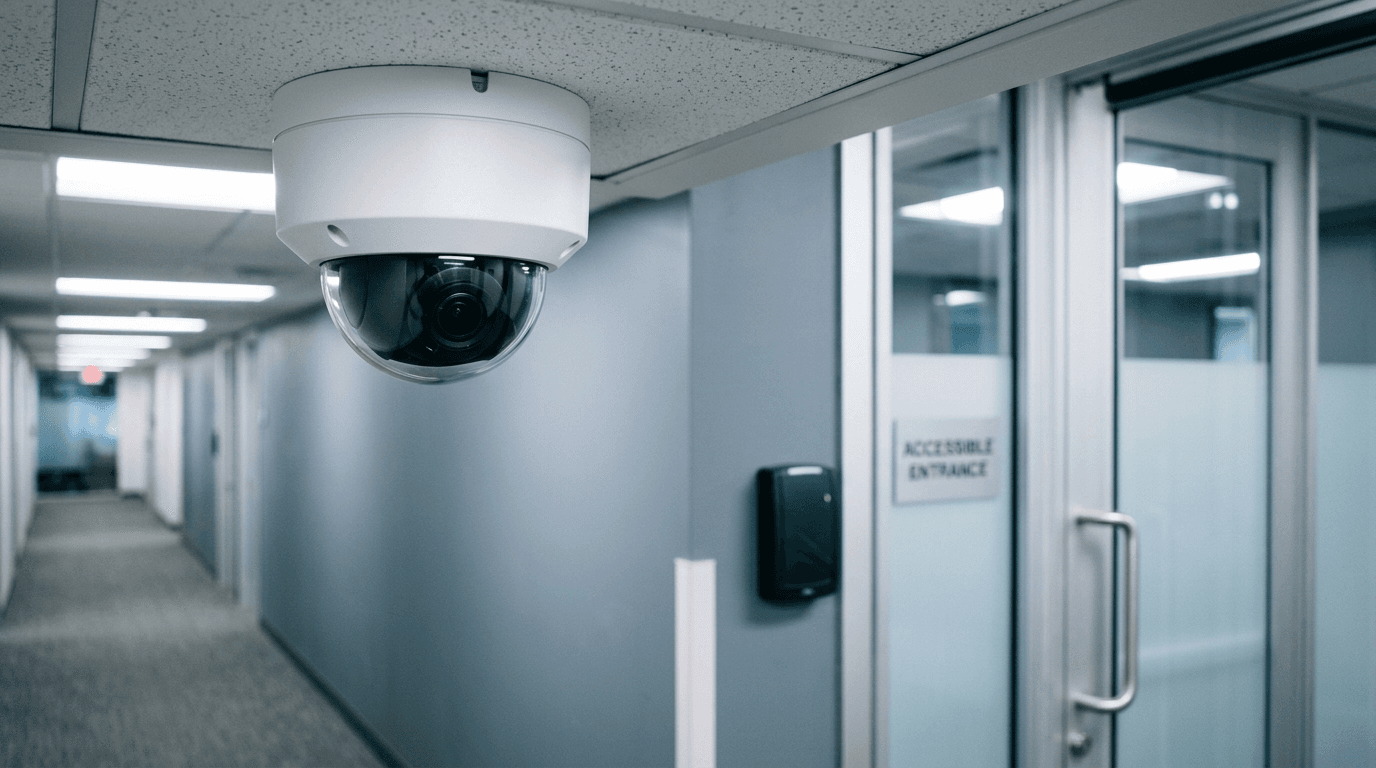
Your security cameras and your badge reader are computers, and almost nobody patches them. They sit on the same network as your file server, they run firmware from a vendor you've never called, and they were installed by a low-voltage contractor who left the default password in place. That's the gap.
Key takeaways — fix it in four moves:
- Put cameras, recorders, and door controllers on their own VLAN.
- Replace every default and installer-shared credential.
- Get the recorder off the public internet.
- Confirm the firmware is still supported, or budget the replacement.
Why are security cameras a cybersecurity risk?
Because they're unpatched Linux boxes with a network cable. An attacker who takes over a camera doesn't care about the video — they care that they now have a foothold inside your network, on a device your monitoring tools don't watch.
CISA's advisory on the AVTECH AVM1203 IP camera describes an unauthenticated command injection flaw rated CVSS v4 8.7, with public exploits available. The same advisory says "AVTECH SECURITY Corporation has not responded to requests to work with CISA to mitigate these vulnerabilities." No patch, working exploit, device still hanging on office walls.
That's the pattern, not the exception. Physical security gear has long deployment lives and short support lives. A camera bought in 2019 is still recording fine and has been out of support for years.
What does an attacker actually do with a camera?
Three things, in rough order of how often we see them.
They use it as a way in. The camera is reachable from the rest of your network. From there they scan, find the server, and go to work. The camera was never the target.
They add it to a botnet. Your camera joins a few hundred thousand others attacking someone else. You notice because your internet gets slow and your IP lands on a blocklist.
They watch. Less common, more alarming. Live footage of your reception desk, your server closet, and the keypad someone types their door code into.
What's different about door access controllers?
Door controllers fail in ways cameras don't, and the failures are physical.
Old badge technology is trivially cloneable. Legacy 125 kHz proximity cards carry no encryption. A cloner costs less than dinner, and copying a card takes a second of proximity to someone's wallet. If your badges are 125 kHz prox, treat them as a convenience, not a security control, and move to encrypted 13.56 MHz credentials or phone-based access.
Know which way your doors fail. On power loss, a fail-safe lock opens and a fail-secure lock stays locked. Fire code drives part of that decision and your insurer may have an opinion too. Most offices have never been told which they have.
The offboarding gap is here. When someone leaves, the badge gets deactivated and their login to the access control system gets forgotten, because that system isn't in Microsoft 365 and doesn't appear on the normal IT offboarding checklist. A former office manager with a live admin account can issue themselves a new badge.
What should a small business fix first?
In this order. Most of it is configuration, not purchasing.
1. Put cameras and access control on their own VLAN
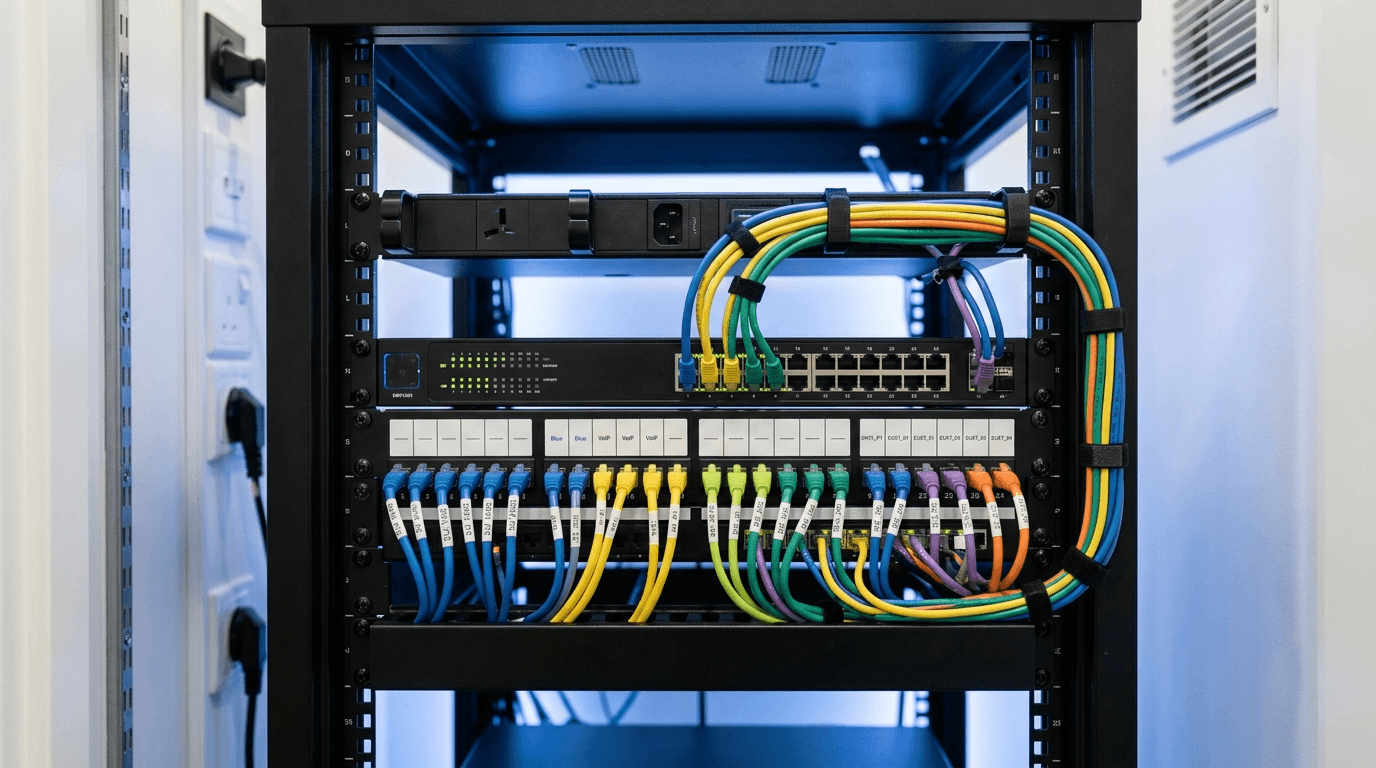
Highest-value change on the list. Cameras talk to the recorder. The recorder talks to a few admin workstations. Nothing else. If a camera is compromised, the blast radius is the camera network.
The same logic applies to door controllers, thermostats, smart TVs, and the warehouse scanner. Our guide to network segmentation for small business covers how to lay this out without breaking things.
2. Kill the default credentials
Every camera, every recorder, every door controller. Admin/admin and admin/12345 are still live on more systems than anyone wants to admit, and the installer's shared password counts as a default too. Put the new credentials in the password manager your team already uses, not in a spreadsheet on the shop floor.
3. Get the recorder off the internet
Remote viewing is usually set up by port-forwarding the recorder straight to the public internet. Don't. Use the vendor's cloud relay if it supports MFA, or put remote access behind your VPN or ZTNA. Internet-wide scanning services index exposed devices continuously, so an open port is a matter of when, not if.
4. Check whether the firmware is still supported
Ask the vendor two questions: when did this model last get a firmware update, and what's its end-of-support date? If the answer is "we're not sure," you have your answer. Budget the replacement instead of waiting for a patch that isn't coming.
What about banned camera brands?
Get the facts right before you rip anything out.
Hikvision, Dahua, and Hytera video surveillance equipment sits on the FCC's Covered List, to the extent it's used for public safety, security of government facilities, physical security surveillance of critical infrastructure, and other national security purposes. Being on that list blocks new equipment authorizations.
The FCC has moved twice in 2026. Effective July 16, 2026, the Commission barred continued importation and marketing of previously authorized covered equipment — specifically, gear added to the Covered List in 2024 or earlier and authorized before the Commission's November 2022 rules. It does not reach anything added to the list after 2024.
Then on July 22 the Commission adopted a Third Report and Order (FCC 26-50, 91 FR 57798) extending the authorization prohibition to devices built with logic-bearing hardware from covered entities. Those rules take effect October 13, 2026.
What none of that does is force you to take down cameras you already own. The FCC's own language is that "consumers may continue to use any device or equipment that they currently possess, if the equipment was legally purchased and maintains an existing equipment authorization."
So there's no federal order telling an ordinary business to pull working cameras off the wall today. Two things change that. If you hold or want federal contracts, FAR 52.204-25, implementing Section 889(a)(1)(B) of the FY2019 NDAA, bars agencies from contracting with a business that uses covered equipment as a substantial or essential component of any system — regardless of whether that equipment is used on the federal contract. Cameras on your own wall can disqualify you.
And if you're replacing cameras anyway, buy from a vendor that isn't on the list. With importation and marketing now closed off, the supply and the support for covered brands only get worse.
Who owns this system?
Usually nobody, and that's the root cause. The camera system was sold and installed by an alarm or low-voltage company. Your IT provider was never told it existed. The alarm company doesn't patch firmware, and your IT provider doesn't monitor a device it doesn't know about.
Decide who owns it. Put the recorder, the controllers, and the cameras into your IT asset inventory with model numbers and firmware versions. Then someone can actually be responsible for them.
Frequently asked questions
Do I need to replace my old security cameras?
Only if the vendor has stopped shipping firmware or the model appears in CISA's Known Exploited Vulnerabilities catalog with no fix. A supported camera on its own VLAN with a real password is fine. An unsupported camera with a known exploit belongs on a replacement schedule, not a patch schedule.
Can cameras be on the same network as my computers?
They can, and that's the problem. Technically it works; from a security standpoint it means a compromised camera sits one hop from your file server. A VLAN with firewall rules between the camera network and everything else takes an afternoon and removes most of the risk.
Is cloud video surveillance safer than an on-premise recorder?
Generally yes, because the vendor patches the platform and there's no recorder with an open port on your network. You're trading that for a subscription cost and a dependency on the vendor's security. Check whether the platform supports MFA and SSO before you commit.
Does cyber insurance care about my camera system?
It cares about anything on your network. Cyber renewal questionnaires commonly ask about network segmentation and connected devices, and a misstatement on the application can give the carrier grounds to rescind at claim time. If you say your IoT devices are segmented, make sure they are.
Are my badge cards secure?
Depends on the technology. Legacy 125 kHz proximity cards have no encryption and can be cloned with cheap hardware. Encrypted 13.56 MHz smart credentials and phone-based access are meaningfully harder to copy. Check what your reader supports before you reissue anything.
Who should manage our access control and camera system?
The installer handles the physical work, hardware, and warranty. Your IT provider should own the network side: the VLAN, the firewall rules, the credentials, the firmware tracking, and the offboarding step. Write down which company does which before something breaks.
If you don't know what's on your camera network or when its firmware was last updated, that's worth an hour. Request a complimentary risk assessment and we'll inventory what's connected, where it sits on the network, and what needs to move. You can see the full range of our managed IT and cybersecurity services too.

Discuss network security & firewall management for your business.
Tell us about your current systems, the result you need and your timeline. We will discuss the work, responsibilities and pricing before you decide on an engagement.