

Direct Send is a Microsoft 365 feature that lets printers, scanners and apps email your own staff without signing in, and attackers abuse it to send phishing that appears to come from your own coworkers. Because the messages arrive through your tenant's own mail endpoint, filters and people tend to treat them as internal. You close the gap by moving any device that relies on Direct Send to an authenticated connector and then turning on Microsoft's Reject Direct Send setting.
The fix is one setting plus a little preparation. The risk, if you don't know the feature exists, is that a spoofed email walks straight past every control you paid for.
By Joel Baum. The NetSys Group has delivered managed IT, cybersecurity and cloud services from Brooklyn since 1998. Our engineers hold degrees in electrical and computer engineering. We work on-site across New York City, Long Island, Westchester, the Hudson Valley, North Jersey and Fairfield County, CT, with remote managed IT nationwide.
What is Direct Send, and why does it exist?
Direct Send is a Microsoft 365 feature built for devices, not people. Printers, scanners, and line-of-business apps use it to send email (think a copier that emails a scanned PDF, or an app that sends automated alerts) without a real mailbox or password. They route mail through your tenant's smart host, an address that looks like yourcompany-com.mail.protection.outlook.com.
It's convenient. It's also unauthenticated by design, and that's the hole.
How does the Direct Send phishing attack work?
Attackers point PowerShell at your smart host and send email that claims to be from one of your own users, no login required. Because the message rides your tenant's own mail path, it inherits the trust of internal traffic and often sails past SPF, DKIM, and DMARC checks. The recipient sees a coworker's address, not a stranger's.
The Varonis security team documented an active campaign doing exactly this. The lures impersonate voicemail or fax notifications with subject lines like "Caller Left VM Message" and "New Missed Fax-msg," and the attached PDF carries a QR code that leads to a fake Microsoft login page built to steal credentials.
Who is getting hit?
Varonis Threat Labs, which uncovered the campaign, found it targeted more than 70 organizations after it started in May 2025, with victims that were predominantly US-based and spread across multiple industries. The activity was also reported by BleepingComputer.
That's the SMB profile exactly: the regulated, email-heavy businesses that can least afford a wire sent to the wrong account. This is a close cousin of business email compromise, except the attacker never has to break into an account first.
Why do these emails get past your filters?
Because everything about them says "internal." The mail comes through your own Microsoft 365 smart host, the from-address is a real name at your real domain, and many filters give internal-looking mail a lighter touch. An employee who'd hesitate over a message from an outside address doesn't blink at one that appears to come from the person two desks over.
Standard email authentication helps but doesn't fully close it on its own, which is why this technique has worked as long as it has.
How do you spot Direct Send phishing in message headers?
Open the full headers of a suspicious "internal" message, or run a message trace in the Exchange admin center, and check these four things, which Varonis lists as the tells:
- Received: an external IP address handing the message to your smart host. Mail from your own staff shouldn't arrive that way.
- Authentication-Results: SPF softfail or fail, dkim=none, or a DMARC failure for your own domain.
- X-MS-Exchange-CrossTenant-Id: compare it with your own tenant ID.
- Subject and attachment: voicemail or fax wording with a PDF that holds a QR code.
One flagged message is worth a search for its siblings. Trace every message from your domain that came in from the same outside IP, and reset passwords for anyone who scanned the code and signed in.
How do you shut Direct Send abuse down?
Start with the control Microsoft added for exactly this problem: the Reject Direct Send setting. An admin turns it on with one Exchange Online PowerShell command, Set-OrganizationConfig -RejectDirectSend $true, and from then on anonymous mail that claims to come from one of your own domains is rejected with a 550 5.7.68 error. Microsoft says the change spreads across the service within 30 minutes.
As of October 2026, Microsoft's post (last updated May 20, 2026) still describes the setting as a public preview with no fixed general availability date. It's off by default for existing tenants, and Microsoft plans to turn it on by default for new ones. The same post points to a report in the Exchange admin center that shows which messages the setting would block, so check it before you flip the switch. Most small businesses don't actually rely on Direct Send.
Then tighten the rest:
- Enforce DMARC at p=reject so spoofed mail is dropped, not just flagged. Our DMARC implementation service gets you there without blocking your own mail.
- Set SPF to hardfail (-all) rather than softfail.
- Turn on anti-spoofing policies in Microsoft Defender for Office 365.
- Train people on QR-code lures and voicemail or fax "notifications" that ask you to scan or log in.
If you do use Direct Send for a printer or an app, don't just kill it. Move that device to authenticated SMTP or a partner mail connector first, then reject the rest. Getting this configured correctly is bread-and-butter managed cybersecurity work.
Frequently asked questions
Will turning off Direct Send break our printers or scanners?
Only if those devices actually use Direct Send to send mail. Many don't. Before you enable Reject Direct Send, check what's routing through your smart host, then move any legitimate device to authenticated SMTP or a mail connector. Done in that order, nothing breaks and the phishing path closes.
Is Reject Direct Send turned on by default?
Not for an existing tenant. The setting defaults to off, so someone has to enable it. Microsoft has said it plans to switch it on by default for new tenants, which won't be able to turn it off. If a scanner or app stops sending afterward, its messages will show a 550 5.7.68 rejection, which tells you it still needs a connector.
Is this the same as business email compromise?
It's related but not identical. In classic business email compromise, the attacker gets into a real mailbox first. Direct Send abuse skips that step, with no password needed, because the feature accepts unauthenticated mail by design. The result looks the same to your employee: a trusted internal email that isn't.
Won't DMARC alone stop these emails?
Not reliably on its own. That's part of why the technique spread. A strict DMARC policy set to reject helps a lot, but the durable fix is enabling Reject Direct Send at the tenant level so the unauthenticated path is closed, then layering DMARC, SPF hardfail, and anti-spoofing on top.
How do we know if we've been targeted?
Look for inbound mail that claims to be internal but arrived through your smart host, especially voicemail or fax-themed messages with PDF attachments containing QR codes. Message trace in Exchange and your Defender reports will show it, and the header checks above confirm it. If you're not sure what to look for, that's a review worth having a professional run.
Want to know whether Direct Send is open on your tenant right now? Ask NetSys for a complimentary Microsoft 365 security review and we'll check this and the rest of your email defenses.
Related reading
 Cybersecurity
OAuth Consent Phishing: The M365 Attack That Bypasses MFA
Read Article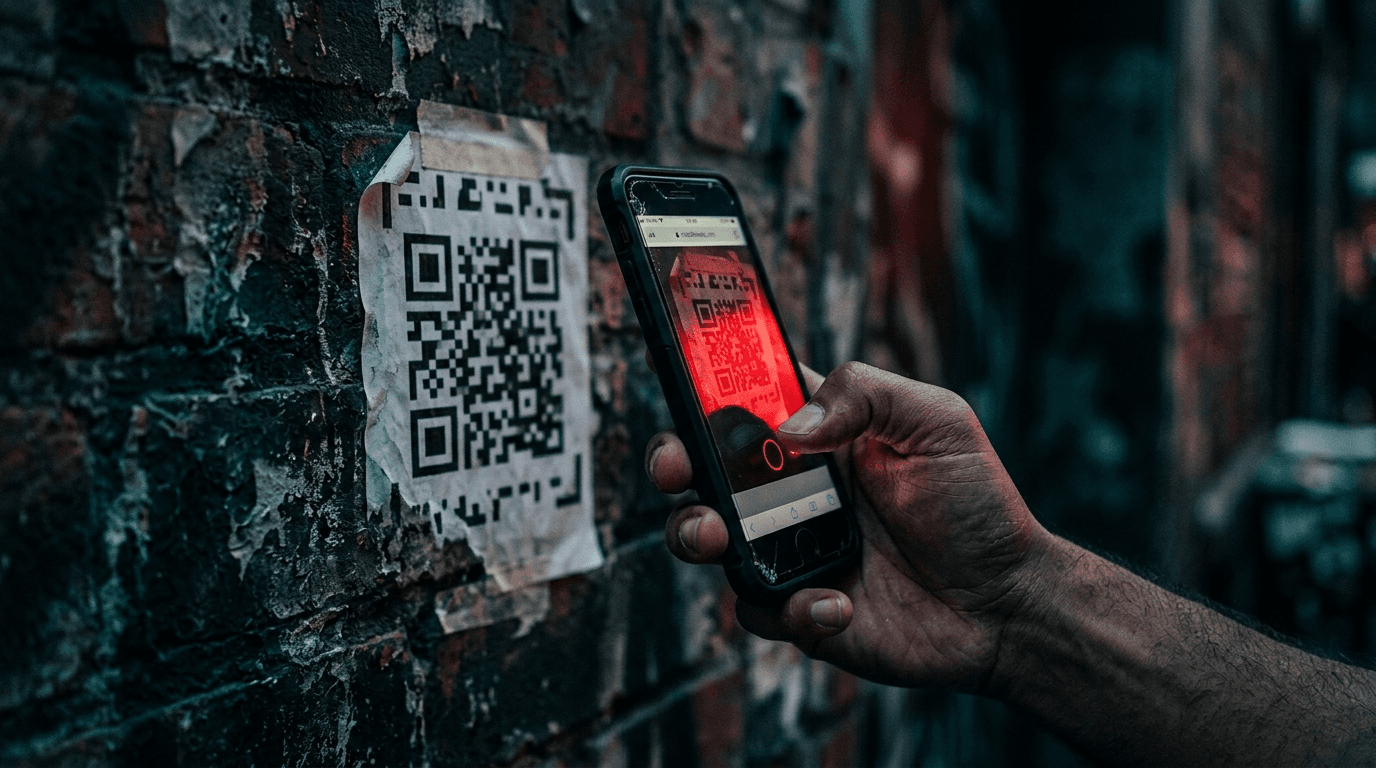 Cybersecurity
Quishing: QR Code Phishing Now Targets Small Business
Read Article Cybersecurity
Lookalike Domains: How Scammers Impersonate Your Business
Read ArticleAlso on this topic: AI Phishing Attacks: Why the Typos Are Gone and Clicks Are Up
Discuss microsoft 365 management & backup for your business.
Tell us about your current systems, the result you need and your timeline. We will discuss the work, responsibilities and pricing before you decide on an engagement.