
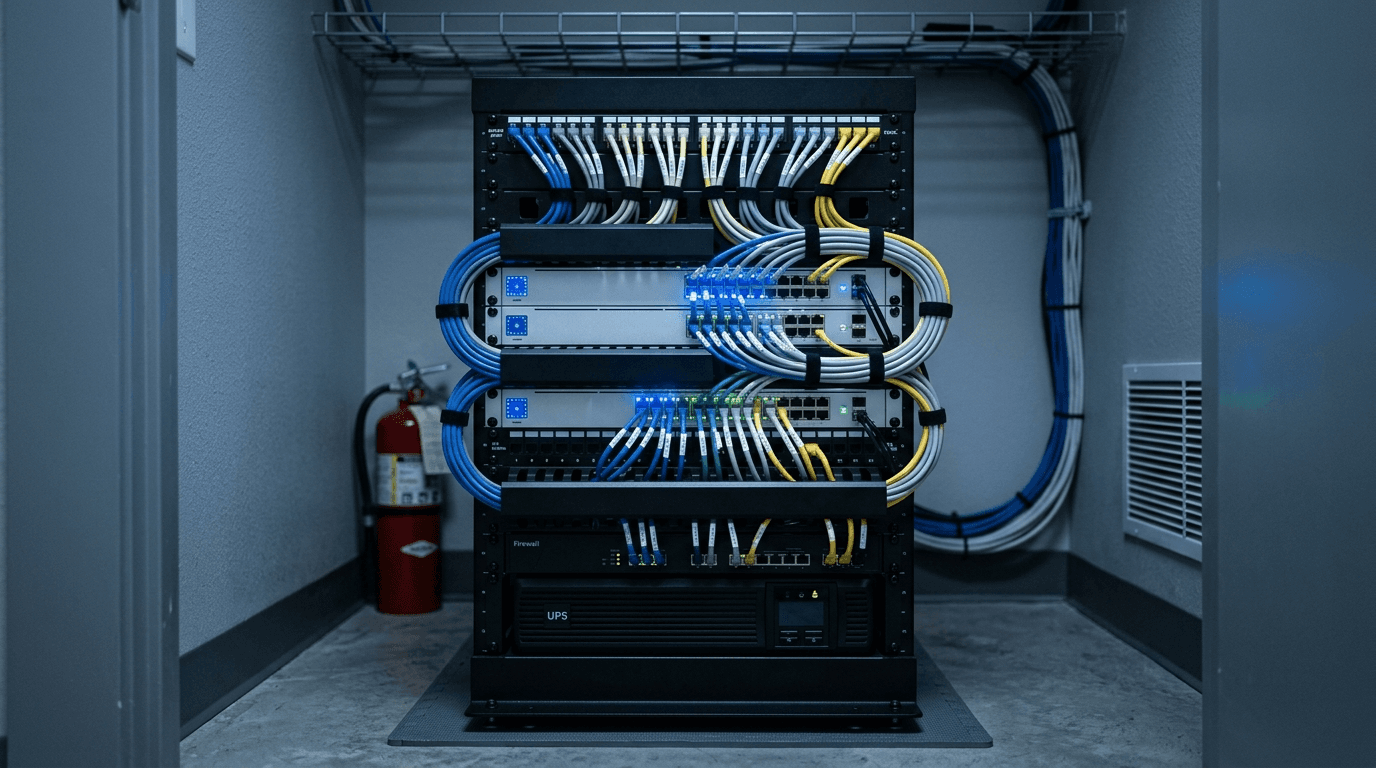
If your business runs two or more locations, SD-WAN is usually worth it. It ties your offices together over whatever internet you already pay for, keeps the connection working when one line goes down, and gives every site the same access to your phones, files, and cloud apps. For a single-office shop, it is overkill. This guide covers when a multi-site small business actually needs SD-WAN, how it compares to a VPN, and what it costs in 2026.
By Joe Laboy, The NetSys Group. The NetSys Group has delivered managed IT, cybersecurity, and cloud services since 1998. Our engineers hold degrees in electrical and computer engineering and are certified Microsoft and Cisco instructors, serving businesses across NY, NJ, CT, PA, and Southwest Florida.
What is SD-WAN, in plain terms?
SD-WAN (software-defined wide area network) is a smart layer that sits on top of your internet connections and decides, moment to moment, which path each type of traffic should take. It can send a video call over the fast fiber line, back up files over a second connection, and fail over to cellular if a line drops, all without anyone touching a router. The result is that your locations behave like one network.
When does a small business actually need SD-WAN?
The honest answer is that most single-location businesses do not. SD-WAN earns its keep when you have branches, warehouses, clinics, or job-site trailers that all need to reach the same systems and stay online. For contractors specifically, we go deeper in our guide to managed IT services for construction companies. A few clear signals that it is time to look:
- You run two or more sites and staff at each one use the same cloud apps, shared drives, or VoIP phones.
- An internet outage at one location shuts that location down completely.
- You are stringing together site-to-site VPN tunnels by hand and they break or slow down under load.
- Voice and video calls stutter when the network gets busy.
- You are opening a new location and want it connected on day one instead of week three.
If none of those apply, your money is better spent elsewhere. A single site is usually served well by a solid firewall and a reliable primary connection with cellular backup, which we cover in our guide to business Wi-Fi for small business.
SD-WAN vs. VPN vs. MPLS
| Site-to-site VPN | MPLS | SD-WAN | |
|---|---|---|---|
| Encryption between sites | Yes | Private carrier circuit | VPN-grade |
| Failover / path awareness | None — tunnel degrades with the line | Reliable private circuit | Automatic path selection and failover |
| Runs over | Your existing internet | Dedicated private circuit | Ordinary broadband |
| Cost and install | Low cost | Expensive; weeks to provision a site | Modest; uses lines you already pay for |
A traditional site-to-site VPN encrypts a tunnel between two offices, and that is all it does. It has no awareness of which line is healthy, so when a connection degrades, the tunnel degrades with it and someone has to notice and react. MPLS is the old enterprise answer: a private carrier circuit that is reliable but expensive and slow to install, often taking weeks to provision a new site.
SD-WAN sits between them in a good way. It gives you VPN-grade encryption between sites, adds the automatic path selection and failover that a plain VPN lacks, and runs over ordinary broadband instead of a costly private circuit. For a growing small business, that combination is usually the right fit.
What does SD-WAN cost in 2026?
Cost has two parts: the internet lines feeding each site, and the SD-WAN equipment and licensing on top. On the connectivity side, a business-grade cable or fiber line runs around $350 per month per site, with dedicated symmetrical circuits at a main office running $800 to $1,500 and cellular backup adding $50 to $100, according to a 2026 pricing breakdown from E-N Computers. The same guide puts hardware and licensing for a simple three-site rollout near $11,000, and a headquarters-plus-four-branches deployment closer to $27,200.
The SD-WAN service itself is often priced per site per month. Public 2026 pricing data lists roughly $30 to $100 per site per month for Fortinet and $50 to $150 for Cato Networks. A managed provider bundles the hardware, licensing, monitoring, and support into one predictable monthly figure, which is usually how a small business without a network engineer on staff should buy it. If you want to sanity-check the total against your current spend, our breakdown of what managed IT costs per user in 2026 is a good companion.
What you get beyond faster internet
SD-WAN is not only about speed. Because all your traffic flows through a single managed layer, you get one place to enforce security policy, segment guest and IoT devices away from your core systems, and see what is actually happening across every site. That visibility matters: Verizon's 2025 Data Breach Investigations Report found the human element involved in roughly 60% of breaches, and a network you can see and segment is far easier to protect than a tangle of one-off VPN tunnels. Pairing SD-WAN with managed security is where multi-site businesses get the most value. You can see how we approach that on our services page.
Frequently asked questions
Is SD-WAN worth it for a two-location business?
Often, yes. Two sites that share cloud apps, phones, or file storage are exactly where SD-WAN starts to pay off, because it keeps both locations online through outages and removes the manual VPN maintenance. A single location rarely needs it.
Does SD-WAN replace my firewall?
Not usually. Many SD-WAN appliances include firewall features, but you still want proper security controls, monitoring, and policy behind them. Think of SD-WAN as the transport and steering layer, with security layered on top rather than replaced.
How long does it take to set up SD-WAN?
A well-planned small-business rollout typically takes a few weeks, mostly waiting on internet circuits to be installed at each site. Adding a new location to an existing SD-WAN is much faster, often a matter of shipping a pre-configured device.
Can SD-WAN use cellular as a backup?
Yes, and it is one of the best reasons to adopt it. SD-WAN can hold a cellular line ready and switch to it automatically the instant a primary connection fails, so a location stays working through an outage instead of going dark.
If you run more than one location and outages, slow calls, or fragile VPN links are costing you time, we can map it out. Book a complimentary network assessment and we will show you whether SD-WAN fits your setup or whether a simpler fix will do.
Discuss managed it services for your business.
Tell us about your current systems, the result you need and your timeline. We will discuss the work, responsibilities and pricing before you decide on an engagement.