
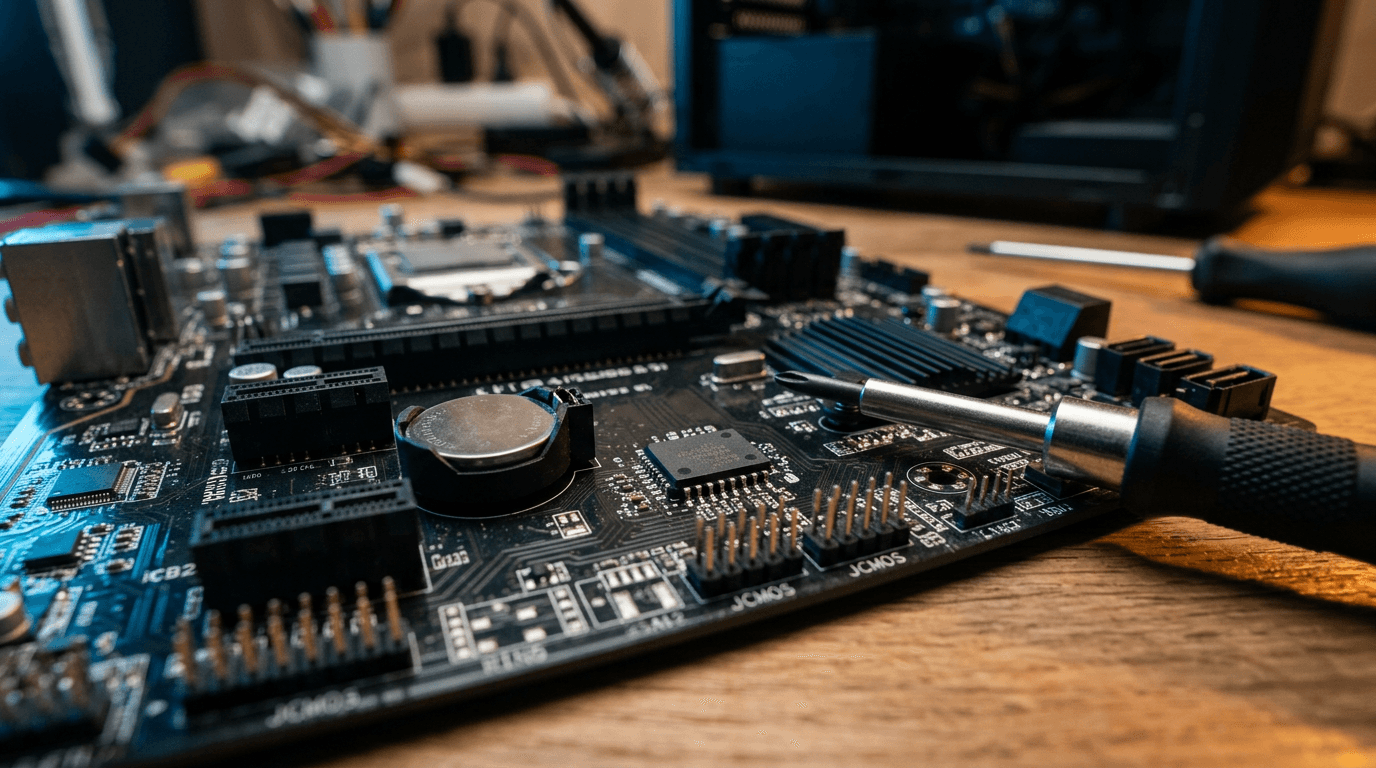
The Microsoft certificate that signs the Windows boot loader expires on October 19, 2026. Your PCs won't stop booting that morning. What they lose is the ability to receive new boot-level security fixes, and you won't get a warning when that happens.
The fix is a certificate update most machines can take through Windows Update. Some need a firmware update first. Here's how to tell which of your machines are done, which are stuck, and what to do about the stragglers.
What is expiring, and when?
Three Secure Boot certificates from 2011 are being retired. Microsoft's certificate expiration notice lists them:
- Microsoft Corporation KEK CA 2011 expired June 24, 2026. Replacement: Microsoft Corporation KEK 2K CA 2023.
- Microsoft UEFI CA 2011 expired June 27, 2026. It was replaced by two certificates: Microsoft UEFI CA 2023 for third-party boot loaders, and Microsoft Option ROM UEFI CA 2023 for add-in card firmware.
- Microsoft Windows Production PCA 2011 expires October 19, 2026. Replacement: Windows UEFI CA 2023.
The June dates came and went quietly. October is the one that matters most for a Windows shop, because the Production PCA is the certificate that signs the Windows boot loader itself.
What happens to a PC that misses the update?
It keeps working. Microsoft says it plainly: "Devices that haven't received the newer 2023 certificates will continue to start and operate normally," and "standard Windows updates will continue to install."
The damage is in what stops arriving. Those PCs can no longer get new protections for the early boot process: Boot Manager updates, Secure Boot database and revocation list updates, and fixes for newly discovered boot-level vulnerabilities. That's the layer bootkits attack, and it loads before your antivirus or EDR does.
So nothing breaks. A gap opens, and it widens with every boot-level fix you don't receive.
Which machines are affected?
Any Windows PC or server that boots in UEFI mode with Secure Boot turned on. Windows 11 requires Secure Boot-capable hardware, so most of your fleet is in scope. So are Windows Server 2016, 2019, 2022 and 2025.
Two groups need extra attention:
- Older hardware. Some older UEFI firmware doesn't handle the new certificates properly. As Malwarebytes put it, those systems "may require a BIOS or firmware update from the manufacturer before the transition can complete."
- PCs that no longer get Windows updates. The certificate update ships through Windows Update. A Windows 10 machine without Extended Security Updates won't get it. If you still have some, our Windows 10 end-of-support guide covers your options.
Machines running legacy BIOS or CSM mode don't use Secure Boot at all, so this change doesn't apply to them. That's not good news. It means they never had the protection.
How do you check if a PC already has the new certificates?
Check the registry. Microsoft's guidance for IT-managed devices puts the status under HKEY_LOCAL_MACHINE\SYSTEM\CurrentControlSet\Control\SecureBoot\Servicing. Two values tell you everything:
- UEFICA2023Status reads NotStarted, InProgress or Updated. You want Updated.
- UEFICA2023Error stays at 0 when things work. Anything else means the update failed, often because of a firmware problem. Check the Secure Boot events in Event Viewer for the reason.
One PC is easy to check by hand. Twenty-five isn't.
Push a script through Intune or your RMM tool that reads both values from every machine and drops the results into one list. Sort by status, and your to-do list writes itself.
How do you push the update to machines that haven't taken it?
Microsoft says it will handle the update for many devices on its own. Machines under IT management often need a nudge. Microsoft's documented trigger is one registry value:
reg add HKEY_LOCAL_MACHINE\SYSTEM\CurrentControlSet\Control\Secureboot /v AvailableUpdates /t REG_DWORD /d 0x5944 /f
That value tells Windows to apply all the relevant pieces: the 2023 certificates, the new KEK and the new boot manager. Setting it doesn't force a restart.
A scheduled task picks it up every 12 hours, or you can run it right away with Start-ScheduledTask -TaskName "\Microsoft\Windows\PI\Secure-Boot-Update". The boot manager piece may not finish until the next restart.
Don't push it to the whole fleet at once. Do five machines first, mixing old and new models. Confirm they reach Updated, then roll out to the rest.
What about BitLocker?
Have your recovery keys before you start.
According to Malwarebytes, some unusual firmware configurations "may trigger a BitLocker recovery prompt after the Secure Boot variables change." BitLocker isn't being turned off. But a user staring at a recovery screen at 8 a.m. with no key is a lost morning.
If your keys are escrowed in Entra ID or Intune, confirm you can pull one up. If they live on sticky notes, or nowhere, fix that first.
What to do this week
- Inventory. Pull UEFICA2023Status and UEFICA2023Error from every Windows PC and server.
- Confirm BitLocker key escrow for every encrypted device.
- Update firmware on anything stuck at NotStarted or showing an error. Start with the oldest models.
- Pilot the registry trigger on a handful of machines, then roll it out to the rest.
- Retire or replace hardware the manufacturer won't update. It's already on borrowed time.
This is routine work for a managed fleet. If nobody owns patch management at your company, this is the kind of change that slips through.
Frequently asked questions
Will my computers stop booting after October 19, 2026?
No. Microsoft says devices without the 2023 certificates will keep starting and running normally, and regular Windows updates will keep installing. What stops is new boot-level security, so the risk grows over time instead of all at once.
Do I need to turn off Secure Boot to get through this?
No, and you shouldn't. Turning off Secure Boot removes the protection entirely. The right move is to leave it on, update firmware where the manufacturer requires it, and let the 2023 certificates install through Windows Update or the documented registry trigger.
Does this affect Macs or Linux machines?
These are Microsoft's Windows Secure Boot certificates, so Macs aren't part of this. Linux systems that use Secure Boot on PC hardware can depend on Microsoft's third-party UEFI certificate, so check with your distribution's guidance before changing firmware settings on those machines.
How long does the update take per PC?
The wait is the schedule, not the work: the update task runs every 12 hours, and the boot manager change may need a restart to finish. On a healthy machine, expect at least one task cycle and one restart before UEFICA2023Status reads Updated. Machines that need firmware take longer.
Questions about your own fleet? Talk to our team and we'll walk through it with you.


Discuss windows 11 upgrade & pc refresh for your business.
Tell us about your current systems, the result you need and your timeline. We will discuss the work, responsibilities and pricing before you decide on an engagement.