
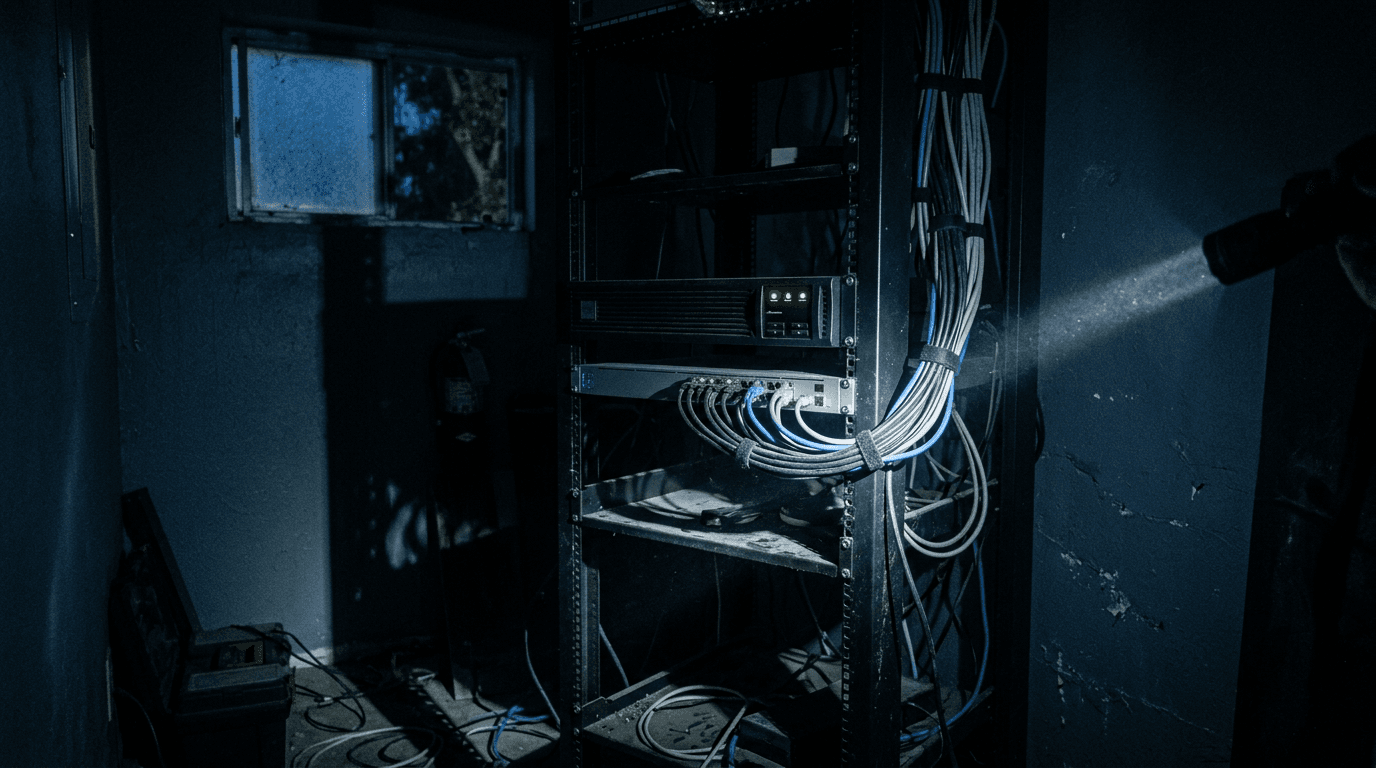
A UPS (uninterruptible power supply) keeps your network running through short power cuts and shuts your servers down cleanly during long ones. If your office has a server, a firewall or a phone system, it needs one. These are the questions owners ask us most.
UPS questions small office owners ask
What does a UPS actually do?
A UPS is a battery that sits between the wall outlet and your equipment. When power flickers or drops, it takes over instantly, so nothing reboots.
It also smooths out voltage dips and spikes. Its real job is to keep you running through a short outage, or give your equipment time to shut down properly in a long one.
Isn't a surge protector enough?
No. A surge protector stops spikes, but when the power drops for half a second, everything plugged into it still reboots.
That half second can corrupt a database, drop every phone call and leave your firewall rebooting for minutes. A UPS covers both the spike and the drop.
What should be plugged into the UPS?
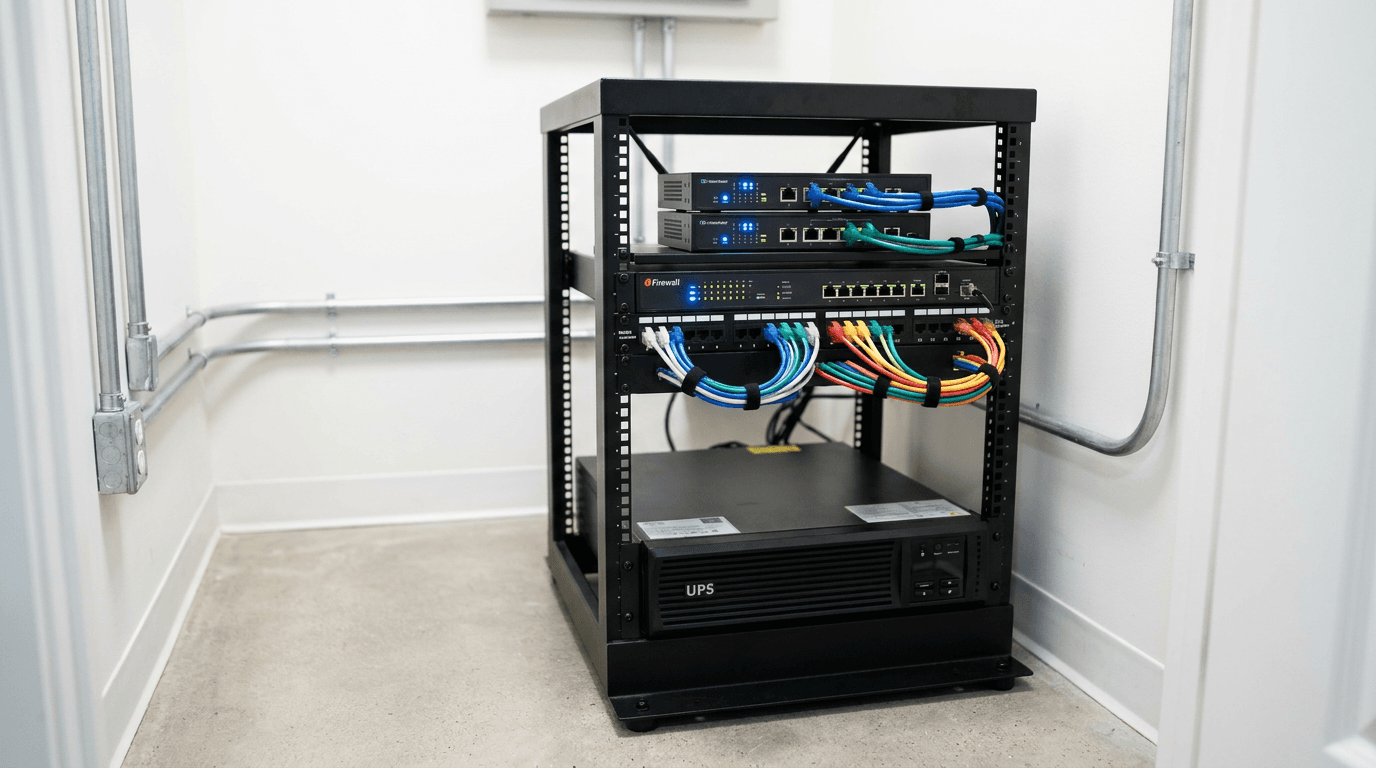
Everything that keeps the office connected: your modem, firewall, network switches, Wi-Fi equipment, server or NAS, and the switch that powers your desk phones.
Leave off laser printers and space heaters. They draw big bursts of power and will overload the battery. Workstations are optional; laptops have their own battery.
How long will a UPS keep things running?
Minutes, not hours. A typical small-office UPS is built to ride out a flicker or a short outage, then trigger a clean shutdown. It won't bridge a storm.
Look at where outage time actually comes from. U.S. electricity customers averaged 11 hours of interruptions in 2024, and nearly nine of those hours came from major events like hurricanes, according to the U.S. Energy Information Administration. Outside major events, interruptions run about two hours a year.
A UPS covers the everyday ones. Long outages need a generator, or systems that live in the cloud.
Line-interactive or online double-conversion: which do I need?
Line-interactive for most offices. It passes wall power through and corrects small voltage swings, switching to battery only when power fails. Online double-conversion runs everything through the battery circuit all the time, with zero transfer time.
Legrand recommends line-interactive for workstations and network closets, and double-conversion for critical servers or poor-quality power.
How do I size a UPS?
Add up the watts of everything you'll plug in, using the label on each device or a power meter. Choose a UPS whose watt rating, not just its VA rating, comfortably exceeds that total.
Then check the manufacturer's runtime chart at your load. If runtime is too short to shut down cleanly, go bigger or add a battery pack.
How often do UPS batteries need replacing?
More often than people think. Schneider Electric, which makes APC units, says UPS batteries last 3 to 5 years for sealed lead-acid and 8 to 10 years for lithium-ion, in optimal conditions.
Heat shortens that. A UPS in a hot closet with a dead battery protects nothing, and you won't know until the power goes out.
What is automatic shutdown, and why does it matter?
Automatic shutdown is software that watches the UPS over a USB or network connection. When the battery runs low, it shuts your server and storage down in the right order. Without it, the UPS simply runs out and everything crashes anyway, just a few minutes later.
Set it up and test it. An untested shutdown script doesn't count.
Should IT monitor the UPS?
Yes. A network management card lets the UPS email alerts for power events, failed self-tests and worn-out batteries.
Your IT provider should get those alerts, not a shared inbox nobody reads. As part of our managed IT services, we track UPS health and battery dates alongside the rest of your equipment.
Does a UPS replace a disaster recovery plan?
No. A UPS protects against short outages and dirty power. It does nothing for a flooded office, a dead server or a week without power.
For that you need offsite backups and a plan to keep working from somewhere else. Start with our hurricane season disaster recovery checklist, and if your internet is the weak link, read our internet failover FAQ.
Discuss disaster recovery for your business.
Tell us about your current systems, the result you need and your timeline. We will discuss the work, responsibilities and pricing before you decide on an engagement.