
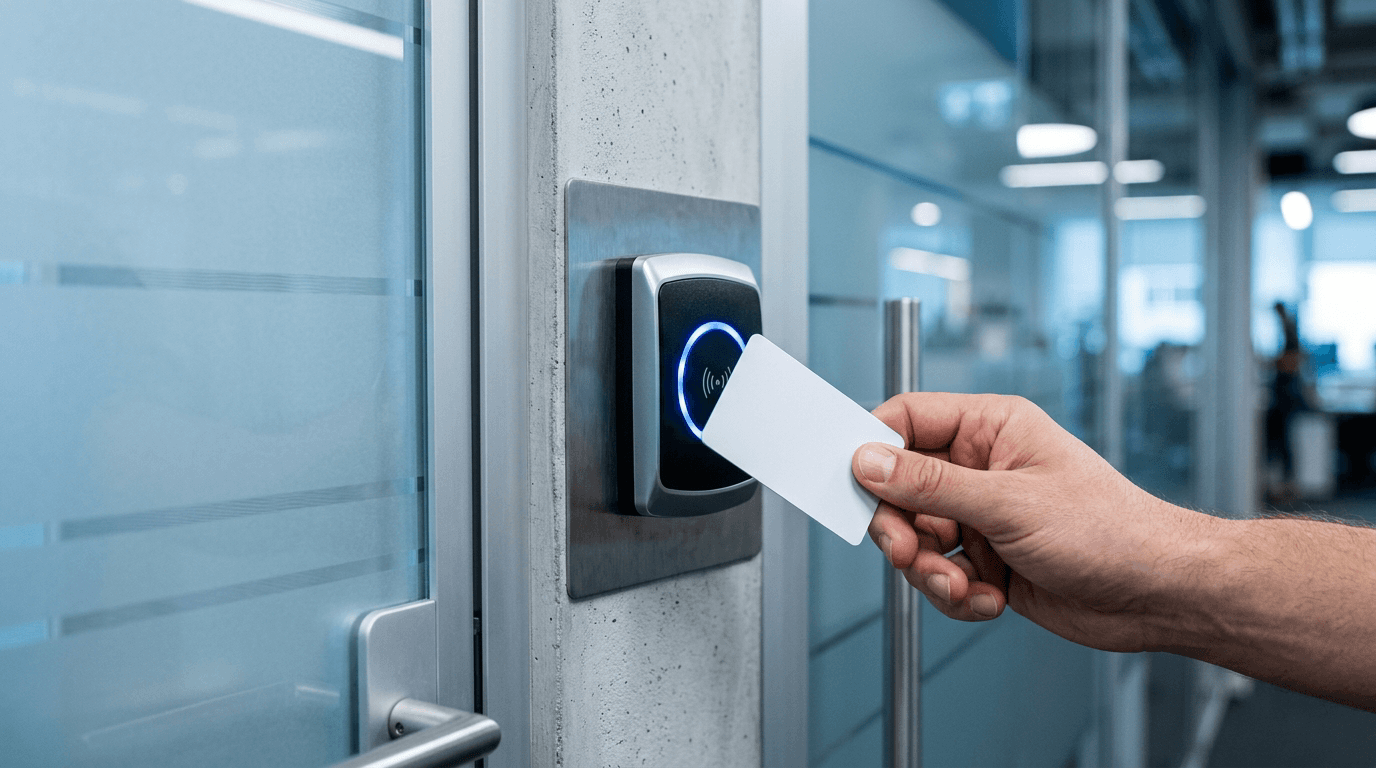
Zero trust is a security model built on one blunt assumption: no user, device, or connection is trusted by default, even when it is already inside your network. Every attempt to reach your data has to prove who it is and that it is allowed, every single time. For a small business that usually does not mean buying a new platform. It means tightening the identity, device, and access controls you already pay for.
By Joel Baum, The NetSys Group
What is zero trust security?
Zero trust security is the formal name for this model: a security architecture in which nothing — no login, no laptop, no office network — is trusted implicitly, and every request to reach data is authenticated, authorized, and continuously re-evaluated. The term covers both a design philosophy and a concrete set of controls: strong identity verification, least-privilege access, device health checks, and segmentation that keeps one compromised account from opening everything. It is a way of arranging the security tools you already have, not a product you buy in a box.
What is NIST zero trust architecture?
NIST Special Publication 800-207, "Zero Trust Architecture," is the U.S. standards body's definition of how zero trust works in practice — the document most vendors, insurers, and federal agencies point to when they say "zero trust." It describes an architecture where a policy engine decides every access request using identity, device state, and context, rather than network location. You do not need to read all of it to benefit: for a small business, aligning with NIST's zero trust architecture mostly means enforcing MFA everywhere, scoping permissions to least privilege, and treating the office network as untrusted by default.
What does zero trust actually mean for a small business?
Zero trust replaces the old "castle and moat" idea, where anyone inside the office network was treated as safe. Instead, each person and device is verified at the moment they ask for access, given only the permissions they need, and re-checked as they go. For a 20-person firm, that is mostly identity and access hygiene, not a rip-and-replace project. The privileged half of that hygiene — vaulted admin credentials and time-limited elevation — has its own name: privileged access management.
Why does the "trusted network" idea fail now?
Your staff work from home, coffee shops, phones, and personal laptops. The office firewall no longer surrounds your data, because your data lives in Microsoft 365, Google Workspace, QuickBooks Online, and a dozen other cloud apps. Attackers know this. They do not break down the door. They log in with a stolen password.
The numbers back that up. In the 2025 Verizon Data Breach Investigations Report, 88% of attacks against web applications involved stolen credentials, and roughly 60% of breaches involved a human element such as clicking a phishing link or handing over a password. A model that trusts anyone holding valid credentials is built for exactly the attack that keeps working.
Where do you actually start?
You do not roll out zero trust in a weekend, and you do not need to. Three moves cover most of the risk for a small business.
1. Make identity phishing-resistant
Turn on multi-factor authentication everywhere, then move your most sensitive logins to phishing-resistant methods. Passkeys and hardware keys beat text-message codes, which attackers can intercept or trick users into approving. We walk through the trade-offs in passkeys vs. MFA.
2. Give people only the access they need
Least privilege means the front-desk coordinator cannot reach payroll, and a departed contractor's account cannot reach anything. Review who can see what each quarter. Remove local admin rights on laptops. Most ransomware spreads because one compromised account had far more reach than the job required.
3. Check the device, not just the person
A correct password from a jailbroken phone or an unpatched laptop should not get the same welcome as a managed, encrypted, current machine. Conditional access policies in Microsoft 365 or Google Workspace let you require a healthy device before granting access. That one control blocks a large share of account-takeover attempts.
What does zero trust cost a small business?
Less than most owners expect, because the core controls are usually already bundled in software you own. Microsoft 365 Business Premium and the paid Google Workspace tiers include MFA, conditional access, and device policies. The real cost is the time to configure them well and keep them current, which is where a managed IT partner earns its fee. You are buying configuration and monitoring, not a shiny new appliance.
What are the common mistakes?
Two stand out. The first is treating zero trust as a product you can purchase and switch on. It is a set of policies applied across every app, and a tool alone will not do that. The second is turning the controls up so hard that staff route around them. Good zero trust is nearly invisible on a trusted device and only gets in the way when something looks wrong. If you are weighing detection tools alongside this, our comparison of MDR vs. antivirus covers what to watch for.
Frequently asked questions
Is zero trust overkill for a small business?
No. Small businesses get targeted precisely because their defenses are assumed to be weak. Zero trust scales down cleanly: strong MFA, least-privilege access, and device checks protect a 10-person office using the same principles a bank uses, without the enterprise budget.
Do I need to replace my VPN?
Not immediately. Many small businesses keep a VPN for specific legacy systems while moving day-to-day cloud access to identity-based, conditional-access controls. Over time, zero-trust access tends to shrink how much you rely on a flat VPN into the whole network.
How long does it take to implement?
The high-impact basics, universal MFA and a least-privilege cleanup, can be in place within a few weeks. Fuller device policies and conditional access roll out over a quarter or two. It is a program you tighten steadily, not a one-time switch.
Will it slow my team down?
Done well, barely. On a healthy, enrolled device most sign-ins are automatic. Friction shows up only for risky sign-ins, such as a new device or an unusual location, which is exactly when you want an extra check.
Not sure which controls you already have turned on? The NetSys Group can map your current setup against a zero-trust baseline and show you the gaps. Book a complimentary security assessment or learn more about our managed IT and security services.
The NetSys Group has delivered managed IT, cybersecurity, and cloud services since 1998. Our engineers hold degrees in electrical and computer engineering and are certified Microsoft and Cisco instructors, serving businesses across NY, NJ, CT, PA, and Southwest Florida.
Related reading
 Cybersecurity
Session Hijacking: The MFA Bypass Hitting SMBs
Read Article Cybersecurity
Microsoft 365 Conditional Access for Small Business
Read Article Cybersecurity
Microsoft Secure Score: What's a Good Score for an SMB?
Read ArticleAlso on this topic: Help Desk Password Resets: How to Verify Who's Calling · MFA Fatigue Attacks: When Hackers Spam Your Phone Until You Tap Approve
Discuss zero trust security implementation for your business.
Tell us about your current systems, the result you need and your timeline. We will discuss the work, responsibilities and pricing before you decide on an engagement.