
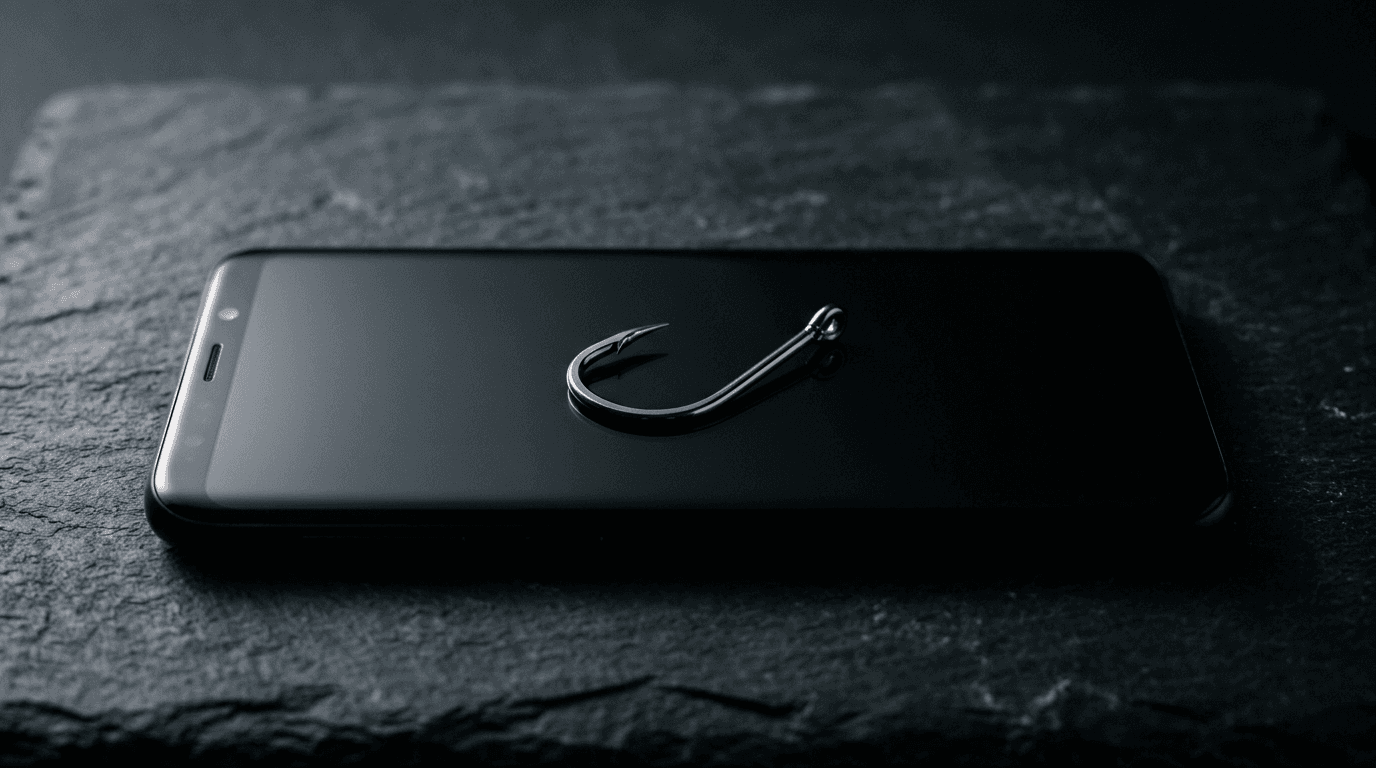
Smishing is phishing that arrives by text message instead of email, and it now costs victims more than your spam filter ever sees. In 2024, consumers reported losing $470 million to scams that started with a text, according to the Federal Trade Commission. That figure is five times what it was in 2020, even though fewer people reported being hit. The scams got more expensive, not less common.
Your business email has years of filtering, quarantine, and authentication behind it. The phone in your employee's pocket has almost none of that. Attackers noticed. Here is how smishing works, why it lands on small businesses, and what actually stops it.
What is smishing?
Smishing is a text message built to trick you into clicking a link, calling a number, or handing over a login or payment. The word combines "SMS" and "phishing." A message claims to be your bank, a delivery service, a toll agency, or your own CEO, and it pushes you to act before you think. The goal is the same as email phishing: stolen credentials, wired money, or malware on a device that also touches your company data.
Why do attackers use text instead of email?
Because texts get read, and they get read fast. Most people open a text within minutes and rarely inspect a shortened link on a small screen. There is no corporate mail filter checking the sender, no red "external" banner, no easy way to hover over a link before tapping it. A phone also blends work and personal life, so a scam text about a package or a bank alert reaches the same person who approves your invoices during the day.
The FTC's data shows the top text scams of 2024 were fake package-delivery alerts, bogus job offers and "task" scams, phony fraud warnings from a supposed bank, fake unpaid-toll notices, and "wrong number" messages that slide into a longer con. Every one of those can reach an employee's phone in the middle of a workday.
How does smishing actually hit a small business?
A short, direct answer: it usually starts with one employee's phone and ends with your money or your accounts. A fake "IT support" text asks a staffer to verify their Microsoft 365 login on a lookalike page. A message that appears to come from the owner asks a bookkeeper to buy gift cards or move a payment. A delivery scam installs a credential-stealing app that later hands over saved work passwords.
The through-line is that a text feels personal and urgent, and small teams rarely have a second set of eyes. There is no help desk to forward it to at 7 p.m. This is the same social-engineering playbook behind business email compromise and callback phishing, just moved to a channel most companies never secured.
What are the warning signs of a smishing text?
A few patterns show up again and again. The message creates urgency, a package is stuck, an account is locked, a payment failed. It comes from an unknown number or an email-to-text address. The link is shortened or uses a domain that is close-but-wrong, like "micros0ft-verify.com." It asks for something a legitimate company would never request over text, such as a password, a one-time code, or a gift-card number. When two or more of those line up, treat it as an attack.
How do we stop smishing?
You cannot filter texts the way you filter email, so the defense is part technology and part habit. On the technology side, phishing-resistant logins matter most: if an employee falls for a fake login page but the account uses passkeys or number-matching MFA, the stolen password is far less useful. Mobile device management lets you push security settings and wipe a lost or compromised phone. Turning on your carrier's spam-text filtering and reporting scams to 7726 (SPAM) trims the volume.
The bigger lever is people. A short, regular security awareness program that includes text-based examples teaches staff to pause on urgent messages and to verify money requests through a known channel, never by replying to the text. Pair that with one simple rule: no payment, gift card, or password change ever happens because a text said so. Verify it by phone or in person first.
By The NetSys Group Team. The NetSys Group has delivered managed IT, cybersecurity, and cloud services since 1998. Our engineers hold degrees in electrical and computer engineering and are certified Microsoft and Cisco instructors, serving businesses across NY, NJ, CT, PA, and Southwest Florida.
Frequently asked questions
Is smishing really a threat to a small business, or just to consumers?
Both. Attackers target the person, not the company size. A single employee who taps a fake login link or approves a fraudulent payment can expose your accounts or your bank balance. Small teams are attractive precisely because they rarely have a help desk to check a suspicious text against.
What should an employee do if they get a suspicious text?
Do not tap the link or reply. If it claims to be from a bank, delivery service, or coworker, verify through a known number or in person. Forward the scam to 7726 to report it to your carrier, then delete it. If they already clicked, tell IT right away so passwords can be reset.
Can multi-factor authentication stop smishing?
It helps, but not all MFA is equal. Attackers can phish one-time codes on a fake page or spam approval prompts until someone taps yes. Phishing-resistant methods like passkeys and number-matching MFA are far harder to trick, which is why they are the better choice for accounts that hold company or client data.
Should we let staff use personal phones for work?
Many small businesses do, and that is fine with guardrails. Mobile device management lets you enforce a screen lock, separate work apps, and remotely remove company data if a phone is lost or compromised, without touching an employee's personal photos or messages.
How is smishing different from quishing or callback phishing?
They are cousins. Smishing uses text links, quishing hides the trap in a QR code, and callback phishing tricks you into dialing a fraudulent phone number. All three route around your email security. Our guides to QR code phishing and callback scams cover the others in detail.
Smishing works because the phone is the one device most businesses never hardened. Close that gap with phishing-resistant logins, basic mobile controls, and staff who know to pause on an urgent text. If you want a clear picture of where your business is exposed across email, phones, and accounts, book a complimentary risk assessment and we will walk through it with you.

Discuss security awareness & phishing training for your business.
Tell us about your current systems, the result you need and your timeline. We will discuss the work, responsibilities and pricing before you decide on an engagement.