
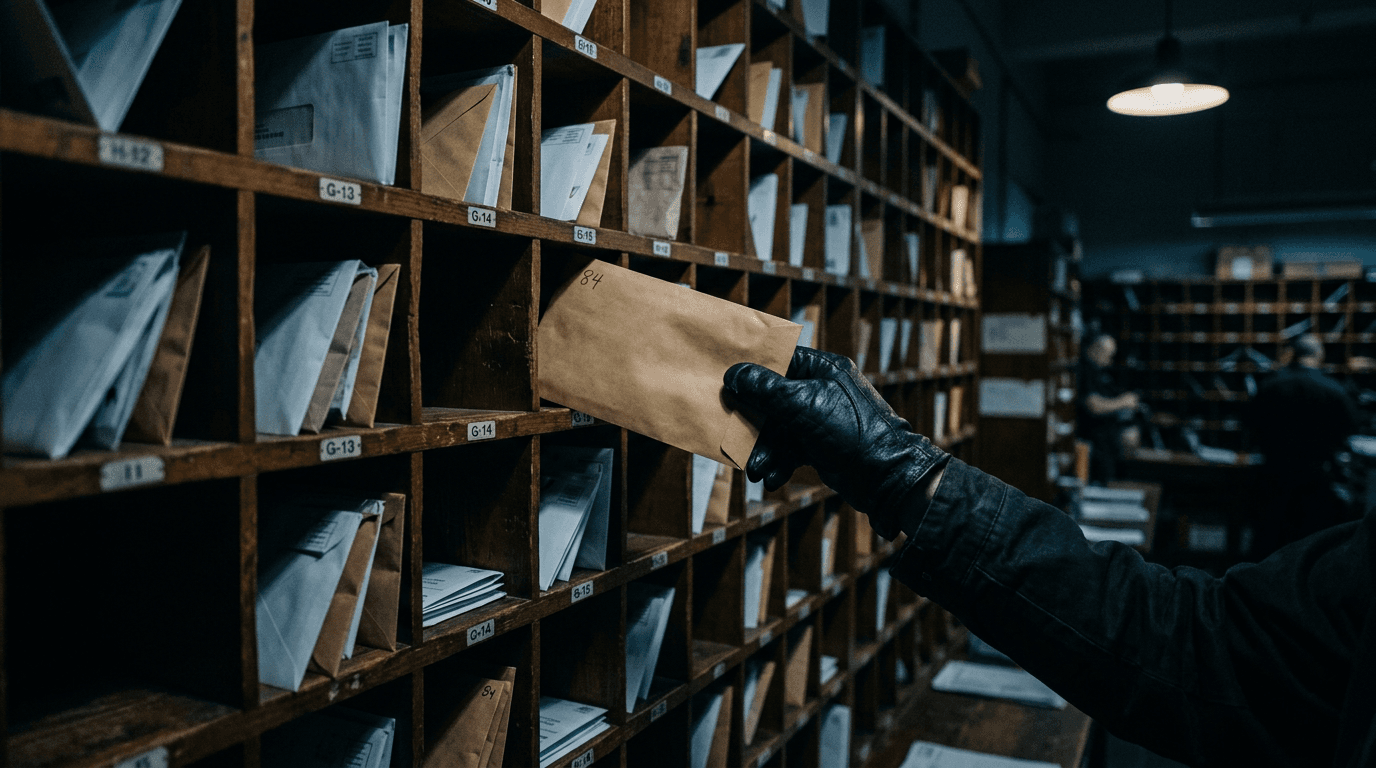
Payroll diversion is a scam that sends an employee's paycheck to a criminal's bank account. The scammer either emails HR pretending to be the employee, or steals the employee's login to your payroll portal and changes the bank details themselves. The fix is a verification rule, not a new product.
Nobody notices until payday, when the employee asks where their money went. By then it's usually gone.
How does payroll diversion work?
There are two routes. In the first, a scammer emails HR or payroll as the employee and asks to update their direct deposit before the next pay run.
In the second, they phish the employee's payroll portal login and make the change directly. Either way, the next paycheck lands in an account the scammer controls.
Route one: the impersonation email
The message is short and ordinary. "I switched banks. Can you update my direct deposit before Friday?"
It comes from a personal Gmail address, a lookalike domain, or the employee's real mailbox after it's been taken over.
It works because it's routine. HR handles requests like this all the time, and nothing about it looks like an attack.
Route two: the portal takeover
The FBI described this one years ago. Criminals phish employees for their payroll login, and "the credentials are used to access the employee's payroll account in order to change their bank account information," per the FBI's 2018 payroll diversion alert. They also add rules to the account so the employee doesn't receive change alerts.
It's gotten sharper. In April 2025 the FBI warned that criminals buy search engine ads that lead to fake employee self-service sites, which capture both the login and the multi-factor code, per IC3 alert I-042425-PSA. An employee who searches for the payroll site instead of using a bookmark can hand over everything in one step.
How big is the problem?
The FBI received 24,768 business email compromise complaints in 2025, with $3,046,598,558 in reported losses, according to the IC3 2025 Internet Crime Report.
Payroll diversion is one form of business email compromise. The report doesn't break it out separately.
Individual losses are small next to a fake wire transfer, which is exactly why they slip through: one paycheck, one routine request, nobody double-checks. For the bigger picture, read our guide to business email compromise.
What's the rule that stops it?
Never change bank details because of an email. Verify every direct deposit change with the employee through a channel you already trust. That one rule shuts down route one completely.
- Call the number on file. Not the number in the email, not the number in the signature. The one in your HR system. Or ask in person.
- Make the portal the only path. Employees change their own banking in the payroll system, behind multi-factor authentication. HR doesn't make changes on someone's behalf from an email.
- Notify on every change. Many payroll platforms can alert the employee when banking details change. Turn it on, and send it somewhere the employee will see it.
- Add a hold. A new bank account takes effect after a confirmation, or after one pay cycle. A scammer racing payday hates that.
- Know the tells. Urgency before a pay run. A personal email address. A request that skips the portal. A new account at a bank the employee has never mentioned.
How do you lock down the payroll portal?
Treat payroll logins like bank logins, because they are. The FBI's own advice includes using payroll credentials that differ from every other login and monitoring sign-ins outside business hours.
- Use phishing-resistant MFA. Codes can be phished, as the 2025 FBI alert shows. Passkeys can't be typed into a fake site. Here's how passkeys compare with standard MFA.
- Bookmark the real site. Tell staff never to search for the payroll portal. Fake ads sit above real results. We covered this in malvertising and SEO poisoning.
- Use single sign-on where the platform supports it. Then your Microsoft 365 sign-in rules, including Conditional Access, protect payroll too.
- Watch mailbox rules. Hidden rules that delete or forward payroll notifications are a sign a mailbox has been taken over. Your IT provider should alert on new ones.
What if a paycheck already went to a scammer?
Move fast. Every hour lowers the odds of getting money back.
- Call your bank and payroll provider now. Ask them to try to recall the payment and flag the receiving account.
- Report it to the FBI at ic3.gov, with the email, dates and account details.
- Secure the account. Reset the employee's passwords, sign out every session, re-register MFA and remove any mailbox rules you didn't create.
- Check for other changes. If one employee was hit, look at every banking change made in the last few pay cycles.
- Call your cyber insurer. Many policies need prompt notice. See our cyber insurance claim FAQ.
Frequently asked questions
Who's responsible when a paycheck is diverted?
It depends on your state's wage rules, your payroll provider's agreement and how the change was made. Many employers choose to pay the employee while they pursue recovery.
Talk to your payroll provider and an employment attorney before you decide. We're not lawyers, and this isn't legal advice.
Can a bank reverse a diverted direct deposit?
Sometimes, if you act quickly. Your bank can request a recall of the payment, and the receiving bank may freeze funds that haven't been withdrawn.
Once the scammer moves the money, recovery gets much harder. Call your bank the moment you find out, not at the end of the day.
Does MFA stop payroll diversion?
Partly. MFA on the payroll portal blocks basic password theft, but it doesn't stop the fake email to HR, and the FBI has warned that fake sites capture MFA codes too. Pair phishing-resistant MFA with a strict rule that bank changes are verified by phone.
How do scammers know who to impersonate?
They look you up. Staff pages, LinkedIn profiles and press releases tell them who works there and how your email addresses are formatted.
They don't need inside access to send a convincing request. That's why the defense is a process everyone follows, not a guess about which emails look suspicious.
Should employees be able to change their own direct deposit?
Yes, through the payroll portal only. Self-service behind phishing-resistant MFA, with an alert to the employee on every change, is safer than HR keying in changes from emails. What employees shouldn't be able to do is request a change by email and have it happen.
Related reading
 Cybersecurity
Lookalike Domains: How Scammers Impersonate Your Business
Read Article Cybersecurity
ClickFix: The Fake CAPTCHA Scam Hitting Small Business
Read Article Cybersecurity
Quishing: QR Code Phishing Now Targets Small Business
Read ArticleAlso on this topic: Deepfake CFO Fraud Is Here: The $25M Video Call That Fooled Finance
Discuss security awareness & phishing training for your business.
Tell us about your current systems, the result you need and your timeline. We will discuss the work, responsibilities and pricing before you decide on an engagement.