

The phishing emails reaching small businesses now look like ordinary work: a vendor invoice with new bank details, a Microsoft 365 password warning, a shared-file notice, a QR code to scan, a renewal receipt with a phone number to call. Below are 12 examples, each with the tell that gives it away and the step that stops it.
Every example is a mock-up we wrote for this page, based on patterns described by CISA, the FBI's Internet Crime Complaint Center (IC3), the FTC and Microsoft; none is a real message from a client or a real person. We run lures like these as harmless simulations in our security awareness training. For the definition, see our phishing glossary entry.
What do phishing emails look like in 2026?
Each one asks for a password, a payment, a phone call, a scan or an approval. The joint guidance from CISA, the NSA, the FBI and MS-ISAC describes the same playbook: impersonating supervisors, colleagues or IT staff, and moving the conversation to texts, chat apps and phone calls.
1. A vendor invoice with new bank details
Mock-up, in a real thread with a supplier: We have changed banks. Please use the attached remittance details for this and all future payments.
The tell: a payment change requested by email; the FBI's IC3 says to verify such requests through a second channel. What to do: call the vendor at a number already on file. See how business email compromise works.
2. A Microsoft 365 password-expiry warning
Mock-up: Your Microsoft 365 password expires today. Select Keep My Password to avoid losing access to your mailbox.
The tell: an emailed sign-in link to a page whose address is not Microsoft's. Microsoft has documented proxy sites that relay the real sign-in page and steal the session, getting past MFA. What to do: sign in from your own bookmark instead. See session hijacking and MFA bypass.
3. A shared-file notice
Mock-up: [Colleague name] shared Q3 statement.pdf with you. Open. The link leads to a fake sign-in page or a fake human-verification check.
The tell: a check that tells you to paste a command into the Windows Run box, Terminal or PowerShell, a technique Microsoft calls ClickFix. What to do: close the tab and report it. See ClickFix fake CAPTCHA scams.
4. A renewal receipt with a phone number
Mock-up, with no link or attachment: Your annual protection plan renews today for [amount]. To cancel, call our billing desk at [number].
The tell: an unfamiliar charge with a phone number as the only way out. In Microsoft's research on these callback campaigns, the person who answered walked callers through installing malware. What to do: check the account on the vendor's own website. See callback phishing.
5. A QR code to scan
Mock-up: Action required: re-register your multifactor authentication by Friday. Scan the code below with your phone.
The tell: a QR code standing in for a sign-in link, moving the click to a phone where a bad address is harder to spot. The FTC says not to scan codes in emails or texts you were not expecting. What to do: open the service the usual way. See QR code phishing.
6. A burst of MFA approval requests
Mock-up, sometimes after a short email: IT here. We are fixing your account, so approve the next sign-in prompt. Then the prompts keep coming.
The tell: approval requests you did not start, a sign that someone has your password. CISA warns that push MFA without number matching lets attackers keep sending requests until someone accepts; Microsoft Authenticator now requires number matching on every push. What to do: deny, report and change your password. See MFA fatigue attacks.
7. A Teams chat from the help desk
Mock-up, from an outside account named Help Desk IT after a flood of sign-up spam: Open Quick Assist and enter this code so we can clean up the spam.
The tell: help desk staff from outside your organization asking for remote control. Microsoft reported a ransomware group using Teams accounts named Help Desk and IT Support this way. What to do: contact IT through your usual channel, and share your screen only in sessions you started. See Teams phishing and external access.
8. A gift card request from the owner
Mock-up, usually by text: Are you at your desk? I need five gift cards for client thank-yous before 3:00. Send me the codes and keep it quiet.
The tell: gift cards, urgency and secrecy together; the FTC says only scammers ask you to buy gift cards and send them the numbers. What to do: call the owner on a number you know, even if a voice that sounds like the owner calls first. See AI voice cloning fraud and smishing.
9. A spoofed internal notice
Mock-up: Voicemail received from extension 214. Listen to message. The sender shows your own domain, as if your phone system sent it.
The tell: an unexpected internal-looking notice with a link or attachment. Microsoft explains that Direct Send accepts mail using your own domain without authentication, and offers a Reject Direct Send setting for businesses that do not need it. What to do: report it; your administrator can turn that setting on once real devices are accounted for. See Direct Send phishing.
10. An app asking for permissions
Mock-up: Review and sign the contract in [app name]. After a normal Microsoft sign-in, a screen asks you to let the app read your mail.
The tell: a permission request from an app you have never used. Microsoft says consent phishing works because the consent screen is hosted by a legitimate provider. What to do: cancel and report it with the link on the screen; administrators can limit consent to verified publishers. See OAuth consent phishing.
11. A lookalike vendor domain
Mock-up, from a domain one letter away from your vendor's: Following up on our call. Attached are the updated W-9 and ACH form.
The tell: a sender domain off by a letter, a hyphen or an ending such as .biz. The IC3 advises checking sender addresses carefully, especially on a phone. What to do: compare the address with an older email from that vendor, then call. See lookalike domain attacks.
12. A polished follow-up written with AI
Mock-up, naming a project from your website: Following up on last week's [project name] walkthrough. Revised drawings are linked below; please confirm by end of day.
The tell: not the writing. The FBI warns that generative AI removes the spelling and grammar mistakes that used to give fraud away, so judge the request: a link, a sign-in or a payment, under time pressure, from a sender you cannot confirm. What to do: check with the person through a channel you trust. See AI phishing attacks.
How do you spot a phishing email?
If a message matches anything on this list, stop and verify it through a channel you already trust.
- It asks you to act. Sign in, pay, open, scan, call or approve. The FTC lists fake account problems, unrecognized invoices and payment links among phishing's usual stories.
- It is urgent or secret. A deadline today, a threat to your account, or a request to keep it quiet.
- It changes how money moves. New bank details, a new payee or gift cards.
- The sender is slightly off. A display name that does not match the address, or a domain one character away from the real one.
- The link goes somewhere else. Hover over it, or press and hold on a phone, and read the real address before you open it.
- The action has moved. A QR code, a phone number or a chat app replaces the way you normally handle that task.
- A sign-in or permission screen came from an email. Open the service from your own bookmark instead.
Do not reply or click. Report it with Outlook's Report button and confirm the request using contact details you already have; CISA notes that these reports help email providers spot new campaigns.
How NetSys helps stop phishing
Our email security services filter mail before it reaches the inbox, move DMARC to enforcement, turn on impersonation protection for the people who approve payments and close Direct Send. Our security awareness training sends a monthly simulation built on current lures, gives a two-minute lesson to anyone who clicks, and routes reported messages to our engineers, who remove confirmed phishing from every inbox that received it.
Frequently asked questions
How do I report phishing in Outlook?
Select the message, select Report, then choose Report phishing. Microsoft's built-in Report button works in current versions of Outlook for Windows, Mac, iOS, Android and the web. The message is deleted and sent to your organization's reporting mailbox, to Microsoft, or both, depending on how your administrator set it up. You can also forward phishing to reportphishing@apwg.org, as the FTC suggests.
What should I do if I clicked a phishing link?
Tell your IT team right away and change that account's password from a device you trust. CISA and its partners list the response: secure or re-create the compromised account, review its access, and isolate any computer that ran a download. If money moved, call your bank at once to request a recall and file a complaint at ic3.gov, as the FBI advises.
Do phishing emails still have spelling mistakes?
Some do, but you cannot rely on it. The FBI's December 2024 warning on generative AI says criminals use these tools to write believable messages without the grammar and spelling errors that once signaled fraud. Judge a message by what it asks you to do and whether you can confirm the sender.
Sources and further reading
- CISA, NSA, FBI and MS-ISAC: Phishing Guidance: Stopping the Attack Cycle at Phase One (October 2023).
- FBI IC3: Business Email Compromise PSA (September 11, 2024).
- FBI IC3: Criminals Use Generative AI to Facilitate Financial Fraud (December 3, 2024).
- FTC: How to Recognize and Avoid Phishing Scams.
- FTC: Scammers hide harmful links in QR codes (December 6, 2023).
- FTC: Avoiding and Reporting Gift Card Scams.
- Microsoft: AiTM phishing sites and financial fraud (July 12, 2022).
- Microsoft: Analyzing the ClickFix technique (August 21, 2025).
- Microsoft: BazaCall phony call centers (July 29, 2021).
- Microsoft: Threat actors misusing Quick Assist (May 15, 2024, updated for Teams).
- Microsoft Learn: Protect against consent phishing.
- Microsoft Exchange Team: More control over Direct Send.
- Microsoft Learn: Number matching in MFA push notifications.
- Microsoft Learn: Report phishing and suspicious emails in Outlook.
Related reading
CybersecurityWhat Is Spear Phishing? How Small Businesses Get Targeted
Read Article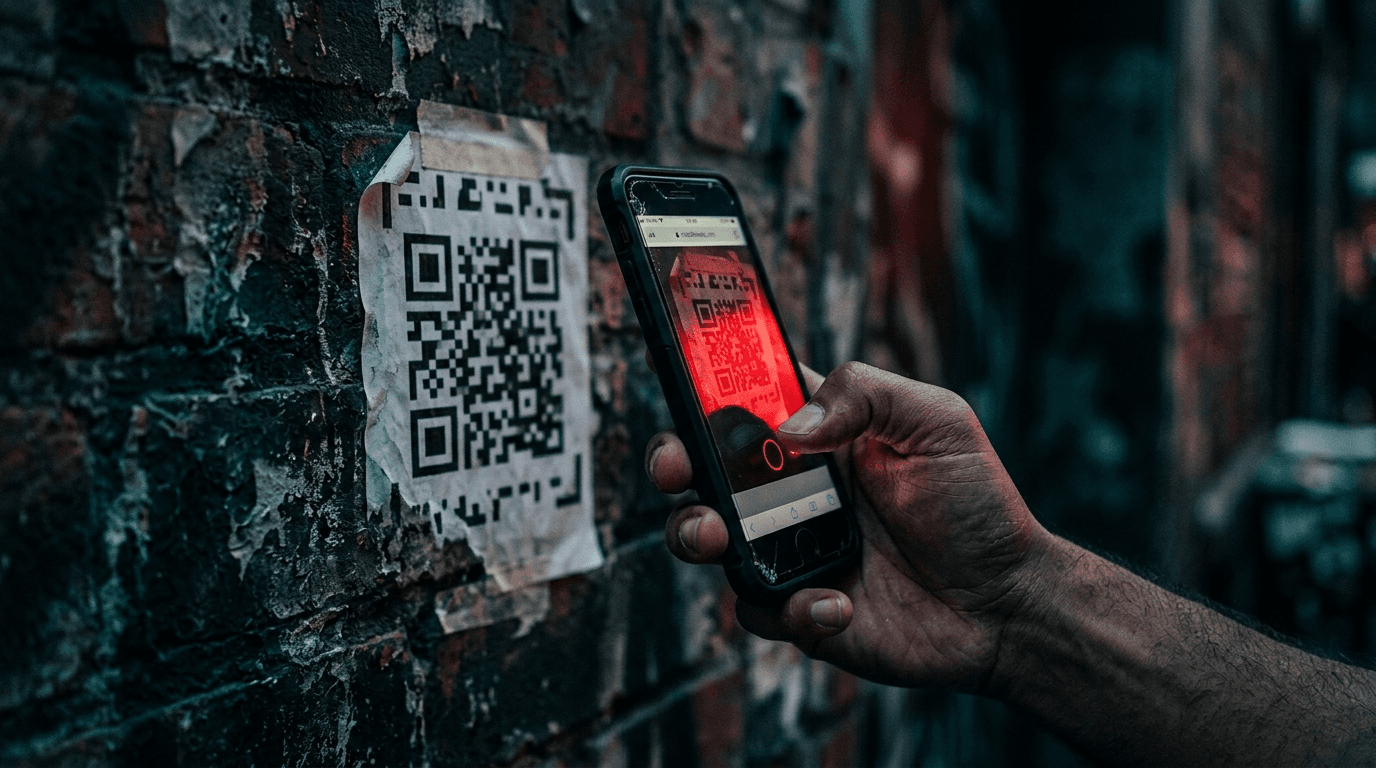 Cybersecurity
Quishing: QR Code Phishing Now Targets Small Business
Read Article Cybersecurity
Microsoft 365 Direct Send Abuse: A Phishing Blind Spot
Read ArticleAlso on this topic: Security Awareness Training Platforms Compared for Small and Mid-Sized Businesses
Discuss security awareness & phishing training for your business.
Tell us about your current systems, the result you need and your timeline. We will discuss the work, responsibilities and pricing before you decide on an engagement.