
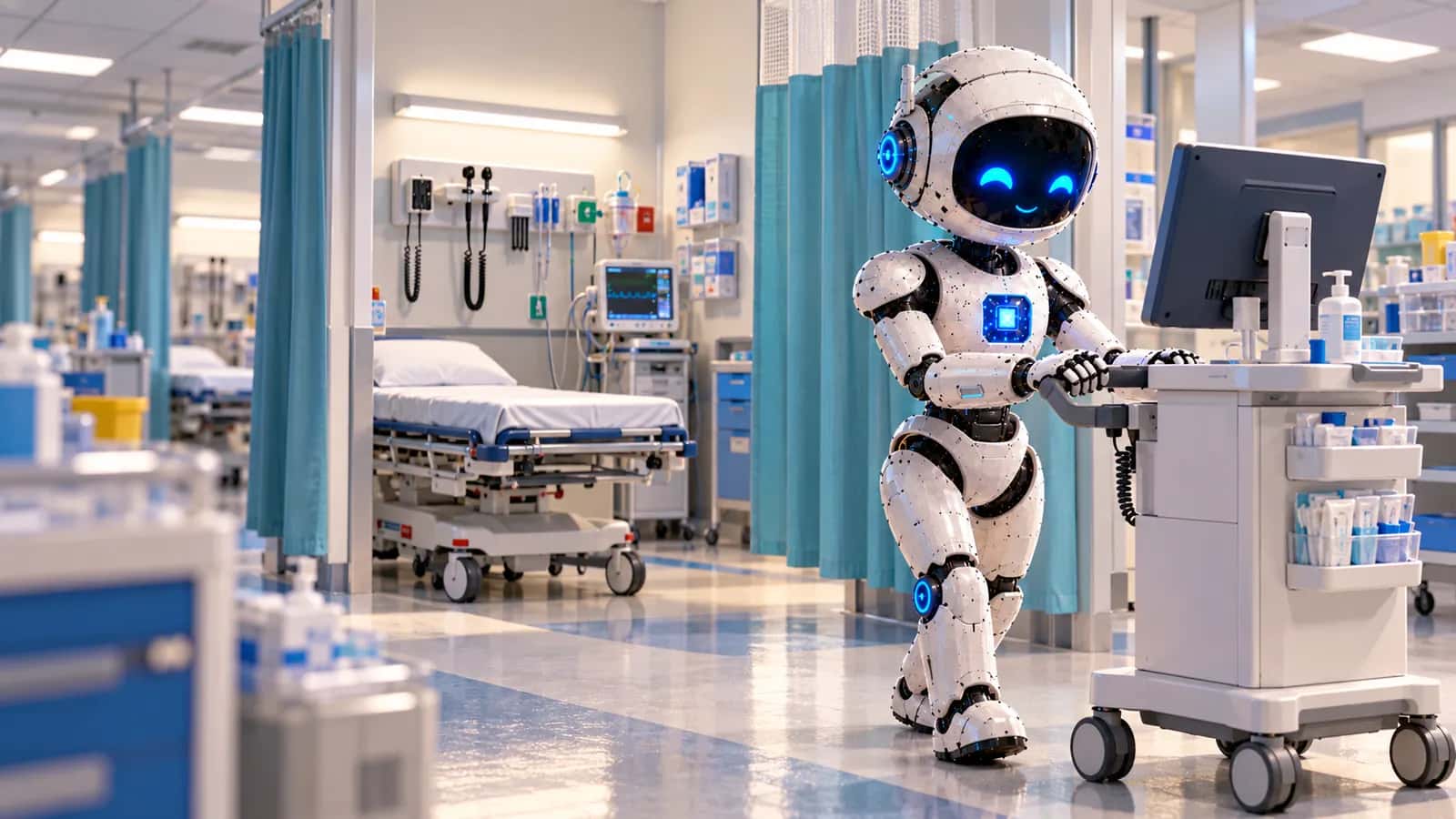
Urgent Care IT Support in Houston, TX
A Houston urgent care clinic sees its heaviest walk-in traffic when doctors' offices are closed: evenings, weekends and the days after a storm. NetSys runs the IT those hours depend on, from check-in kiosks and the X-ray workstation to the firewall, backups and HIPAA security, remotely from Brooklyn and built to the same standard at every clinic you open.
The short answer
NetSys provides IT support for urgent care centers and walk-in clinics in Houston, whether you run one clinic in Cypress or a dozen across Harris and Fort Bend counties. We manage front-desk and provider workstations, check-in tablets, the network that links X-ray and lab equipment to the EHR, Microsoft 365, ThreatDown endpoint protection and tested backups. Support is remote and cloud-based only; we do not send technicians to clinics. Our help desk is staffed from 3 a.m. to 10 p.m. Central seven days a week, which spans the hours most clinics keep, with monitoring and emergency service covering the night. Each clinic group's per-user monthly fee follows an assessment.
Work we have done for clients in related fields
- Healthcare
Three-location urgent care group
IT support for 36 workstations, patient data backups, endpoint protection, and secure networking across all three locations.
- Healthcare
Home healthcare agency
Mobile device protection for 73 phones and tablets, secure email access, and remote removal of company data from lost devices.
- Healthcare
Outpatient mental health practice
Support for 32 clinician workstations, secure telehealth access, patient record backups, and phishing protection.
Client names are withheld. These examples were chosen for the work involved, not for where the client is, so none is presented as a Houston client.
What changes for an urgent care operator in Houston
Houston patients choose among hospital emergency departments, freestanding emergency centers licensed by the state under Health and Safety Code chapter 254, and urgent care clinics, some run by hospital systems and others by independent physician groups. The clinics sit where people drive: strip centers along the Katy Freeway, FM 1960, the Westheimer corridor and the Grand Parkway suburbs, often on whatever single circuit the landlord's building already has. Volume swings with the calendar and the weather. Flu season and back-to-school physicals fill waiting rooms, and storms create their own surge. After Hurricane Beryl in July 2024, outages across the region peaked at 2.7 million customers, and hospitals sent patients who could not be discharged to dark homes to a sports complex turned shelter. A clinic that stays open through a week like that needs its kiosks, EHR, card terminals and phones running on battery or generator power and a backup internet path. That is the design brief we start from for every Houston clinic.
Remote support built around clinic hours
Urgent care runs on long days, and our coverage is set up for them. Engineers answer the help desk from 3 a.m. to 10 p.m. Houston time on every day of the week, so the morning opener and the provider finishing charts after a 9 p.m. close both reach a person; monitoring and emergency service cover the remaining hours. All of it happens remotely, since NetSys does not send technicians to Houston clinics. Each site keeps a spare check-in tablet and a spare front-desk PC on the shelf, enrolled in Intune and ready, so a clinic manager can swap a failed device in a few minutes while we push its profile. New clinics receive their firewall, switches and access points pre-configured in a box and labeled by port, and your cabling contractor mounts them with an engineer on a call. A critical issue gets a callback within ten minutes and a remote connection within thirty.
Check-in, X-ray, lab and the network between them
A walk-in visit touches more systems than most patients notice. Online check-in feeds the queue at the front desk; a kiosk or tablet captures demographics, the insurance card and a signature; the provider documents in the EHR; a digital X-ray system sends DICOM images to the image archive and to a remote radiologist for the over-read; point-of-care analyzers and the reference lab return results through an interface into the chart; and a card terminal takes the copay. We put those devices on separate network segments behind a Cisco Meraki or Fortinet firewall: clinical equipment on one, staff PCs on another, payment terminals isolated, and waiting-room Wi-Fi on a guest network that cannot see any of them. Kiosks run in a locked single-app mode through Intune, so a patient cannot browse away from check-in. When an interface stops passing results, we work the problem with the lab or imaging vendor until results flow again.
One standard for every clinic, and a fast way back
Multi-site operators get one template. Every clinic receives the same firewall policy, switch and Wi-Fi configuration, device profiles and backup schedule, all documented in IT Glue, so the tenth location opens the way the first one did and a fault at one site is easy to compare against the rest. Each site gets two internet paths, usually a wired circuit plus cellular, with automatic failover. The OakBend Medical Center attack in Fort Bend County in September 2022 shows the stakes: the hospital took all of its systems offline, and about three weeks passed before nearly all clinical systems were restored. For a clinic group, the defense is ThreatDown watching every endpoint, multifactor sign-in on every account, admin rights removed from daily logins, immutable Datto or Veeam backups, and a written downtime procedure the front desk has actually practiced.
Everything else about how we serve the area, including coverage, how support is delivered and the honest answer about where our office is, lives on our location page for Houston, TX.
Rules that shape IT for Houston urgent care centers
HIPAA contingency planning (45 CFR 164.308(a)(7))
Among the Security Rule's administrative safeguards, a covered clinic must be able to restore exact copies of patient data, recover lost systems, and keep critical work going in emergency mode without dropping its protections. For a walk-in clinic, emergency mode means seeing patients during an EHR or internet outage without losing the record of who was seen and what was done. We write the technical procedures, test restores, and help you rehearse the downtime workflow with each clinic.
Texas chapter 181 training for a changing workforce
Under Health and Safety Code 181.101, each new hire at a covered entity needs privacy training covering Texas and federal law before their 90th day, and the employer keeps the employee's signed completion statement for six years. Urgent care rosters change often, with PRN providers, part-time medical assistants and float staff moving between clinics, so we tie KnowBe4 privacy and phishing training to account creation and keep the completion log your compliance lead needs when a surveyor or auditor asks.
Texas SB 1188 and cloud-hosted records
SB 1188 requires patient records that a Texas covered entity controls to sit on servers physically located in the United States or a U.S. territory. The storage rule took effect January 1, 2026, applies to old records as well as new ones, and names cloud and subcontracted storage. For urgent care the question reaches past the EHR to the teleradiology service, the image archive, the online check-in platform and any offshore coding or billing vendor. We collect each vendor's hosting location and keep it with your risk analysis.
PCI DSS v4.0.1 for copays and self-pay
Clinics that take cards must meet the Payment Card Industry Data Security Standard, and the v4.x requirements that had been future-dated became mandatory on March 31, 2025. Keeping terminals on an isolated segment, using your processor's encrypted terminals, and keeping card numbers out of the EHR and email all shrink the scope of the annual self-assessment questionnaire. This is general information, not legal advice.
This is general information, not legal advice. Confirm your obligations with counsel.
Urgent Care Centers in Houston: FAQs
How does IT support work for Houston urgent care clinics?
Entirely remotely: NetSys does not send technicians to clinics. We manage workstations, kiosks, the firewall and Microsoft 365 over the network and ship pre-configured replacements, with a spare device kept at each site for quick swaps. Clinic managers or your cabling contractor handle physical work with one of our engineers on the line. The help desk answers from 3 a.m. to 10 p.m. Central seven days a week, and a failure at 2 a.m. still reaches emergency service because monitoring never stops. Every location follows one documented standard.
What drives IT cost for a Houston urgent care group?
Fees are per user per month and come out of an assessment. For urgent care, the count of shared devices matters as much as headcount, because kiosks, front-desk PCs, X-ray acquisition workstations and provider laptops all need management. Other drivers are the number of clinics, whether each site needs a second circuit, how many vendor interfaces we look after, and how much HIPAA documentation you want produced. Opening a new clinic is quoted as a project, and hardware and licensing are billed separately. Agreements are month to month.
Can your help desk cover our evening and weekend hours?
For most clinic schedules, yes. The help desk is staffed until 10 p.m. Central every day, Saturdays and Sundays included, so a clinic that closes at 8 or 9 p.m. has live engineers through closing and the end-of-day reconciliation. Between 10 p.m. and 3 a.m., monitoring and emergency service continue, and severe problems such as ransomware, a dead circuit or an EHR outage page your dedicated engineer directly. If you run a site around the clock, we set up the overnight escalation path with you before go-live.
How do you keep check-in kiosks and tablets secure?
They run in a single-app kiosk mode managed by Intune, so the device shows only the check-in application and cannot open a browser, settings or files. Each one sits on its own network segment, carries a compliance policy that blocks it if it falls out of date, and can be wiped remotely if it walks out the door. Card readers attached to kiosks follow your processor's PCI guidance. Updates are pushed after hours, and a spare stays enrolled at every clinic so a broken tablet does not slow the line at 6 p.m.
What happens to patient flow if the EHR or internet goes down?
The firewall fails over to cellular automatically, so a dead circuit should not stop check-in. If the EHR itself is unavailable, the clinic switches to its printed downtime kit: registration forms, paper charts, a manual log of every patient seen and a copy of the day's queue. We confirm the outage with the vendor, keep the clinic manager updated, and help staff back-enter the paper records in order once systems return. We rehearse that switch with each clinic once a year, because a procedure nobody has tried is slow at 7 p.m. on a Saturday.
Can you set up a new clinic location remotely?
Yes, and most of the work happens before the doors open. We order the firewall, switches, access points and workstations, configure them from your template and ship them labeled. Your cabling contractor runs the drops and mounts the equipment while an engineer brings each device online over the phone. We coordinate the circuit order, test the X-ray and lab interfaces, enroll the kiosks and run a mock check-in before the first patient arrives. Carrier installation usually sets the timeline, so order circuits well before opening day.
Services behind this work
Related pages
Other industries in Houston: IT Support for Accounting Firms in Houston, TX · IT Support for Architecture and Engineering Firms in Houston, TX · Dental Office IT Support in Houston, TX · IT Support for Financial Services Firms in Houston, TX · Healthcare IT Support in Houston, TX · IT Support for Law Firms in Houston, TX · Logistics IT Support in Houston, TX · Manufacturing IT Support in Houston, TX · Medical Practice IT Support in Houston, TX · Wealth Management IT Support in Houston, TX · IT Support for Professional Services in Houston, TX
Urgent Care Centers elsewhere: Urgent Care IT Support in Dallas, TX · Urgent Care IT Support in Westchester County, NY · Urgent Care IT Support in Fairfield County, CT · Urgent Care IT Support in Bergen County, NJ · Urgent Care IT Support in Staten Island, NY · Urgent Care IT Support in New York City · Urgent Care IT Support in Brooklyn, NY · Urgent Care IT Support in Queens, NY
Everything NetSys delivers in Houston, TX.
Scope IT support for your Houston team.
Share the applications, deadlines and security and compliance requirements that matter to your business. We will discuss support, security and project responsibilities before agreeing a scope.